Streamline Your macOS Menu Bar: A Dev's Guide to Ice
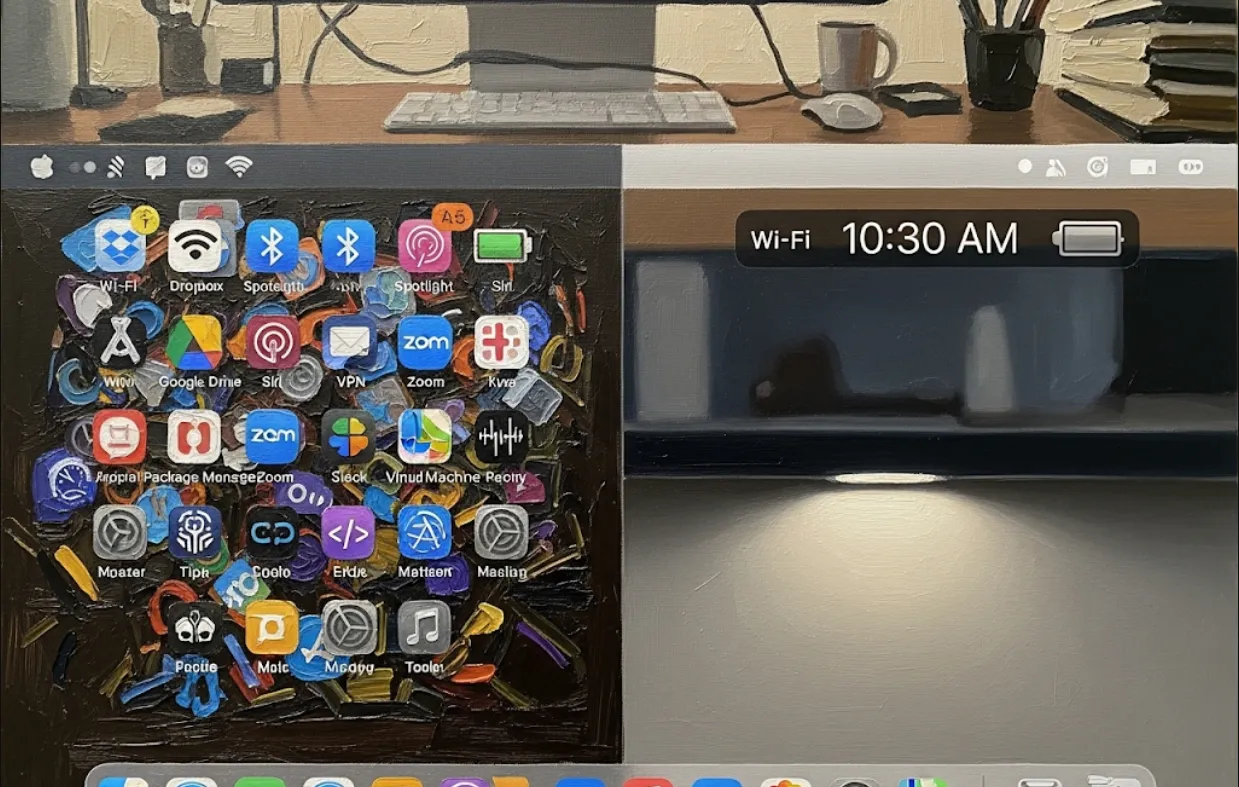
As a software engineer, your menu bar can get cluttered with icons from various apps and tools you use daily—think Docker, a VPN client, a CI/CD indicator, or a note-taking app. This clutter can be distracting and make it hard to find the tool you need quickly.
Ice helps you manage this chaos by letting you
Hide Icons
You can hide rarely used icons to create a cleaner, more focused workspace. This is great for minimizing distractions when you're in the zone.
Reorder Icons
You can drag and drop icons to arrange them logically. For example, you might group all your dev tools together on one side. This saves time because you'll know exactly where to look for specific icons.
Create Multiple Spaces
Ice lets you have two sections in your menu bar
one for always-visible icons and another for hidden ones. This is similar to a "dock" for your menu bar, making it much more efficient.
Essentially, Ice improves your workflow by making your macOS environment cleaner and more organized, which directly translates to better productivity.
Getting Ice is straightforward. The easiest way is to use a package manager like Homebrew, which is a must-have for any macOS developer.
If you don't have Homebrew, you can install it by running this command in your terminal
/bin/bash -c "$(curl -fsSL https://raw.githubusercontent.com/Homebrew/install/HEAD/install.sh)"
Once Homebrew is installed, you can install Ice with this simple command
brew install --cask ice
After installation, you'll see a new icon in your menu bar. Click on it to access Ice's settings, where you can start customizing your icons.
Ice is a self-contained application, so you won't need to write code to use it directly. However, if you're a developer who wants to automate things, you can interact with it using shell commands or scripts.
For instance, if you want to use a script to quickly show all your hidden icons (maybe for debugging or a presentation), you can use AppleScript or a similar tool. Here’s a quick example of what a simple shell script could look like
# This is a hypothetical example for demonstration purposes.
# The actual method might vary depending on Ice's internal APIs.

# This command could be used to toggle the visibility of the secondary section
osascript -e 'tell application "Ice" to toggle secondary visibility'
While Ice doesn't have a public API for direct programmatic control, its source code is on GitHub, so you can explore it to learn about Swift and macOS development. For a Swift developer, this project is a great resource to learn about
MenuBar Management
How to add and manage custom items in the macOS menu bar.
Swift UI
How to build clean, native user interfaces for macOS.
App Architecture
How a small, focused macOS app is structured and implemented.