The Architect's Blueprint for Building Tool-Using AI Agents
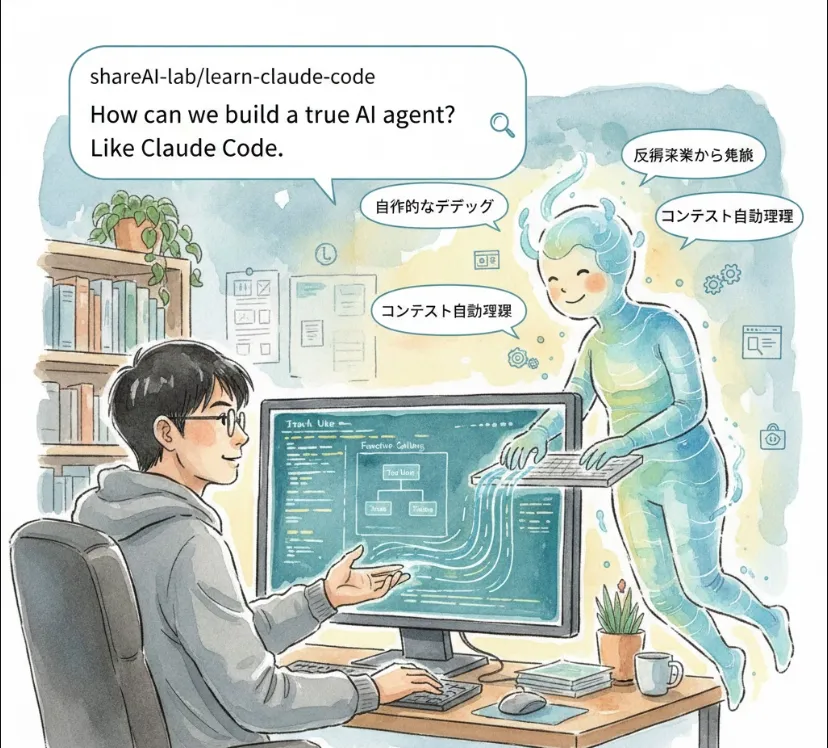
It’s one thing to have a chatbot that talks; it’s another to have an agent that can actually think, navigate a file system, run tests, and fix bugs autonomously.
Here is a breakdown of how this works, why it’s a game-changer for us engineers, and how you can get started.
In the engineering world, we differentiate between a simple LLM wrapper and an Agentic Loop. A true agent doesn't just predict the next word; it follows a Reasoning Cycle.
Perception
It reads your terminal, your code, and your file structure.
Reasoning
It decides what needs to be done (e.g., "I need to check auth.ts before I can fix the login bug").
Action
It uses "Tools" (functions) to execute commands.
Observation
It looks at the output of the command (e.g., a compiler error) and loops back to step 2 to try again.
For us, an agent like Claude Code isn't just a "helper"—it's a Force Multiplier.
Contextual Understanding
Unlike a standard chat, it has "project-level context." It knows how your frontend connects to your backend.
Reduced Context Switching
You don't have to copy-paste code into a browser. You stay in your terminal/IDE.
Automated Drudgery
It handles the "boring" stuff—writing boilerplate, updating documentation, or migrating library versions.
To build a tool like this, you need a framework that supports Tool Use (also known as Function Calling).
You need an LLM (like Claude 3.5 Sonnet) and a "Runtime" where the agent can execute commands safely.
The core of an agent is the System Prompt. You must tell the AI
"You have access to the following tools: read_file, write_file, and execute_shell. Use them to solve the user's request."
Here is a simplified conceptual example of how an agent handles a "Read File" tool request using an SDK.
import Anthropic from '@anthropic-ai/sdk';
import fs from 'fs';

const anthropic = new Anthropic();

// 1. Define the tool the agent can use
const tools = [{
  name: "read_repository_file",
  description: "Read the contents of a file in the local directory",
  input_schema: {
    type: "object",
    properties: {
      path: { type: "string", description: "The file path" }
    },
    required: ["path"]
  }
}];

async function runAgent(userPrompt) {
  // 2. The Agentic Loop
  const response = await anthropic.messages.create({
    model: "claude-3-5-sonnet-20240620",
    max_tokens: 1024,
    tools: tools,
    messages: [{ role: "user", content: userPrompt }],
  });

  // 3. Check if the AI wants to use a tool
  if (response.stop_reason === "tool_use") {
    const toolCall = response.content.find(c => c.type === "tool_use");

    if (toolCall.name === "read_repository_file") {
      const fileContent = fs.readFileSync(toolCall.input.path, 'utf8');

      // 4. Send the result back to the AI so it can "see" the code
      const finalResponse = await anthropic.messages.create({
        model: "claude-3-5-sonnet-20240620",
        messages: [
          { role: "user", content: userPrompt },
          { role: "assistant", content: response.content },
          {
            role: "user",
            content: [{
              type: "tool_result",
              tool_use_id: toolCall.id,
              content: fileContent
            }]
          }
        ],
      });
      console.log("Agent's Analysis:", finalResponse.content[0].text);
    }
  }
}

runAgent("Look at my package.json and tell me what the version is.");
If you want to master this via the shareAI-lab/learn-claude-code resource or similar "Teaching" repos, focus on these three layers
Prompt Engineering for Agents
Learning how to write prompts that prevent the agent from hallucinating or getting stuck in infinite loops.
Tool Governance
Building "safety rails" so the agent doesn't accidentally run rm -rf /.
State Management
How to keep track of a long conversation where the agent performs 10+ actions in a row.
A "True AI Agent" is essentially a reasoning engine connected to a terminal. By using the Claude Code approach, you stop treating AI as a "search engine" and start treating it as a Junior Developer who can read your docs, run your code, and learn from its own mistakes.