Boosting Your Dev Skills with GitHubDaily: A Curated Open-Source List
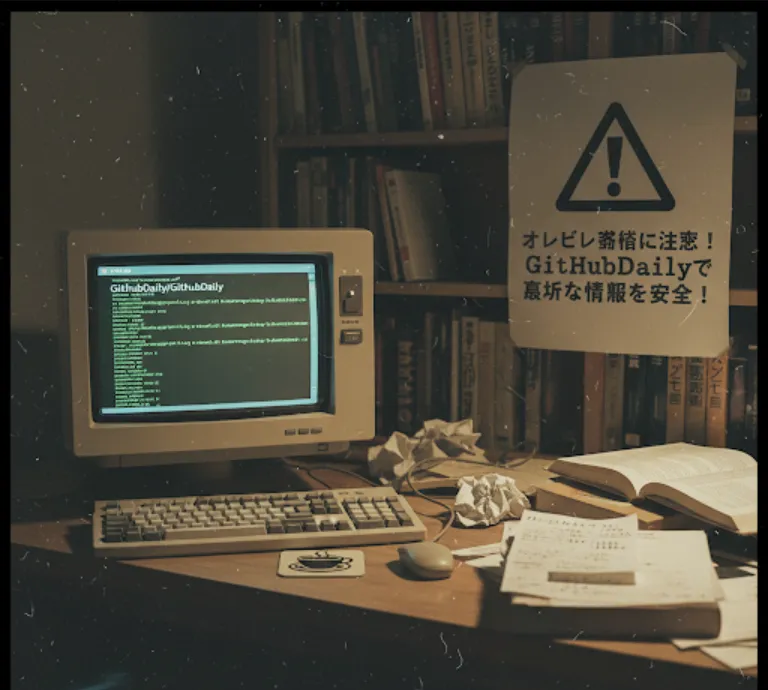
GitHubDaily is a goldmine for any developer. Here's why it's so valuable
Discovering New Tools
It's tough to keep up with the fast-paced world of tech. GitHubDaily saves you time by hand-picking useful new libraries, frameworks, and developer tools. Instead of sifting through countless repositories, you get a daily dose of high-quality projects that can make your work easier or more efficient. For example, you might find a new JavaScript testing framework or a handy Python library for data analysis.
Learning and Inspiration
Seeing how other developers solve problems is one of the best ways to learn. By exploring the projects on GitHubDaily, you can dive into well-structured codebases, learn new design patterns, and get inspiration for your own projects. It's a fantastic way to expand your knowledge beyond what you use in your day-to-day work.
Improving Your Skills
The list often includes tutorials and practical guides. This isn't just about finding cool projects; it's about learning how to use them. You can follow along with a new tutorial, try out a new language feature, or contribute to an open-source project that's been highlighted.
Staying Current
Keeping your skills sharp is crucial in this field. GitHubDaily helps you stay on top of trends and what's popular in the open-source community. This can be great for your career, as it shows you're proactive about learning and staying relevant.
The great thing about GitHubDaily is that you don't really "install" it. It's a repository you follow and explore. Here’s a simple guide on how to get started
Go to the Repository
Head over to the official GitHub repository at https://github.com/GitHubDaily/GitHubDaily.
Star and Watch
The first thing you should do is star the repository to save it to your list of starred repos for easy access. Even better, click the "Watch" button and select "Releases Only" or "All Activity" to get notifications when new projects are added.
Explore the Readme
The main README.md file is the heart of the project. It's a continuously updated list of featured projects, often categorized by language or topic. You can scroll through it to find something that piques your interest. The entries are usually brief but link to the actual project page where you can find more details.
Clone or Fork (Optional)
If a specific project on the list catches your eye and you want to play around with its code, you can clone or fork it just like any other GitHub repository.
Let's imagine you're a Python developer. One day, you might see a project featured on GitHubDaily that looks something like this
Project Name: rich
Tags: python, cli, console
Description: A Python library for rich text and beautiful formatting in the terminal.
Why this is useful
This project could make the command-line interfaces of your Python scripts much more professional and user-friendly. You'd go to the rich repository, read its documentation, and perhaps see some simple code examples.
Let's say you found the rich library and want to try it out.
First, you'd install it
pip install rich
Then, you could use it in your Python code
from rich.console import Console
from rich.panel import Panel

console = Console()

# Display a simple message with a custom style
console.print("[bold cyan]Hello from a Rich-formatted message![/bold cyan]")

# Create a styled panel to highlight information
panel = Panel("This is a cool project I found on GitHubDaily!", title="[bold green]Discovery[/bold green]")
console.print(panel)

# Show a progress bar for a task
from time import sleep
from rich.progress import track

for step in track(range(10), description="Processing..."):
    sleep(0.5)