The Engineering Value of '30-Days-Of-Python' and How to Start
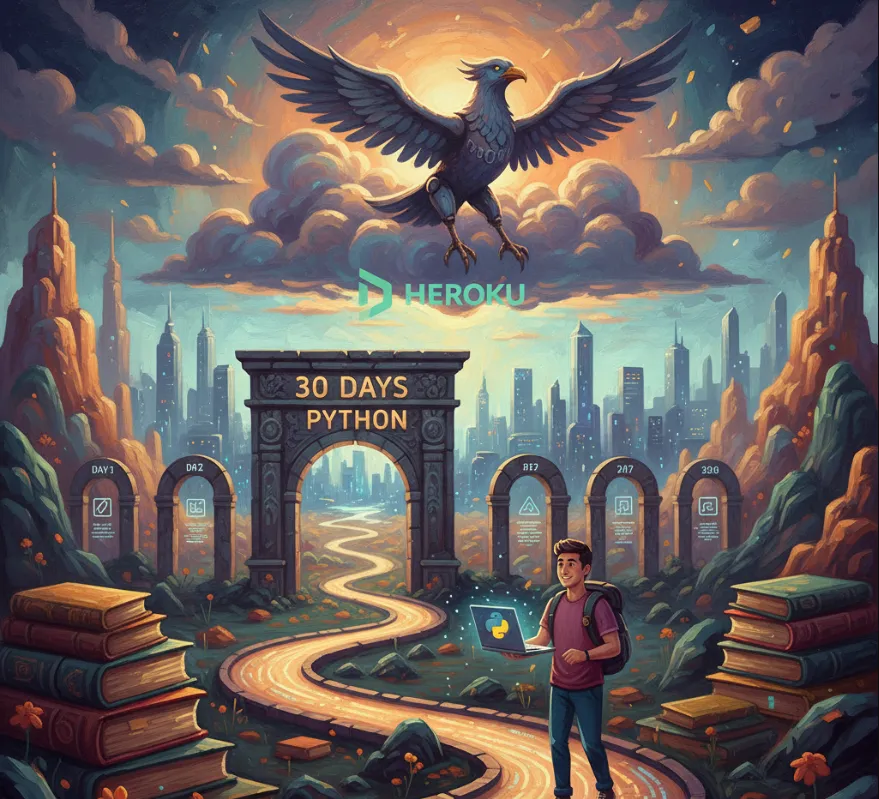
Here's a friendly breakdown of how it's useful, how to get started, and a quick example of the kind of code you'll encounter.
For a software engineer, this challenge is more than just learning a language—it's about building a robust foundation and practical skills.
| Benefit | Explanation |
| Foundation & Versatility | Python is a core language in many fields: web development (Flask, Django), data science, machine learning, and automation. Mastering the fundamentals here makes you much more versatile and adaptable in your career. |
| Hands-on Practice | The structure of daily challenges ensures you're constantly writing code. This is crucial because programming is a skill, not just knowledge. The exercises push you to apply concepts immediately. |
| Clean Code Principles | The curriculum emphasizes good practices from the start, like proper syntax, indentation, and comments. This directly translates into writing more professional, readable, and maintainable code—a huge plus in a team environment. |
| Exposure to Key Libraries | As you progress, you'll likely encounter fundamental libraries like numpy and pandas (critical for data work) and frameworks like Flask (for web development). This exposure is a great launchpad for specialization. |
| Git/GitHub Fluency | Since the resource is on GitHub, simply engaging with it (forking, cloning, committing your solutions) is a perfect, low-stakes way to practice Git workflows, which is essential for collaborative software development. |
The simplest way to start the challenge is to treat the GitHub repository as your study guide.
Before diving in, you need Python and a good editor
Install Python
Download and install the latest stable version of Python 3 from the official Python website. Make sure it's added to your system's PATH.
Install a Code Editor
VS Code (Visual Studio Code) is a popular choice for Python due to its excellent extensions and integrated terminal.
Install Git
If you don't have it, install Git to interact with GitHub.
You want a local copy of the challenge materials
# 1. Open your terminal or command prompt
# 2. Change to the directory where you want to keep your code
cd Documents/Projects

# 3. Clone the official repository
git clone https://github.com/Asabeneh/30-Days-Of-Python.git

# 4. Navigate into the cloned directory
cd 30-Days-Of-Python
Now you can begin with Day 1
Read the Material
Open the README.md file in the main folder, and navigate to the folder for Day 1 (e.g., 01_Day_Introduction). Read the notes, explanations, and concepts.
Complete the Exercises
The days typically end with exercises. Create your own file (e.g., day_1_solution.py) in the appropriate folder and write your code to complete the challenges.
Track Your Progress (Optional but Recommended)
Use Git to track your solutions daily.
# After completing Day 1 exercises:
git add .
git commit -m "Completed Day 1: Introduction and basics"
# Push to your own forked repository (if you set one up)
# git push origin main
The early days focus on Python fundamentals like data types, operators, and basic syntax.
Imagine a simple challenge from Day 1 might be
Calculate the area of a rectangle given its length and width, and then print the result.
# 1. Define two variables for the length and width
length = 10
width = 5

# 2. Calculate the area (Area = Length * Width)
area = length * width

# 3. Print the result using an f-string (formatted string literal)
print(f"The length is: {length}")
print(f"The width is: {width}")
print(f"The area of the rectangle is: {area} square units")

# Expected Output:
# The length is: 10
# The width is: 5
# The area of the rectangle is: 50 square units
As you progress, the exercises evolve to cover more complex topics like
Day 10-12
Functions, Lambdas, and High-Order Functions.
Day 15-20
Object-Oriented Programming (OOP) and File Handling.
Day 25+
Web development using Flask and connecting to databases.