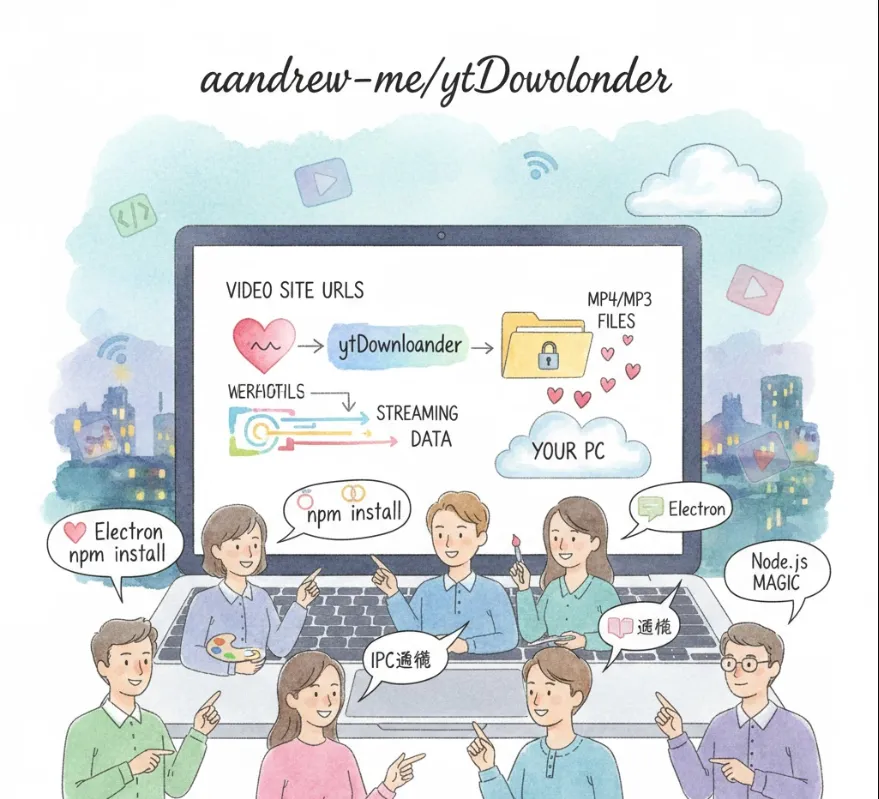
Automating the Lifecycle: Integrating AI APIs with Electron in AntigravityManager
Just a quick heads-up
to keep things clear and follow your request, I'll refer to the underlying AI technology simply as the AI API or the language model rather than using its specific brand names.
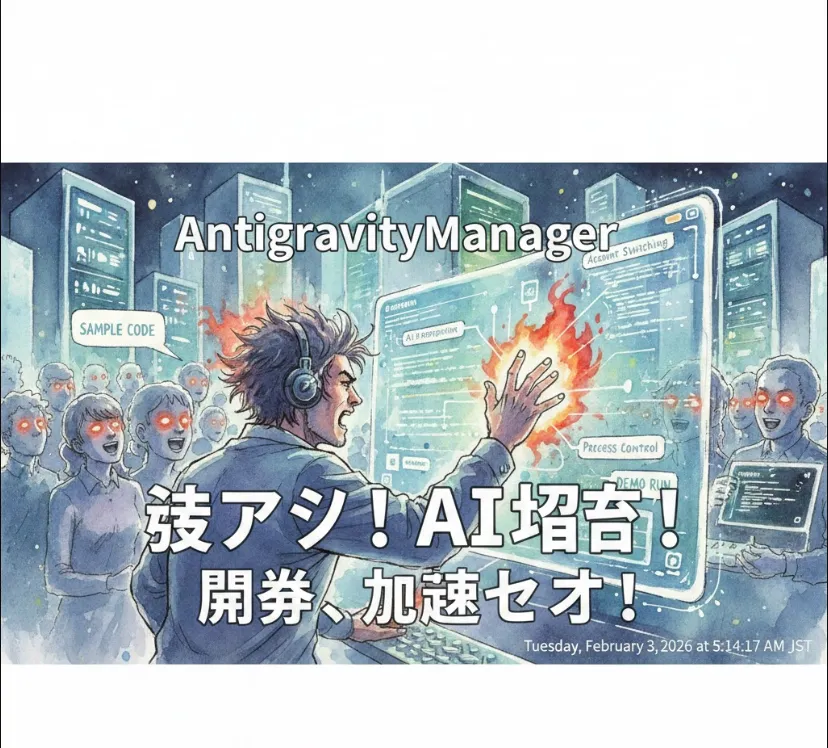
From a dev's point of view, AntigravityManager is an orchestration layer built on Electron. It acts as a "control plane" for the Antigravity application ecosystem. Instead of manually messing with config files or environment variables to swap users, this tool automates the lifecycle management and state persistence of the app.
Context Switching
Easily swap between different account states (Auth tokens, local storage, etc.) without data corruption.
Process Automation
It handles the spawn and kill signals for the main application, ensuring no "zombie processes" are left hanging in the background.
AI Integration
By leveraging the AI API, it can potentially automate repetitive tasks, analyze logs, or provide intelligent suggestions based on the account data it manages.
Since this is an Electron project, the setup follows the standard Node.js workflow. You’ll need Node.js installed on your machine.
Clone the Repository
git clone https://github.com/Draculabo/AntigravityManager.git
cd AntigravityManager
Install Dependencies
npm install
Configure Environment
Create a .env file in the root directory to store your API credentials.
AI_API_KEY=your_api_key_here
Run the App
npm start
The magic happens where Electron's IPC (Inter-Process Communication) meets the AI capabilities. Below is a conceptual example of how the Manager might use the AI API to analyze an account's progress before switching.
const { ipcMain } = require('electron');
const { GoogleGenerativeAI } = require("@google/generative-ai");

// Initialize the AI
const genAI = new GoogleGenerativeAI(process.env.AI_API_KEY);

ipcMain.handle('analyze-and-switch', async (event, accountData) => {
    try {
        // 1. Use AI to check if the backup is healthy
        const model = genAI.getGenerativeModel({ model: "gemini-1.5-flash" });
        const prompt = `Analyze this account log for errors: ${JSON.stringify(accountData)}`;

        const result = await model.generateContent(prompt);
        const analysis = result.response.text();

        if (analysis.includes("READY")) {
            // 2. Logic to kill current process and swap files
            console.log("Switching accounts safely...");
            return { success: true, message: "Account swapped!" };
        } else {
            return { success: false, error: "AI detected issues in the backup." };
        }
    } catch (error) {
        return { success: false, error: error.message };
    }
});
The tool essentially bridges the gap between your local OS and the cloud-based AI.
| Feature | Engineering Benefit |
| Electron Core | Cross-platform compatibility (Windows/Mac/Linux) using one codebase. |
| AI API Integration | Intelligent decision-making for process management. |
| Account Sandboxing | Prevents session leakage between different user profiles. |
If you're planning to contribute to this repo, keep an eye on how they handle fs (File System) operations. Managing backups in Electron requires careful handling of asynchronous writes to avoid corrupting the JSON files where account data is stored!