YTPro for Developers: Enhancing the YouTube Experience with Background Play and AI
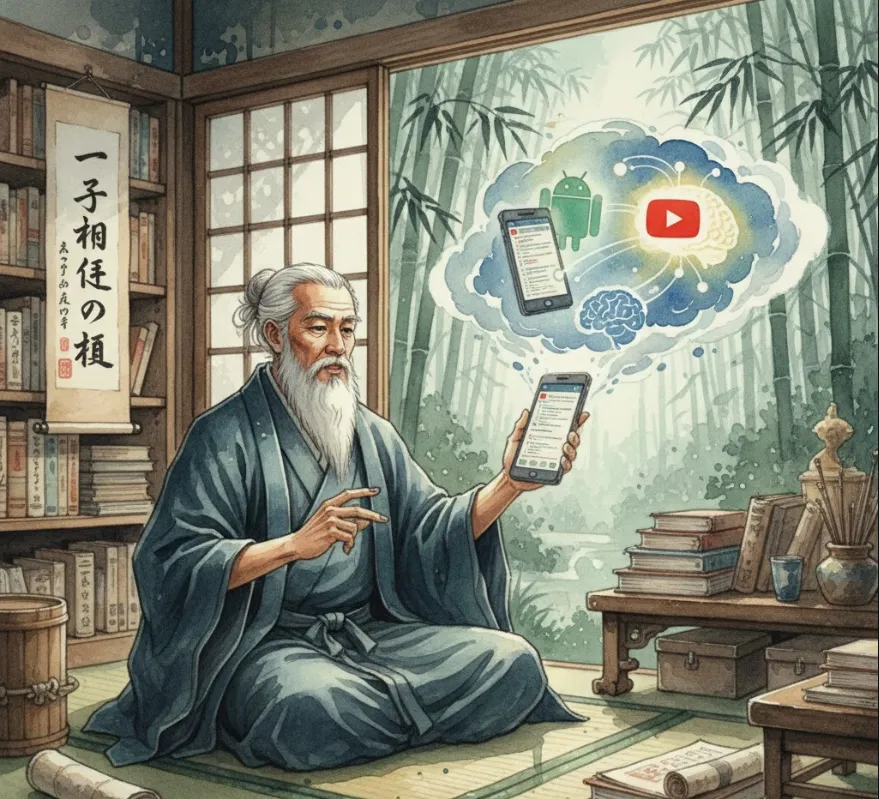
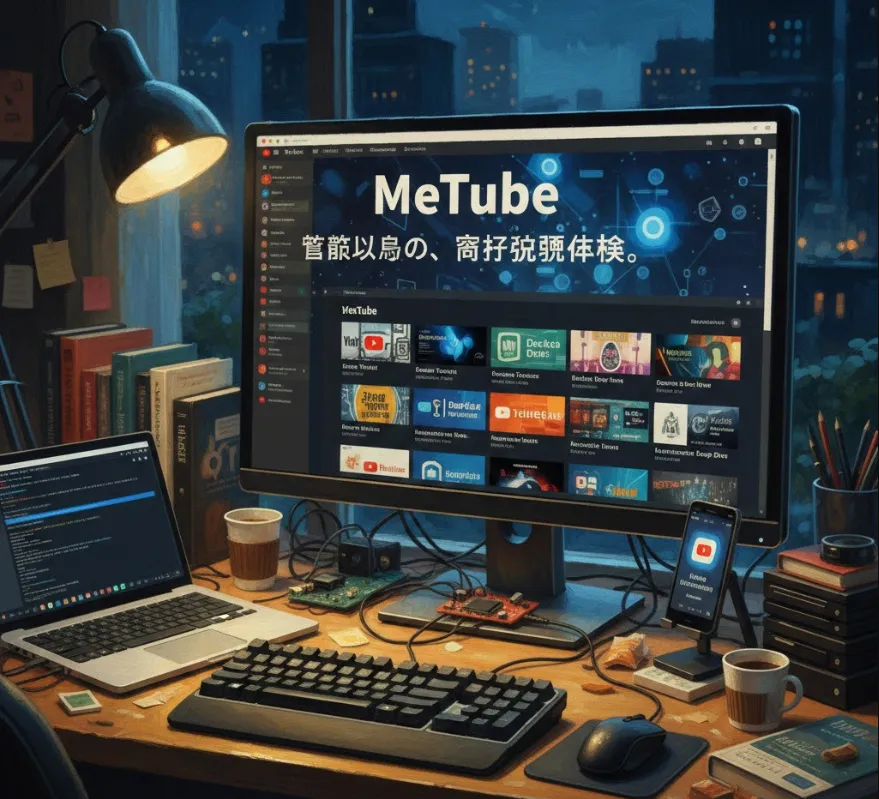
The project YTPro is essentially an enhanced YouTube client. From a developer's perspective, it’s an interesting case study in legacy support, API integration, and UX optimization.
As engineers, we often look at apps not just as users, but as builders. This project offers value in a few specific ways
Legacy Android Support
Maintaining compatibility with older Android versions is a huge challenge (handling deprecated APIs, UI rendering, etc.). This repo is a great reference for how to keep apps functional on "vintage" hardware.
Feature Modularization
It implements highly requested features that the official app restricts, such as Background Play and Direct Downloads. Analyzing how they intercept streams or manage background services is a great learning exercise.
AI Integration
By incorporating an LLM (the one we aren't naming!) directly into the client, it allows for features like instant video summarization or automated timestamping, which significantly boosts productivity when watching long technical tutorials.
Since this is a client-side application, you generally have two ways to interact with it
as a user/tester or as a contributor.
You can usually find the compiled .apk in the "Releases" section of the GitHub repository.
Download the latest APK.
Enable "Install from Unknown Sources" on your Android device.
Install and launch.
If you want to poke around the code, you'll need Android Studio.
# Clone the repository
git clone https://github.com/prateek-chaubey/YTPro.git

# Open the project in Android Studio
# Ensure you have the SDK versions mentioned in the build.gradle file
One of the coolest parts of this project is how it might handle video summarization using an AI model. If you were to implement a similar "Summarize" button, the logic would look something like this in Kotlin
// A simplified example of how the app might send a transcript to an AI for summarization
fun summarizeVideo(transcript: String) {
    val prompt = "Please summarize the following YouTube transcript into 5 key bullet points: $transcript"

    // Call the AI API (using the model integrated in the app)
    aiService.generateContent(prompt) { result ->
        when (result) {
            is Success -> updateUI(result.summaryText)
            is Error -> showError("Could not generate summary.")
        }
    }
}
This kind of "Wrapper" architecture is common in modern Android development where you bridge a media player with an external AI service.
| Feature | Engineering Benefit |
| Background Player | Demonstrates complex Android Service and Notification management. |
| Downloader | Shows how to handle File I/O and stream parsing. |
| Old Android Support | A masterclass in using AndroidX and backward-compatible libraries. |
This project is a solid example of how to take an existing platform (YouTube) and "supercharge" it by adding modern AI capabilities and fixing common UX pain points.