Full Control Over Your Content: A Deep Dive into the MeTube Ecosystem

Think of it as your own personal, private DVR for the internet.
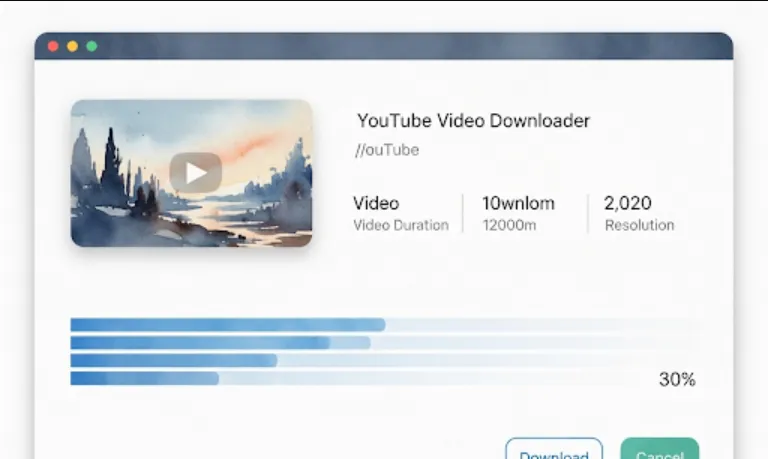
At its core, MeTube is a sleek, web-based frontend for yt-dlp (the industry-standard command-line tool for downloading video). While yt-dlp is incredibly powerful, it can be a bit intimidating for non-engineers or even for us when we just want a "click and forget" experience.
Why it’s a win for engineers
Centralized Library
Instead of files scattered across local folders, you save everything to a server (or NAS).
Automation
It can be integrated into your home lab setup via Docker.
Simplicity
It turns a complex CLI command into a simple "Paste URL" action in your browser.
As engineers, we love Docker because it keeps our host OS clean. MeTube is designed to be run as a container. Here is a simple docker-compose.yml to get you started
services:
  metube:
    image: alexta69/metube
    container_name: metube
    restart: unless-stopped
    ports:
      - "8081:8081"
    volumes:
      - ./downloads:/downloads
    environment:
      - UID=1000
      - GID=1000
      - OUTPUT_TEMPLATE=%(title)s.%(ext)s
Save the code above into a file named docker-compose.yml.
Run docker-compose up -d in your terminal.
Access the UI by going to http://localhost:8081 in your browser.
MeTube acts as a wrapper. When you paste a link into the UI, it sends a request to the backend, which executes a yt-dlp process.
Format Selection
You can choose between Best Quality, MP3 (audio only), or specific resolutions.
Playlist Support
Paste a link to a full playlist, and it will queue every video automatically.
Custom Templates
You can use yt-dlp variables (like %(uploader)s) to automatically organize your downloads into folders.
Since you’re an engineer, you might want to trigger downloads programmatically (e.g., from a custom script or a cron job). MeTube exposes a simple API.
Here is a quick Python snippet to send a download request to your MeTube instance
import requests

# Your MeTube server address
METUBE_URL = "http://localhost:8081/add"

def download_video(video_url):
    payload = {
        "url": video_url,
        "quality": "best",
        "format": "any"
    }

    try:
        response = requests.post(METUBE_URL, json=payload)
        if response.status_code == 200:
            print(f"Successfully queued: {video_url}")
        else:
            print(f"Failed to queue. Status: {response.status_code}")
    except Exception as e:
        print(f"Error connecting to MeTube: {e}")

# Example usage
download_video("https://www.youtube.com/watch?v=dQw4w9WgXcQ")
Privacy
No third-party "YouTube-to-MP3" sites with sketchy ads.
Control
You own the data. If the original video is deleted tomorrow, you still have your copy.
Performance
If you run this on a home server, it handles the heavy lifting (bandwidth and processing), not your laptop.