oop7/YTSage: The Anatomy of a Python GUI Application
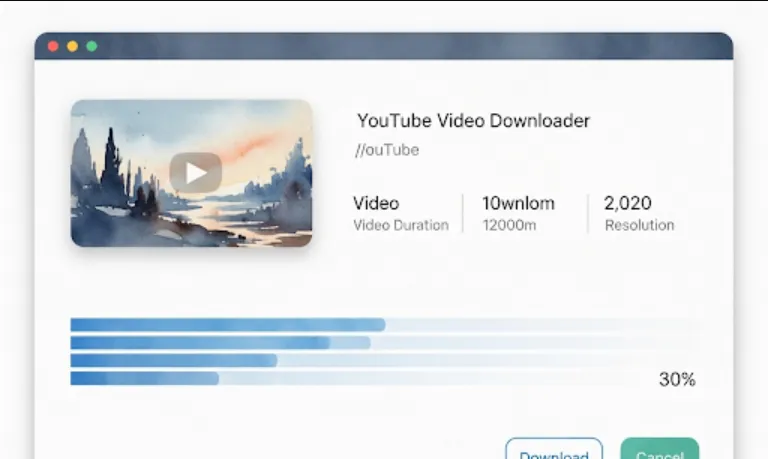
Hey there! Let's dive into oop7/YTSage, a pretty neat project for anyone who wants to download YouTube content with a slick graphical interface. From a software engineer's viewpoint, this project is a great example of a modern desktop application that combines powerful backend tools with a user-friendly frontend.
For a software engineer, YTSage is more than just a simple YouTube downloader; it's a valuable learning and development resource.
GUI Framework Implementation
It uses PySide6, which is a great way to learn about building desktop applications with Python. If you've been working on command-line tools, this project shows you how to wrap that functionality in an intuitive GUI.
Leveraging a Robust Library
The core functionality for downloading videos is handled by yt-dlp, a fork of the popular youtube-dl. This is a fantastic example of leveraging a powerful, well-maintained third-party library rather than reinventing the wheel. It's a common and crucial practice in software engineering.
Modular Design
The project separates the user interface logic (PySide6) from the core downloading logic (yt-dlp). This modularity makes the code easier to read, debug, and maintain. It's a key principle of good software design.
Real-world Application
This isn't just a theoretical exercise. It's a practical, real-world application that solves a common problem. It includes features like progress bars, quality selection, and error handling, which are essential for building a robust application.
<br>
Getting YTSage up and running is straightforward. Here’s a basic guide on how to install and run it.
You'll need Python 3.7 or newer installed on your system.
The easiest way to install it is using pip, Python's package installer. Open your terminal or command prompt and run the following command
pip install ytsage
This command will automatically install yt-dlp and PySide6 as dependencies, so you don't have to worry about installing them separately.
Once the installation is complete, you can launch the application directly from your terminal.
ytsage
A graphical window will pop up, and you're good to go!
<br>
Let's look at a snippet of what the code might look like behind the scenes, focusing on how it integrates yt-dlp with the user interface. While we can't show the full GUI code, this simple example illustrates how you'd use yt-dlp in your own Python script, which is the core of what YTSage is doing.
# A simplified example showing how to use yt-dlp in a Python script
import yt_dlp

def download_video(url, download_path='.'):
    """
    Downloads a YouTube video to a specified path.
    """
    options = {
        'format': 'bestvideo+bestaudio/best', # Choose the best quality video and audio
        'outtmpl': f'{download_path}/%(title)s.%(ext)s', # Output template
        'noplaylist': True, # Don't download a playlist, just the video
    }

    with yt_dlp.YoutubeDL(options) as ydl:
        try:
            ydl.download([url])
            print(f"Successfully downloaded {url}")
        except yt_dlp.utils.DownloadError as e:
            print(f"Error downloading video: {e}")

if __name__ == "__main__":
    video_url = 'https://www.youtube.com/watch?v=dQw4w9WgXcQ' # A classic example
    download_video(video_url)
Explanation
We import the yt_dlp library.
The options dictionary is a crucial part of yt-dlp. It's where you define all the download parameters, like video quality ('format'), the output file name ('outtmpl'), and whether to handle playlists.
yt-dlp's YoutubeDL class is the main interface. We create an instance with our options.
The ydl.download() method is where the magic happens. We pass a list of URLs we want to download.
The try...except block is good practice for handling potential download errors, which is a key part of building a robust application.