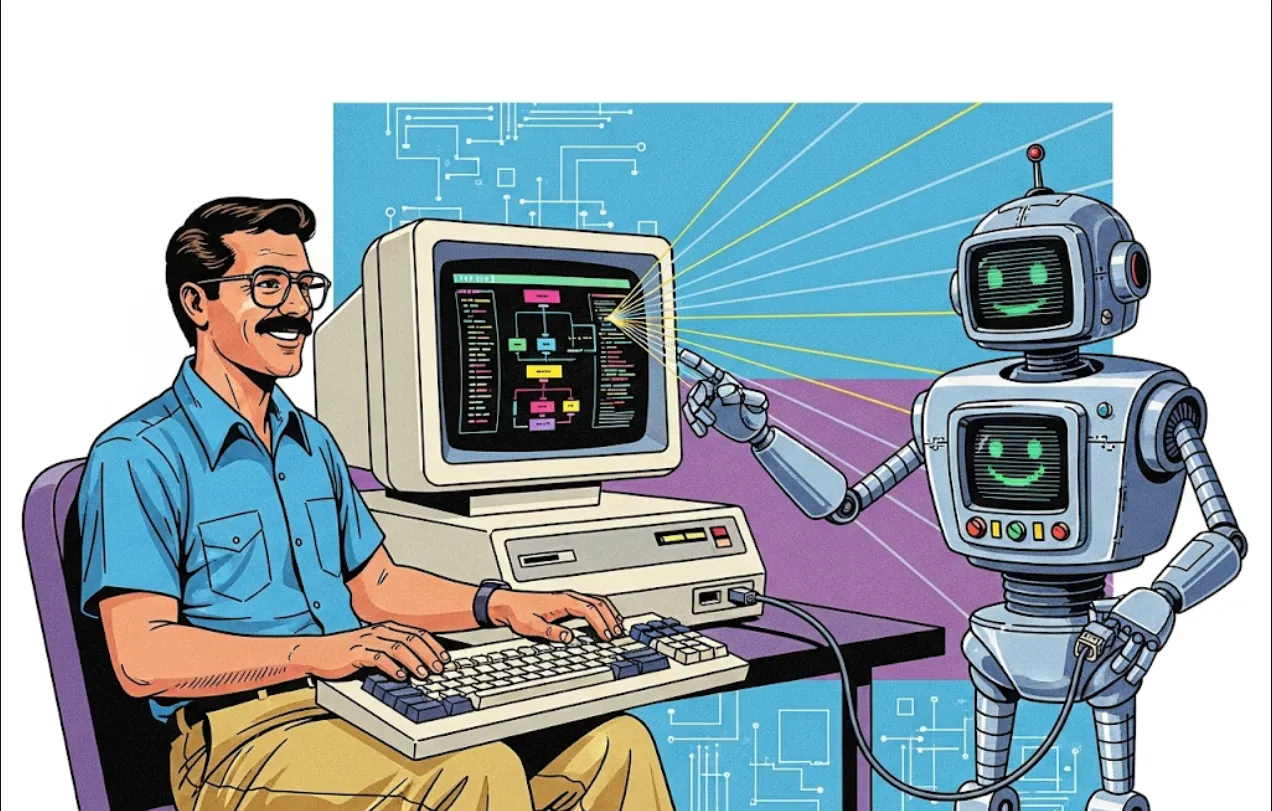
From PDF Chaos to JSON/Markdown Structure: A MinerU Tutorial for Developers

Think of MinerU as a sophisticated digital cleaner and transformer for your messy document data!
MinerU is a Python-based data extraction tool designed to transform complex, human-readable documents (like PDFs, webpages, and e-books) into machine-readable formats like Markdown or JSON. The key benefit is producing "LLM-ready" output.
| Feature | Engineering Benefit |
| Transforms Complex PDFs | You spend less time writing custom parsers for every new PDF structure. MinerU handles single-column, multi-column, and complex layouts automatically. |
| LLM-Ready Output (Markdown/JSON) | It converts visual data into structured text that's perfect for RAG (Retrieval-Augmented Generation) pipelines, fine-tuning, or direct prompting of an LLM. Markdown preserves hierarchy (headings, lists), and JSON is ideal for structured data extraction. |
| Retains Document Structure | It recognizes and preserves logical structure: headers, paragraphs, lists, and tables. This is crucial for maintaining context and accuracy when feeding data to an LLM. |
| Handles Non-Text Elements | Formulas are converted to LATEX, tables to HTML, and images/captions are extracted. This means you get a complete, rich representation of the document, not just raw text. |
| Built-in OCR Support | It automatically detects and runs OCR on scanned or garbled PDFs, supporting 84 languages. This is a massive time-saver for real-world document processing. |
| Agentic Workflow Catalyst | By providing reliable, structured data, it enables your LLM agents to perform tasks like summarization, Q&A, data analysis, and decision-making with much higher accuracy. |
In short, MinerU significantly reduces the data preparation bottleneck when building applications that interact with real-world documents.
Since MinerU is a Python project, the easiest way to install it is using pip. It supports both CPU and GPU environments.
You'll need a working Python environment (version 3.8 or higher is generally recommended for modern projects).
You can typically install the core package directly.
# Install the core MinerU package
pip install MinerU
Note
Depending on the specific features you want to use (e.g., GPU support, certain OCR backends), you might need to install additional dependencies or follow the specific instructions on their GitHub repository for optimal setup. Always check the official GitHub page for the most current and detailed installation steps.
Let's look at a basic example of how you can use MinerU in your Python code to process a PDF file and get an LLM-ready Markdown output.
Imagine you have a complex PDF research paper named research_paper.pdf and you want to convert it to Markdown to feed into your LLM-based summarization agent.
import os
from MinerU.MinerU import MinerU

# --- Configuration ---
# 1. Initialize the MinerU processor
# You can specify various configurations here, like output format,
# whether to enable OCR, etc.
# 'vl_format' is often the best for LLM input, and we'll ask for Markdown.
mineru_processor = MinerU(
    output_format="markdown",
    ocr_config={"enable_ocr": True} # Enable OCR for scanned documents
)

# 2. Define input and output paths
input_pdf_path = "path/to/your/research_paper.pdf"
output_dir = "mineru_output"

# Ensure the output directory exists
os.makedirs(output_dir, exist_ok=True)


# --- Processing ---
print(f"Starting extraction for: {input_pdf_path}")
try:
    # The 'run' method processes the file
    mineru_processor.run(
        input_path=input_pdf_path,
        output_dir=output_dir
    )
    print("Extraction complete!")

    # --- Output Verification ---
    # The output file name will typically be based on the input name
    # plus the format extension (e.g., research_paper.md)
    output_markdown_path = os.path.join(
        output_dir,
        os.path.basename(input_pdf_path).replace(".pdf", ".md")
    )

    if os.path.exists(output_markdown_path):
        print(f"Successfully created Markdown file at: {output_markdown_path}")
        # You can now load this clean Markdown into your LLM application
        # with open(output_markdown_path, 'r', encoding='utf-8') as f:
        #     llm_input_text = f.read()
        #
        # # Pass llm_input_text to your LLM API or agent...
        # print("\n--- BEGIN EXTRACTED MARKDOWN SNIPPET ---")
        # print(llm_input_text[:500] + "...") # Print the first 500 characters
        # print("--- END EXTRACTED MARKDOWN SNIPPET ---")
    else:
        print(f"Error: Expected output file not found at {output_markdown_path}")


except Exception as e:
    print(f"An error occurred during processing: {e}")