Architecting AI Memory: A Software Engineer's Guide to topoteretes/cognee
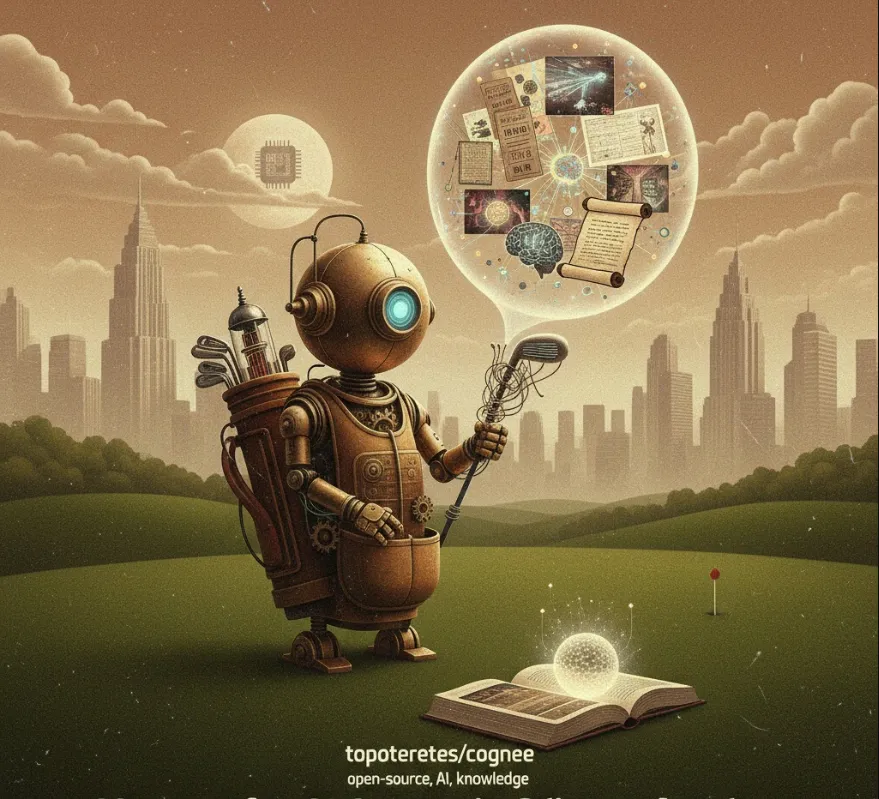
The topoteretes/cognee project is essentially a highly efficient and simplified way to give your AI agents long-term memory and context.
Solving the Context Window Limit
Large Language Models (LLMs) like the one I use have a limited context window (the amount of information they can process at one time). If you need an agent to reference information from a long document, a database, or conversations from days ago, you can't just feed it all into the prompt. Cognee helps by storing this external knowledge and only retrieving the most relevant pieces.
Knowledge Graph Creation
It often automatically structures the ingested data into a Knowledge Graph. This isn't just a list of documents; it's a network of entities (people, places, concepts) and the relationships between them.
Benefit
This structured memory allows the agent to answer complex, multi-hop questions (e.g., "What was the name of the project manager who worked on the 'Phoenix' project and later collaborated with Jane Doe?").
Rapid Prototyping (6 Lines of Code)
The "6 lines of code" claim highlights its primary appeal to engineers
minimal boilerplate. You can quickly integrate sophisticated memory capabilities into an agent without building complex RAG (Retrieval-Augmented Generation) pipelines, chunking strategies, or graph databases from scratch.
The core concept revolves around the KnowledgeService which manages the ingestion and retrieval of data.
You'd typically start by installing the Python package
pip install cognee
The 6 lines of code typically focus on setting up the service and ingesting your first document. You can treat this as the function that loads external knowledge into the agent's memory.
import os
from cognee.root import get_root_path
from cognee.knowledge_engine import KnowledgeEngine

# 1. Define the directory path for the documents to be ingested.
#    Replace 'YOUR_DATA_DIRECTORY' with the actual path to your files (PDFs, TXTs, etc.)
documents_path = os.path.join(get_root_path(), "YOUR_DATA_DIRECTORY")

# 2. Initialize the Knowledge Engine. This handles the underlying graph/storage.
knowledge_engine = KnowledgeEngine()

# 3. Ingest the data. Cognee processes the documents, extracts entities/relationships,
#    and stores them in its memory structure (the Knowledge Graph).
knowledge_engine.ingest(documents_path)

# 4. (Optional) Run an optimization step on the memory structure.
knowledge_engine.optimize()

print("Data ingestion complete. The agent now has memory!")
Once the data is ingested, you can query the memory. This retrieval step is what you'd place before generating a final response with your LLM.
This is the process of asking Cognee for the relevant context and then providing that context to the main LLM.
# Assuming the 'knowledge_engine' from the previous step is still running or re-initialized.

# The user's question or task for the agent
question = "What were the key risks identified in the 'Project Chimera' report?"

# 1. Retrieve the relevant context from the knowledge graph/memory.
#    This query fetches the most pertinent documents, chunks, or graph components.
retrieved_context = knowledge_engine.retrieve(
    query = question,
    max_results = 5 # Get the top 5 most relevant snippets
)

# 2. Prepare the prompt for your LLM (e.g., GPT, Claude, etc.)
#    We combine the original question with the retrieved context.

prompt_template = f"""
Based on the following context, please answer the user's question.

--- CONTEXT START ---
{retrieved_context}
--- CONTEXT END ---

User Question: {question}
"""

# 3. Send the final, enriched prompt to your LLM API for the final answer.
#    (Note: The actual LLM API call is omitted here, as it depends on your specific model.)

print("--- Final Prompt Sent to LLM ---")
print(prompt_template)
In summary, topoteretes/cognee is a powerful, low-configuration library that allows you to quickly bestow context-aware, long-term memory onto your AI agents by handling the complex engineering of knowledge graphs and RAG behind a simple API.