Getting Started with Chroma: A Deep Dive for Engineers
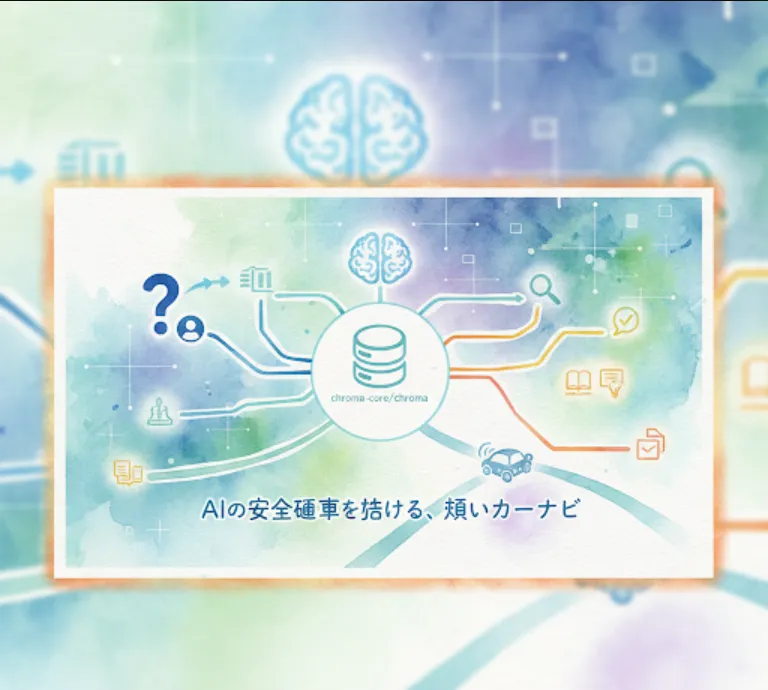
Let's break down why it's so useful and how you can get started with it.
At its core, Chroma is a vector database. Think of it as a specialized database built to store and search for data based on its meaning rather than just keywords. Here's why that's a big deal
Semantic Search
Traditional databases are great for finding "cat" in a text field. A vector database like Chroma is great for finding documents about "feline animals" or "domestic house pets." It does this by storing embeddings, which are numerical representations of text, images, or audio. These embeddings capture the semantic meaning, allowing you to find conceptually similar items.
Context for LLMs
LLMs, like the ones you might use for chatbots or content generation, have a limited context window. You can't just paste an entire book into them. Chroma helps you work around this with a technique called Retrieval-Augmented Generation (RAG).
This process involves
1. Storing your knowledge base (e.g., product documentation, company FAQs) as embeddings in Chroma.
2. When a user asks a question, you use their query to find the most relevant information in your knowledge base using Chroma.
3. You then feed that retrieved information along with the user's question to the LLM, giving it the necessary context to generate a more accurate and relevant answer.
Scalability
Since it's built in Rust, a language known for its performance and memory safety, Chroma is designed to be fast and efficient. This makes it suitable for production environments where you're dealing with a high volume of data and queries.
Chroma is incredibly easy to set up. It can run as a simple in-memory client, a persistent client that stores data on disk, or as a standalone server.
The easiest way to get started is by using the Python client.
pip install chromadb
For quick tests or small projects, you can use the in-memory client. You don't need to run a separate server.
import chromadb

# Initialize the client
client = chromadb.Client()

# Create a collection. A collection is where you store your documents and embeddings.
collection = client.create_collection("my_first_collection")

# Add some documents to the collection
collection.add(
    documents=["This is a document about cats.", "This is a document about dogs."],
    metadatas=[{"source": "notion"}, {"source": "google-docs"}],
    ids=["doc1", "doc2"]
)

# Now you can query the collection.
results = collection.query(
    query_texts=["Tell me about pets"],
    n_results=1
)

print(results)
The output of the query will show you the document about cats, because it's semantically closer to "pets" than the document about dogs in this example.
For a project that needs to save data, you can use the persistent client.
import chromadb

# The 'path' parameter specifies where the data will be stored on your disk.
client = chromadb.PersistentClient(path="./my_data_directory")

# Now you can use the client to create and query collections just like before.
For a production setup, it's best to run Chroma as a separate service. You can use Docker for this.
docker run -d -p 8000:8000 --name chroma_server chromadb/chroma
Once the server is running, you can connect to it from your application.
import chromadb

# Connect to the running server
client = chromadb.HttpClient(host="localhost", port=8000)

# Now you can use the client to create and query collections on the server.
Here's a practical example of how you'd use Chroma for a Q&A bot.
import chromadb
from sentence_transformers import SentenceTransformer

# 1. Setup
# You'll need to install sentence-transformers: pip install sentence-transformers
# This model will create the embeddings for us.
model = SentenceTransformer('all-MiniLM-L6-v2')

client = chromadb.Client()
collection = client.create_collection(name="company_docs")

# Your "knowledge base"
documents = [
    "Our company's mission is to innovate and create value for our customers.",
    "The main office is located in San Francisco, California.",
    "Our products include a wide range of software solutions for businesses."
]

# 2. Ingest Data
# Create embeddings for your documents and add them to Chroma.
embeddings = model.encode(documents).tolist()
collection.add(
    embeddings=embeddings,
    documents=documents,
    ids=[f"doc_{i}" for i in range(len(documents))]
)

# 3. Retrieval
# Simulate a user's question.
query_text = "Where is your office?"
query_embedding = model.encode(query_text).tolist()

# Use Chroma to find the most relevant document.
results = collection.query(
    query_embeddings=[query_embedding],
    n_results=1
)

retrieved_document = results['documents'][0][0]
print(f"Retrieved Document: '{retrieved_document}'")

# 4. Augmentation and Generation (simplified)
# In a real app, you would now send both the original question AND the
# retrieved_document to an LLM to generate a complete answer.
# For example:
# llm_prompt = f"Using this context: '{retrieved_document}', answer the question: '{query_text}'"
# llm.generate_response(llm_prompt)