Performance Meets Intelligence: Scaling AI Applications with ruvnet/ruvector
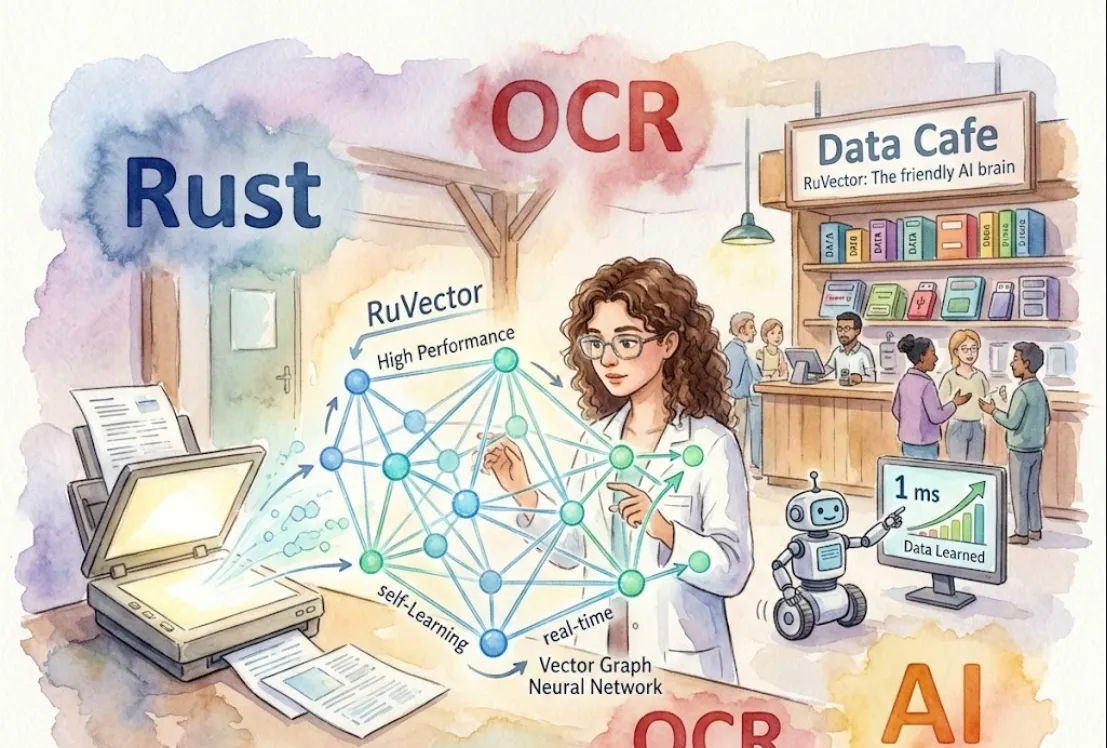
Since you’re looking at this from a software engineering perspective, let's break down why this stack is a powerhouse and how you can get it running.
In short
It's a Vector Database meet Graph Neural Network (GNN).
While a standard vector database (like Pinecone or Milvus) focuses on storing and searching embeddings, RuVector incorporates "Self-Learning" and "Graph" structures. This means it doesn't just store points in space; it understands the relationships between data points and can evolve as new data flows in.
Performance (Rust)
You get memory safety without a garbage collector, ensuring low-latency inference and high throughput—crucial for real-time OCR and AI tasks.
Real-Time Processing
It's designed for live streams of data rather than just batch processing.
Contextual Intelligence
Because it's a Graph NN, it’s excellent for tasks where the connection between items (like words in a document or nodes in a network) is as important as the items themselves.
Advanced OCR Pipelines
Instead of just recognizing text, you can use the graph structure to understand document layouts (e.g., knowing that a "Total" amount usually follows a list of prices).
Recommendation Engines
By mapping user behavior as a graph, you can find non-obvious connections that standard vector searches might miss.
Anomaly Detection
In cybersecurity or fintech, RuVector can identify patterns in real-time by seeing how new "vectors" (transactions/logs) deviate from the established graph.
Since this is a Rust-based project, you'll need the Rust toolchain installed. You can add it to your Cargo.toml
[dependencies]
ruvector = "0.1" # Check crates.io for the latest version
tokio = { version = "1", features = ["full"] } # For async support
Here is a conceptual look at how you might initialize a graph and insert a vector. Note that since RuVector is built for performance, it often utilizes async patterns.
use ruvector::{VectorGraph, Config, Vector};

#[tokio::main]
async fn main() -> Result<(), Box<dyn std::error::Error>> {
    // 1. Initialize the Graph Database with a configuration
    let config = Config::default();
    let graph = VectorGraph::new(config).await?;

    // 2. Create a high-dimensional vector (e.g., from an OCR model)
    let data = vec![0.12, 0.05, 0.88, 0.23];
    let vector = Vector::new(data);

    // 3. Insert into the graph with metadata
    graph.insert("doc_001", vector).await?;

    // 4. Perform a real-time similarity search
    let query_vector = vec![0.10, 0.06, 0.85, 0.20];
    let results = graph.search(&query_vector, 5).await?;

    for result in results {
        println!("Found match: ID = {}, Score = {}", result.id, result.score);
    }

    Ok(())
}
Dimensionality Matters
Ensure your embedding model (the one generating the vectors) matches the input dimensions expected by your RuVector config.
Memory Management
Even though Rust is efficient, Graph NNs can be memory-heavy. Monitor your heap usage if you are dealing with millions of nodes.
Async Everything
Use tokio or async-std to ensure that database I/O doesn't block your main application logic, especially for "Real-Time" use cases.