Rust-Powered Performance: Why Czkawka is the Ultimate Tool for File Management
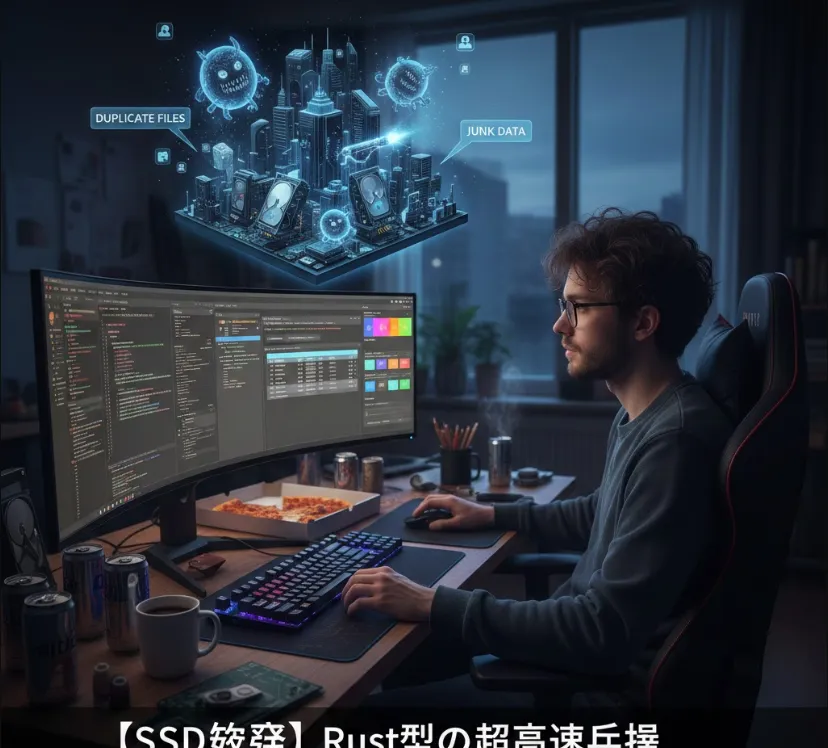
Czkawka (pronounced "tch-kav-ka," which is Polish for "hiccup") is a fantastic example of a modern utility built with Rust. If you're tired of "storage full" warnings or just want to keep your development environment lean, this is a tool you'll want in your belt.
From an engineering perspective, Czkawka isn't just a "file cleaner." It’s a high-performance scanner that leverages the best of what Rust offers.
Blazing Fast Performance
Written in Rust, it utilizes multi-threading to scan hundreds of thousands of files in seconds.
Memory Efficiency
Unlike Electron-based apps, it doesn't eat up your RAM while searching for duplicates.
Advanced Heuristics
It doesn't just look at filenames; it compares hashes (blake3), looks for similar images using perceptual hashing, and can even find "broken" files.
CLI & GUI Flexibility
You can use the GTK-based interface for manual cleanup or the CLI for headless server automation.
Since it's built with Rust, you have a few ways to get it running depending on your OS.
If you already have the Rust toolchain installed, this is the most "engineer-approved" method
cargo install czkawka_gui # For the GUI version
cargo install czkawka_cli # For the CLI version
macOS (Homebrew)
brew install czkawka
Linux (Flatpak)
flatpak install flathub com.github.qarmin.czkawka
Windows
You can download the pre-compiled .exe from the GitHub Releases page or use scoop install czkawka.
Czkawka uses several algorithms to ensure accuracy. For example, when finding similar images, it doesn't just check if pixels match exactly.
It uses Perceptual Hashing (pHash), which creates a fingerprint of an image. If two images look the same to a human but have different resolutions or slightly different colors, Czkawka can still identify them as duplicates.
As an engineer, you might want to automate a check for duplicate assets in a massive project repository. Here is how you would use the CLI to find duplicates and save the results to a file
# Scan a specific directory for duplicates
# -d: directory to scan
# -f: save results to a file
# -s: minimum file size (e.g., 1024 bytes)

czkawka_cli dup -d /path/to/my/project -f duplicates.txt -s 1024
If you want to integrate Czkawka into a CI/CD pipeline or a larger maintenance script, you can wrap the CLI output
import subprocess
import json

def find_duplicates(target_path):
    # Running czkawka_cli and outputting to a temporary file
    cmd = ["czkawka_cli", "dup", "-d", target_path, "-f", "temp_results.txt"]
    subprocess.run(cmd, check=True)

    with open("temp_results.txt", "r") as f:
        duplicates = f.readlines()

    return [line.strip() for line in duplicates]

# Example usage
# files = find_duplicates("./assets")
# print(f"Found {len(files)} potential duplicate groups.")
| Feature | Engineering Benefit |
| Duplicates | Standard hash-based comparison (fast & safe). |
| Similar Images | Uses pHash; great for cleaning up UI assets/icons. |
| Empty Folders | Cleans up ghost directories after refactoring. |
| Broken Files | Identifies corrupted downloads or partial saves. |
| Similar Videos | Uses FFmpeg to analyze frames for visual similarity. |
Czkawka is a prime example of how Rust and GTK can create a "snappy" user experience that respects your system resources. It’s a must-have if you manage large datasets or just want to keep your SSD in top shape!