Rust's Rewrite of Coreutils: Modern, Safe, and Cross-Platform Command-Line Tools
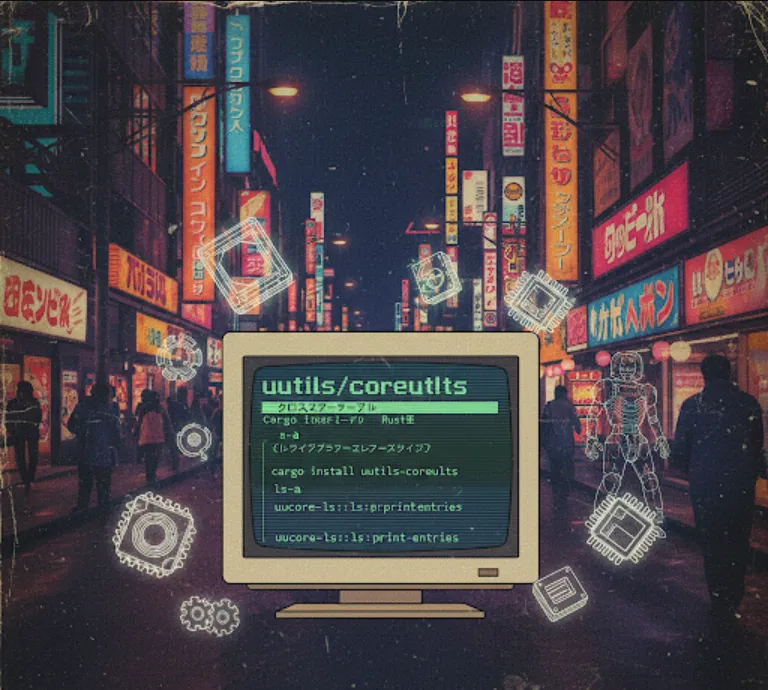
Think of uutils/coreutils as a modern, cross-platform replacement for the standard GNU core utilities you're probably used to on Linux, like ls, cp, mv, rm, and cat. . The key difference is that uutils/coreutils is written entirely in Rust.
From a software engineer's perspective, this project is super useful because it provides a single, consistent set of command-line tools that work across different operating systems—Windows, macOS, and Linux—without needing a compatibility layer like Cygwin or WSL. It's a "cross-platform" solution at its core.
The project is structured like a busybox-style application, which means all the individual utilities are compiled into a single executable. This is great for environments where disk space is limited, like embedded systems or Docker images, as you don't need to install each utility separately. This approach also makes for a smaller attack surface, as you only have a single binary to manage.
As a software engineer, using uutils/coreutils can be beneficial in several ways
Cross-Platform Consistency
If you're building a tool or a CI/CD pipeline that needs to run the same command-line operations on different operating systems, uutils/coreutils ensures you're using the exact same code and behavior everywhere. This eliminates a huge class of "it works on my machine" bugs.
Performance and Safety
Because it's written in Rust, you get all the benefits of the language. It's memory-safe, fast, and highly concurrent. You don't have to worry about the same kind of memory-related vulnerabilities or performance bottlenecks that can sometimes appear in older C or C++ codebases.
Lightweight Binaries
The busybox-like single binary is perfect for creating lean Docker images. Instead of using a bulky base image like ubuntu, you can use a minimal one and just add the uutils binary. This results in faster builds and smaller container sizes.
Contribution and Customization
If you're interested in contributing to open-source or even just customizing a utility for a specific need, the Rust codebase is modern and easy to read. This is a great way to learn more about systems programming.
The easiest way to get started is by installing it with cargo, Rust's package manager. If you don't have Rust installed, you'll need to do that first.
Go to the official Rust website and follow the instructions for your operating system. It's a simple one-liner.
curl --proto '=https' --tlsv1.2 -sSf https://sh.rustup.rs | sh
Once cargo is set up, you can install the entire uutils package with a single command. The --features full flag ensures you get all the utilities.
cargo install uutils-coreutils --features full
This command compiles the entire project from source and places the resulting executable in your ~/.cargo/bin directory. Make sure this directory is in your system's PATH.
Now, you can run the commands directly from your terminal. Since they're compiled into a single binary, you'll need to preface them with uu.
For example, to list files, you would run
uu ls
To copy a file
uu cp file1.txt file2.txt
While uutils is primarily a collection of command-line tools, you can also use some of its components as a library within your own Rust projects. Let's say you need to programmatically copy a file in a cross-platform way. Instead of writing your own logic, you can use the uucore library.
First, add uucore to your Cargo.toml file
[dependencies]
uucore = "0.0.18" # Or the latest version
Then, in your Rust code, you can use the copy function from the uucore module.
use std::fs;
use std::path::Path;

fn main() {
    let source = Path::new("path/to/your/source_file.txt");
    let destination = Path::new("path/to/your/destination_file.txt");

    // This uses the same logic as the `cp` command.
    match uucore::fs::copy(&source, &destination) {
        Ok(_) => println!("File copied successfully!"),
        Err(e) => eprintln!("Error copying file: {}", e),
    }
}
This is just a simple example, but it shows how you can leverage the project's robust, tested, and cross-platform logic directly in your own applications. This is especially useful for building system tools or scripts in Rust.