DataEase SQLBot: Bridging the Gap Between Natural Language and SQL

As a software engineer, you're constantly interacting with databases. DataEase SQLBot offers several key advantages
Accelerated Development
Instead of spending time crafting intricate SQL queries, you can focus on the business logic of your application. You can integrate the bot's functionality into your internal tools or customer-facing applications, allowing users to get data insights on their own.
Reduced Cognitive Load
You don't have to remember the exact table and column names or the complex JOIN syntax for every query. You can just ask for the data you need in a conversational way.
Onboarding Efficiency
New team members can get up to speed with your database schema more quickly. They can use natural language to explore the data without needing a deep understanding of the underlying database structure.
Empowering Non-Technical Users
You can build tools that allow data analysts, product managers, or sales teams to pull their own reports without needing to submit a request to the engineering team. This frees up your time for more impactful tasks.
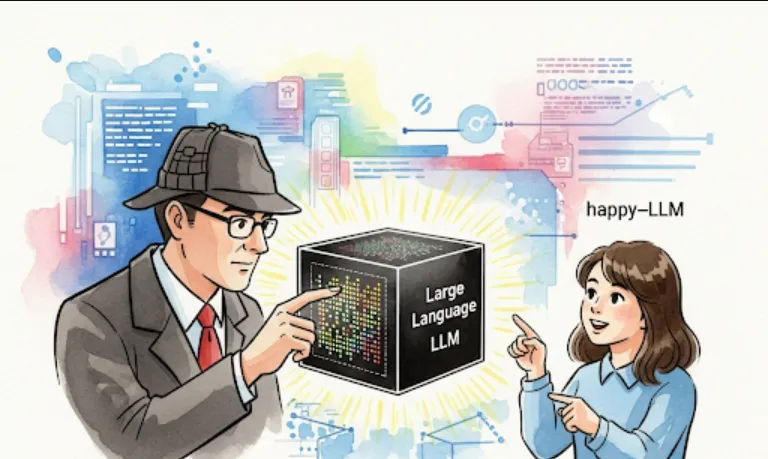
The system works by combining a Large Language Model (LLM) with Retrieval-Augmented Generation (RAG). The LLM understands the natural language query, and the RAG component retrieves relevant information about your database schema (like table and column names) to help the LLM generate an accurate SQL query.
To get the DataEase SQLBot running, you'll need to follow these general steps. The process typically involves setting up a Python environment and configuring it to connect to your database.
Clone the Repository
First, you need to get the source code from GitHub.
git clone https://github.com/dataease/SQLBot.git
cd SQLBot
Set up the Environment
Create a virtual environment and install the required dependencies.
python -m venv venv
source venv/bin/activate  # On Windows, use `venv\Scripts\activate`
pip install -r requirements.txt
Configure Database and LLM
You'll need to specify your database connection details and your LLM API key. This is usually done in a configuration file (like a .env file). You'll need to point the system to your specific database (e.g., PostgreSQL, MySQL, SQLite).
Prepare your Schema
The RAG part of the system needs to understand your database. This often involves running a script that extracts the table definitions and their relationships and saves them in a format the system can use.
Run the Application
Once configured, you can run the main application. This might be a command-line interface or a web-based service.
Here's a simplified example of how you might interact with the system programmatically, assuming you've set up the necessary components. This Python snippet shows the core logic of taking a natural language query and getting a generated SQL query back.
from sqlbot import SQLBot

# Replace with your actual database and LLM configuration
db_config = {
    "uri": "sqlite:///your_database.db",
    "tables": ["users", "products", "orders"]
}
llm_config = {
    "api_key": "your_llm_api_key",
    "model": "gpt-4" # Or any other supported LLM
}

# Initialize the SQLBot with your configurations
bot = SQLBot(db_config, llm_config)

# A natural language question
natural_language_query = "What's the total number of orders placed in the last 30 days?"

# The bot generates the SQL query
try:
    sql_query = bot.generate_sql(natural_language_query)
    print(f"Generated SQL: {sql_query}")

    # You would then execute this SQL query on your database
    # For example, using the 'sqlite3' library
    # import sqlite3
    # conn = sqlite3.connect('your_database.db')
    # cursor = conn.cursor()
    # cursor.execute(sql_query)
    # results = cursor.fetchall()
    # print(f"Query Results: {results}")

except Exception as e:
    print(f"Error generating SQL: {e}")