A Software Engineer’s Guide to Multiplatform Development: Inside the AB Download Manager Source Code
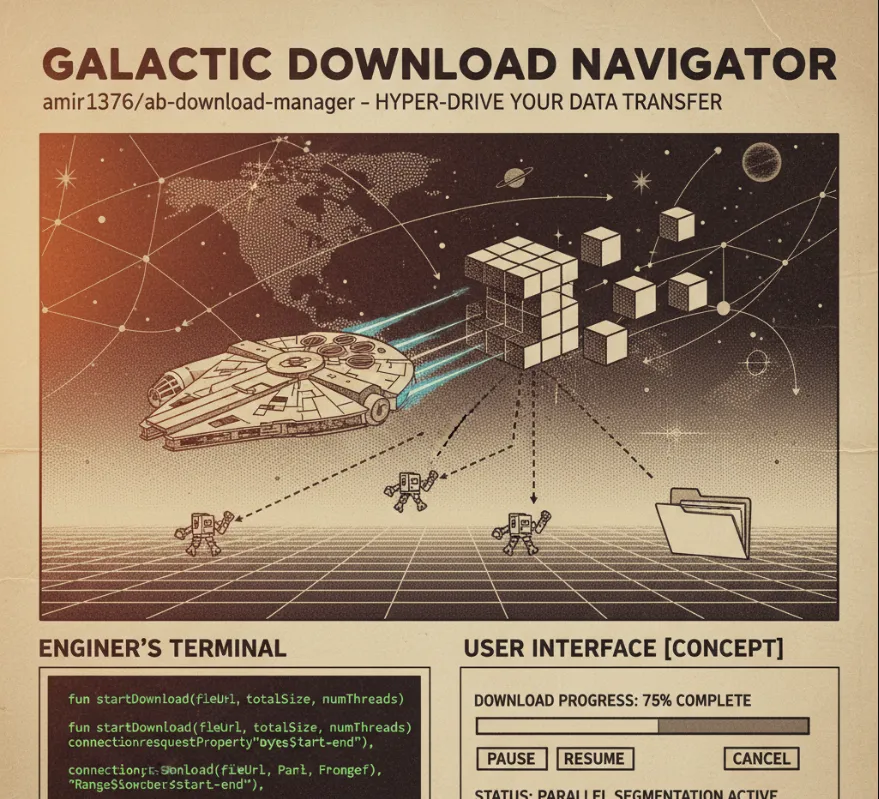
From a software engineer's perspective, this project offers a wealth of knowledge and practical application, particularly in these areas
Multi-Connection Download Logic
The core feature is speeding up downloads by using multiple simultaneous connections to fetch different parts of a file. For you, this means a chance to study and implement parallel processing, thread management, and how to handle HTTP Range requests (Range: bytes=start-end) for file segmentation and merging. This is a crucial concept for high-performance network applications.
Kotlin and Multiplatform Development
The project uses Kotlin and Compose Multiplatform (Compose Desktop). This showcases
Modern Language Features
How to build an entire application using Kotlin, which is known for its concise syntax and safety features (like null-safety).
Cross-Platform UI
How to create a single, modern UI codebase that can run on Windows, Linux, and macOS using Compose Multiplatform. This is a huge benefit for developers looking to target multiple desktop operating systems efficiently.
Desktop Application Architecture
You can learn how to structure a complete desktop application, including components like
Persistent Storage
Managing download metadata (progress, status, file path, etc.) using a database (likely SQLite or similar) via Kotlin.
Task Scheduling/Queueing
Implementing features like download queues and schedulers demonstrates how to manage background tasks and state management in a responsive desktop environment.
System Integration
Integrating with the operating system (like browser extensions, notifications, and file system access).
Open-Source Best Practices
Being an open-source project under the Apache-2.0 license means you can examine the actual production code, learn from the architecture, and contribute back—a great way to enhance your collaboration skills.
To explore the code and see the architecture in action, here’s how you can typically set up and build the project on your local machine
First, you'll need the source code.
git clone https://github.com/amir1376/ab-download-manager.git
cd ab-download-manager
This project uses Gradle (the build system) and relies on the Java Runtime Environment (JRE), specifically a JetBrains Runtime (JBR), for running the Compose Desktop application.
JBR Requirement
The project's documentation often suggests downloading and using a specific JBR version. You'll need to make this JBR available to Gradle, typically by
Adding its bin directory to your system's PATH environment variable.
Setting the JAVA_HOME environment variable to the JBR's installation directory.
Once you've set up the necessary environment, you can run the Gradle build task specified in the project's documentation to create a runnable application.
./gradlew createReleaseFolderForCi
(Note: The exact Gradle task name might change, but this is often the command used for CI/release builds, which produces a runnable output.)
The compiled output (the release folder) will usually be found in a directory like <project_dir>/build/ci-release.
While I can't provide the exact full code blocks from the repository (as it's a large application), here’s what you should look for in the source code to understand the key engineering concepts.
The project likely uses Kotlin Coroutines to manage the multiple download segments concurrently. Look for code that handles the download request
File Segmentation
Logic to determine the size of the file and divide it into N parts.
Range Headers
Usage of HTTP client (like Ktor or OkHttp) to send requests with the Range header for each segment.
Concurrent Fetching
A pattern like this, utilizing coroutines for concurrency
// In the download service/manager class (simplified)
suspend fun downloadFileWithSegments(url: String, totalSegments: Int) {
    // 1. Get file size to calculate segment sizes

    // 2. Launch concurrent coroutines for each segment
    val jobs = (0 until totalSegments).map { segmentIndex ->
        // Use CoroutineScope to launch concurrent tasks
        CoroutineScope(Dispatchers.IO).launch {
            val start = calculateStartByte(segmentIndex)
            val end = calculateEndByte(segmentIndex)

            // Look for the actual network request here
            fetchSegment(url, start, end, segmentIndex)
        }
    }

    // 3. Wait for all segments to complete
    jobs.joinAll()

    // 4. Merge the downloaded files (critical step!)
    mergeSegments()
}
Check the UI code (usually in a main.kt or ui package) to see how the modern Kotlin UI is built
import androidx.compose.desktop.ui.tooling.preview.Preview
import androidx.compose.foundation.layout.*
import androidx.compose.material.*
import androidx.compose.runtime.*
import androidx.compose.ui.Alignment
import androidx.compose.ui.Modifier
// ... other imports

@Composable
@Preview
fun MainApplication() {
    // Defines the overall look and feel (Theme)
    MaterialTheme(colors = if (isDark.value) darkColors() else lightColors()) {

        // This is where the core logic state is held and updated
        val downloadManager = remember { DownloadManagerViewModel() }

        Surface(modifier = Modifier.fillMaxSize()) {
            Column {
                // Check how they use lists (LazyColumn) to display current downloads
                DownloadList(downloads = downloadManager.downloads)

                // Example of a button that triggers a new download request
                Button(onClick = { downloadManager.startNewDownload(/* ... */) }) {
                    Text("New Download")
                }
            }
        }
    }
}