The Future of Cybersecurity: A Deep Dive into the Pentagi AI Framework

Think of Pentagi as a "Digital Red Team" colleague. Instead of just running a static script, it uses AI to "think," pivot, and adapt during a security audit.
As engineers, we often focus on building. Pentagi helps us understand the breaking. From an engineering perspective, here’s why it’s a game-changer
Continuous Security (DevSecOps)
Instead of waiting for a yearly manual pentest, you can integrate autonomous agents into your CI/CD pipeline.
Context-Aware Testing
Unlike basic scanners, these agents understand that "finding an open port" is just the start; they know how to attempt a lateral move or data exfiltration based on what they find.
Tech Stack Synergy
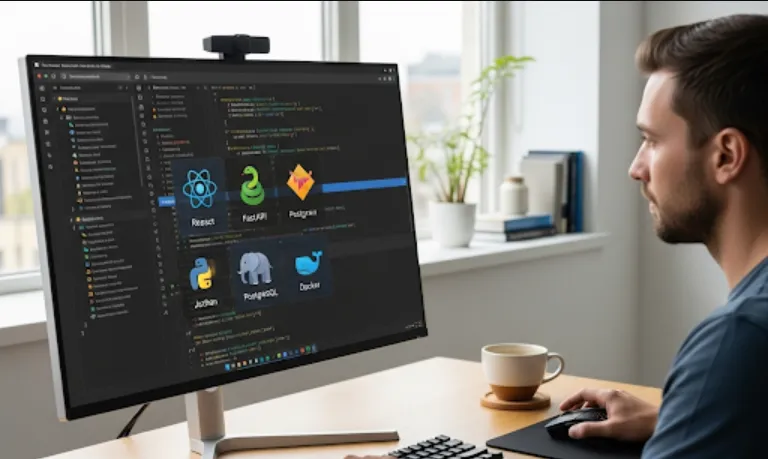
Since it’s built with React, GraphQL, and Golang, it’s highly performant. Go handles the heavy lifting (concurrency/networking), while GraphQL ensures the frontend gets exactly the data it needs for real-time monitoring.
Since this is a Go-based backend with a React frontend, the setup usually follows a standard microservice-style pattern.
Make sure you have Go (1.21+), Node.js, and Docker installed.
# Clone the repository
git clone https://github.com/vxcontrol/pentagi.git
cd pentagi

# Setup the Backend (Golang)
cd server
go mod download
go build -o pentagi-server main.go

# Setup the Frontend (React)
cd ../web
npm install
npm run build
Golang (The Brain)
Manages the "Reconciliation Loop." It checks the current state of the target and decides the next action.
GraphQL (The Bridge)
Provides a flexible API layer so the UI can stream live updates of what the agent is "thinking."
React (The Command Center)
A sleek dashboard to visualize the attack path.
While the agents are autonomous, you can often define "Tools" they can use. Here is a simplified conceptual example of how a Go-based tool might look within such a system
package tools

import (
	"fmt"
	"os/exec"
)

// Simple tool wrapper for Nmap
func RunScan(target string) (string, error) {
	// The AI agent calls this function to gather data
	cmd := exec.Command("nmap", "-sV", target)
	out, err := cmd.Output()
	if err != nil {
		return "", fmt.Errorf("scan failed: %w", err)
	}
	return string(out), nil
}
Define the Scope
Never point an autonomous agent at a production environment without strict boundaries!
Monitor the Logs
Use the React dashboard to see the "Chain of Thought." This is incredibly educational for developers to see how vulnerabilities are chained together.
Feedback Loop
Use the findings to patch your code, then re-run the agent to verify the fix.
It’s like having a robotic security researcher that never sleeps!