From Text to Interaction: Implementing Agent-Driven UI with Tambo and React
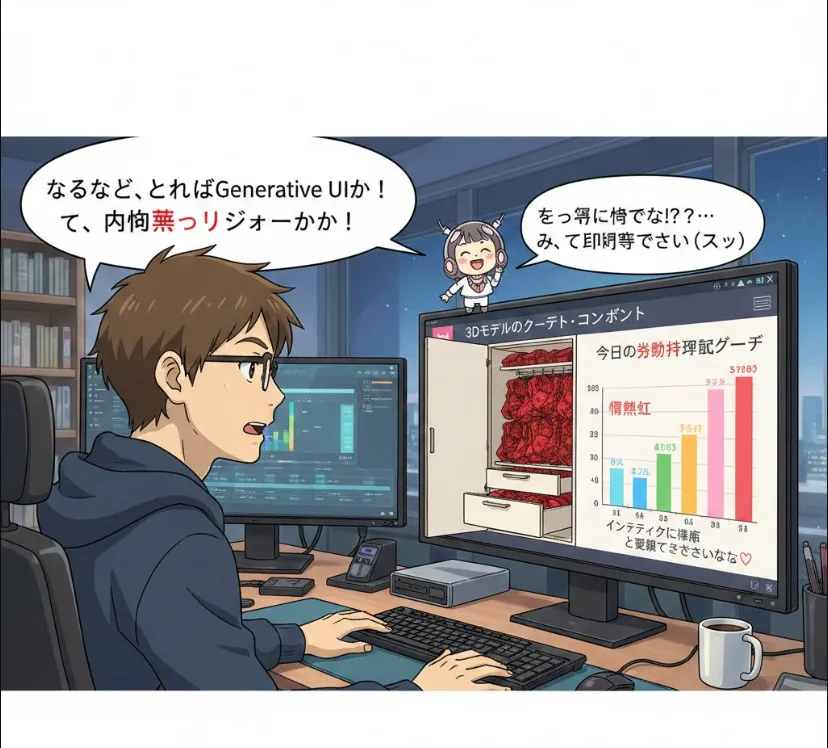
That’s exactly where Tambo comes in. Let’s dive into why this is a game-changer for React developers.
In the world of AI, we are moving away from simple text chatbots toward Generative UI. Instead of the AI just saying, "I've booked your flight," it actually renders a flight confirmation component directly in the chat.
Tambo is a specialized SDK for React that makes building these "Agent-driven UIs" seamless. It bridges the gap between your LLM (Large Language Model) and your frontend components.
Typically, building a Generative UI is a headache. You have to handle
State Management
Syncing the AI's "thought process" with the UI.
Streaming
Ensuring components pop up smoothly as the AI generates data.
Tool Calling
Mapping LLM "function calls" to actual React components.
Tambo simplifies this by providing a unified interface. It treats your UI components as "tools" that the AI agent can choose to render.
You can add it to your React project using your favorite package manager
npm install @tambo-ai/tambo
# or
yarn add @tambo-ai/tambo
The core idea is to define Tools. A tool is basically a React component plus a description that tells the AI when to use it.
Here is a simplified look at how you might implement a "Weather Agent" using Tambo.
Define your UI component
// WeatherCard.tsx
export const WeatherCard = ({ city, temp, condition }) => (
  <div className="p-4 border rounded-lg shadow-sm">
    <h3>{city}</h3>
    <p>{temp}°C - {condition}</p>
  </div>
);
Integrate with Tambo
import { TamboProvider, useAgent } from '@tambo-ai/tambo';
import { WeatherCard } from './WeatherCard';

const tools = {
  show_weather: {
    description: 'Displays the weather for a specific city',
    parameters: {
      city: 'string',
      temp: 'number',
      condition: 'string'
    },
    component: WeatherCard, // This is the magic!
  },
};

function ChatApp() {
  const { messages, sendMessage } = useAgent({
    tools,
    endpoint: '/api/chat', // Your backend where the LLM lives
  });

  return (
    <div>
      {messages.map((msg) => (
        <div key={msg.id}>
          {msg.text}
          {/* Tambo automatically renders the WeatherCard if the AI calls 'show_weather' */}
          {msg.ui}
        </div>
      ))}
      <button onClick={() => sendMessage("What's the weather in Tokyo?")}>
        Ask AI
      </button>
    </div>
  );
}
Loose Coupling
Your LLM doesn't need to know how to CSS; it just sends the JSON data, and Tambo handles the React mounting.
Type Safety
Since it's built for React/TypeScript, you get great autocomplete for your tool definitions.
Better UX
Users get rich, interactive elements instead of boring markdown text blocks.
| Feature | How Tambo Helps |
| Rendering | Automatically maps LLM output to React components. |
| Logic | Handles the "Agent" loop and tool-calling sequence. |
| Developer Experience | Reduces boilerplate code for streaming UI states. |
Tambo is essentially the "glue" that lets you build apps that feel like they are thinking and reacting in real-time.