Stop Fumbling with Your Phone: A Guide to Seamless Android Control via escrcpy
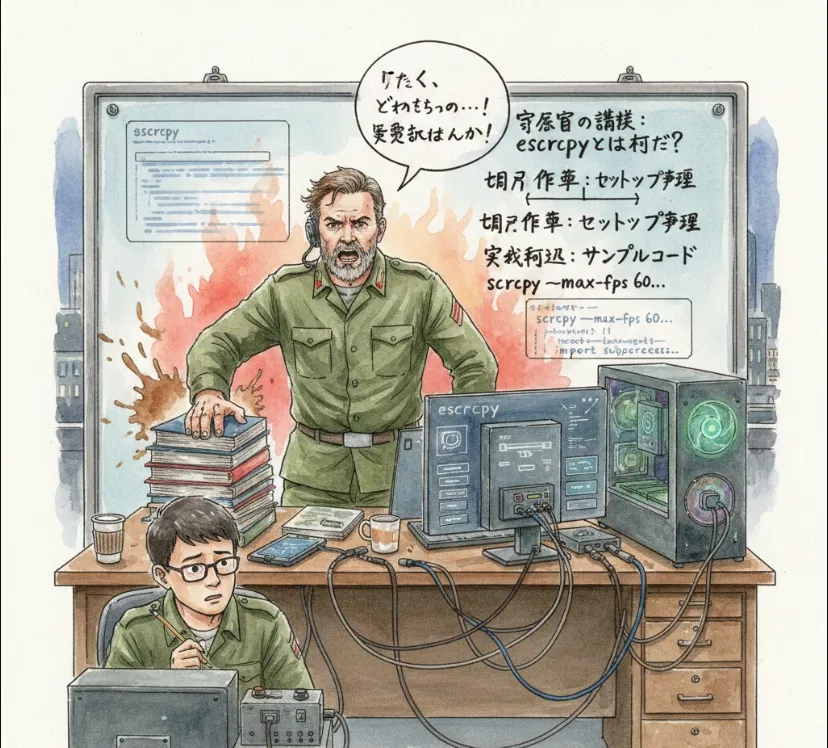
Think of it as a polished, user-friendly graphical wrapper for scrcpy (the legendary command-line tool for mirroring Android devices). If you've ever struggled with tiny phone screens while debugging or hated switching between your mouse and a physical phone, this is for you.
From a dev perspective, here’s why this tool earns its keep
Zero Latency Testing
It uses the lightning-fast scrcpy core, meaning almost no lag. This is vital when testing UI animations or touch responsiveness.
Keyboard & Mouse Integration
You can type on your phone using your mechanical keyboard and navigate with your mouse. No more clumsy thumb-typing while entering long API endpoints or test data.
Easy Screen Recording/Snapshots
Perfect for capturing bugs or creating "how-to" clips for your QA team or stakeholders.
Wireless Support
Once set up via ADB (Android Debug Bridge), you can ditch the USB cable and keep your desk clean.
Since you're on Windows, macOS, or Linux, the process is pretty straightforward.
Go to Settings > About Phone.
Tap Build Number 7 times to unlock Developer Options.
In Developer Options, enable USB Debugging.
The easiest way is to grab the latest installer from the official GitHub releases page.
Windows
Download the .exe.
macOS
Download the .dmg.
Linux
Grab the .AppImage or .deb.
While escrcpy provides a GUI, as an engineer, you’ll likely interact with the underlying ADB layer. Here is how you might verify your connection or launch specific configurations via the terminal
# Ensure your device is recognized
adb devices
Sometimes you want to limit the resolution to save bandwidth on a slow wireless connection. You can pass these through the escrcpy settings
# Example logic: limit resolution to 1024px and bit-rate to 4Mbps
scrcpy --max-size 1024 --bit-rate 4M
| Feature | scrcpy (CLI) | escrcpy (GUI) |
| Ease of Use | Requires terminal knowledge | Point-and-click |
| Configuration | Manual flags/commands | Visual settings menu |
| Device Management | Harder to track multiple devices | Easy list of connected devices |
| Performance | Native/Fast | Native/Fast (Same core) |
It’s a fantastic way to keep your eyes on one screen and stay in the "flow state" during development.