Hands-Free Reading: A Developer's Look at audiblez
As a software engineer, you might find yourself with a growing list of e-books you'd like to read, whether they're technical manuals, research papers, or just for leisure. Audiblez automates the process of converting these into audiobooks. This is super useful because
Hands-Free Learning
You can "read" while commuting, exercising, or doing other tasks. This maximizes your time and helps you absorb information more efficiently.
Accessibility
It can make content more accessible for people with visual impairments or those who prefer auditory learning.
Rapid Prototyping & Customization
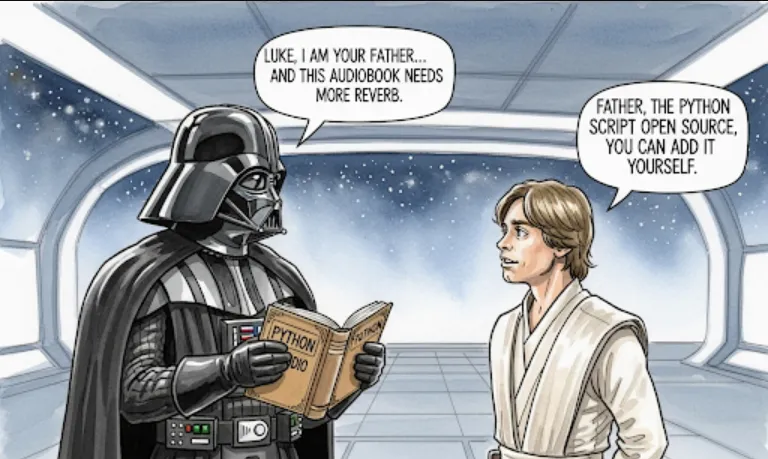
Since it's a Python-based, open-source tool, you can easily integrate it into your own scripts or applications. You could build a custom service that automatically converts newly downloaded e-books into audio format, or modify it to use a different TTS engine.
Getting started with audiblez is straightforward. Here’s a step-by-step guide.
First, you'll need Python 3.x installed on your system. You should also have pip, the Python package installer.
Open your terminal or command prompt and install the package using pip
pip install audiblez
This command downloads and installs all the necessary dependencies.
Make sure your e-book is in the .epub format. Audiblez works best with this standard. If your e-book is in another format like .pdf or .mobi, you might need to convert it first using an online tool or a program like Calibre.
Here’s a simple Python script to convert an e-book into an audiobook.
Create a new file, for example, generate_audiobook.py.
Paste the following code into your file. Remember to replace "your_ebook.epub" with the actual path to your e-book file.
import os
from audiblez import convert_epub_to_audiobook

# Specify the path to your EPUB file
epub_file_path = "path/to/your_ebook.epub"

# Define the output directory for the audiobook files
output_dir = "audiobook_output"

# Create the output directory if it doesn't exist
if not os.path.exists(output_dir):
    os.makedirs(output_dir)

# Convert the e-book to an audiobook
try:
    convert_epub_to_audiobook(
        epub_path=epub_file_path,
        output_dir=output_dir,
        # You can add more options here like specifying a voice or output format
        # tts_engine="pyttsx3",
        # voice_id="your_voice_id",
        # audio_format="mp3"
    )
    print(f" Successfully created audiobook from {epub_file_path} in {output_dir}")
except FileNotFoundError:
    print(f" Error: The file {epub_file_path} was not found.")
except Exception as e:
    print(f" An error occurred: {e}")
Execute the script from your terminal
python generate_audiobook.py
The script will process the .epub file and generate audio files (usually .mp3 or .wav) in the specified output directory. Each chapter of the e-book is often saved as a separate audio file, making it easy to navigate.