Your AI Toolkit: Getting Started with the Microsoft AI-For-Beginners Curriculum
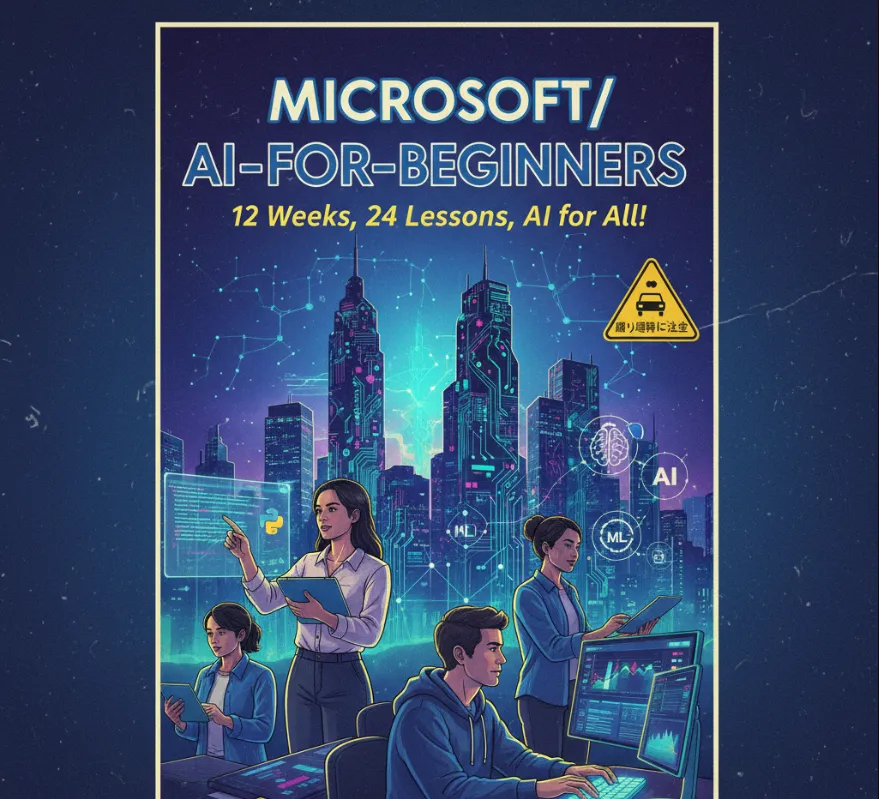
Even if you're not an AI specialist, understanding these concepts is becoming increasingly important. The AI for Beginners curriculum helps you
Bridge the gap between software engineering and AI
It helps you understand the core concepts behind AI models, which is crucial for integrating AI features into your applications. You'll learn how to work with data, train models, and deploy them in a software environment.
Enhance your problem-solving skills
Many real-world problems, from recommendation systems to fraud detection, can be solved more effectively with machine learning. This course provides you with a new set of tools to tackle complex challenges.
Stay relevant in the tech industry
The demand for engineers with AI knowledge is growing. This is a great way to upskill and make yourself more valuable in the job market.
Contribute to AI projects
By understanding the basics, you can collaborate more effectively with data scientists and machine learning engineers on joint projects.
Getting started is straightforward. You don't need any special software beyond a standard development environment. The lessons are self-contained and primarily use Python, which is the go-to language for AI and machine learning.
Clone the repository
The first step is to get a local copy of the course materials. Open your terminal or command prompt and run
git clone https://github.com/microsoft/AI-For-Beginners
Navigate to the directory
cd AI-For-Beginners
Explore the lessons
The lessons folder contains all the course content. Each lesson has its own folder with a README.md file that explains the concepts and provides links to the code notebooks. The notebooks, usually in .ipynb format, contain the actual Python code you'll run.
Set up your environment
It's highly recommended to use a virtual environment to manage dependencies. From the main directory, you can create a new one
python -m venv .venv
Then, activate it and install the required libraries
# On Windows
.venv\Scripts\activate
# On macOS/Linux
source .venv/bin/activate

# Install the libraries for a specific lesson
pip install -r lesson-folder/requirements.txt
Let's look at a quick example from the course, like Lesson 17
Text Generation and Transformers. This lesson introduces you to how a model can generate new text. This is super useful for building things like chatbots or content generators.
# This is a conceptual example based on the course materials.
# The actual code in the repository is more detailed.

# First, install the necessary libraries like Hugging Face's transformers
# pip install transformers

from transformers import pipeline

# Use a pre-trained model for text generation
# This saves you from having to train a model from scratch.
# The 'pipeline' function handles all the complexities.
generator = pipeline("text-generation", model="gpt2")

# Let the model generate some text
# The 'max_length' parameter controls how long the output text should be.
prompt = "The future of AI in software development is"
generated_text = generator(prompt, max_length=50, num_return_sequences=1)

# Print the generated text
print(generated_text[0]['generated_text'])

# Expected output (this will vary):
# 'The future of AI in software development is not a matter of whether a computer can think like a human, but a question of how AI can improve the quality of human life and social interactions.'