Building Better with HUD: Enhancing Developer Experience in TypeScript AI Tooling

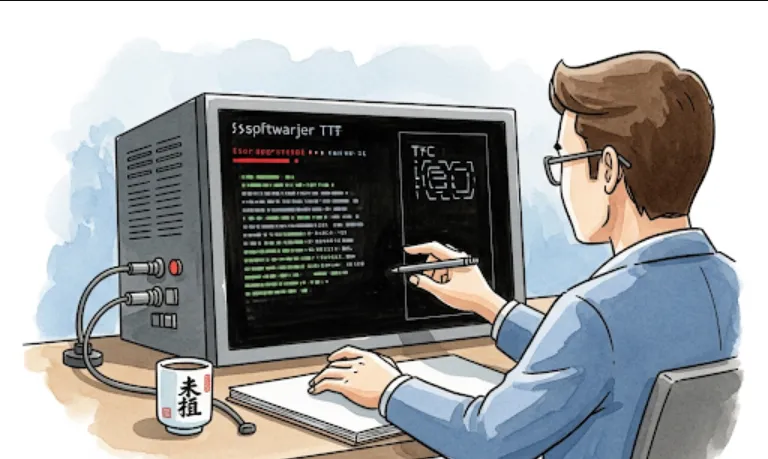
That’s exactly where claude-hud comes in. Think of it as a "Head-Up Display" for your terminal-based AI operations.
When we work with tools like Claude Code, we're essentially managing a remote "junior developer" via the terminal. Here is why this plugin is useful
Observability
Instead of staring at a blinking cursor, you get a real-time view of active tools (like filesystem searches or shell executions).
Cost & Context Management
It visually tracks context usage. This is huge for preventing "context bloat" where the model starts losing its mind because the history is too long.
Progress Tracking
If you give a complex prompt, it breaks down the todo progress, so you know exactly which stage of the task the agent is tackling.
Since this is a CLI-based plugin written in TypeScript, the setup is straightforward. You'll want to ensure you have the Claude Code CLI installed first.
You can usually add these types of utilities via npm or by cloning the repository if you're looking to customize it
npm install -g @jarrodwatts/claude-hud
Once installed, you typically wrap or pipe your Claude sessions through the HUD to get the visual overlay. For example
claude-hud "Refactor my C++23 header files to use modules"
If you are building your own tools or want to see how the logic works under the hood, here is a simplified conceptual example of how a HUD tracks an "agent" process in TypeScript
import { HUD } from 'claude-hud';

// Initialize the display
const hud = new HUD();

async function runDevAgent() {
  hud.start();

  // For example: Track a file search task
  hud.updateTask('Searching for memory leaks in QML files...', 'active');

  try {
    // Simulate a tool call
    const contextUsed = 4096;
    hud.updateContext(contextUsed); // Real-time context tracking

    // Logic for running the agent goes here...

    hud.completeTask('Search finished!');
  } catch (error) {
    hud.failTask('Process crashed.');
  } finally {
    hud.stop();
  }
}

runDevAgent();
For someone working on high-performance C++ libraries or complex Qt projects, this is incredibly helpful for debugging the AI's logic. If you see the HUD showing that Claude is repeatedly calling the same "read_file" tool, you’ll know immediately that it’s stuck in a loop before it wastes your entire API budget.