De-Googling Android Development: Technical Lessons from the NewPipe Project
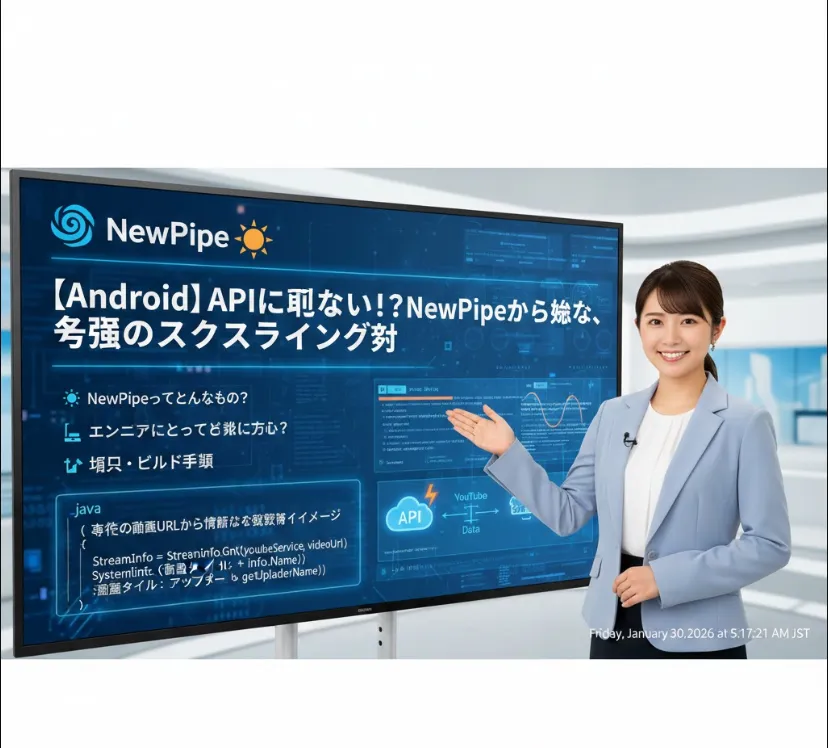
Here’s a breakdown of why this project is a gem for software engineers and how you can get involved with its ecosystem.
From a technical perspective, NewPipe isn't just a YouTube client; it's a masterclass in Web Scraping and Reverse Engineering.
Extraction over APIs
Instead of using the official (and restrictive) YouTube Data API, NewPipe uses its own library, NewPipeExtractor. This allows it to fetch data without requiring a Google API key, which is brilliant for privacy and avoiding rate limits.
Modular Architecture
The project is split between the Android UI and the Java-based extraction engine. This means you can use the "brain" of NewPipe in other Java/Kotlin projects without the Android overhead.
Resource Efficiency
It’s famous for being "libre and lightweight." It avoids Google Play Services entirely, making it the go-to example for building apps for "de-Googled" Android ROMs (like LineageOS).
If you want to use NewPipe’s extraction capabilities in your own project, you don't necessarily need to fork the whole app. You can use their Extractor library.
You'll need to include the Extractor in your build.gradle (or build.gradle.kts)
dependencies {
    implementation 'com.github.TeamNewPipe:NewPipeExtractor:latest_version'
}
Here is a simplified example of how you might fetch video information using their logic
import org.schabi.newpipe.extractor.NewPipe
import org.schabi.newpipe.extractor.ServiceList
import org.schabi.newpipe.extractor.services.youtube.linkHandler.YoutubeVideoLinkHandlerFactory

fun fetchVideoDetails(videoUrl: String) {
    // 1. Initialize the Extractor (Required once)
    NewPipe.init(YouTubeDownloader.getInstance())

    // 2. Get the specific service (YouTube, SoundCloud, etc.)
    val service = ServiceList.YouTube

    // 3. Get the Stream Extractor for a specific URL
    val linkHandler = service.linkHandlerFactory.fromUrl(videoUrl)
    val extractor = service.getStreamExtractor(linkHandler)

    // 4. Fetch the data!
    extractor.fetchPage()

    println("Video Title: ${extractor.name}")
    println("Uploader: ${extractor.uploaderName}")
}
If you want to contribute or build your own version
Clone the Repo
git clone https://github.com/TeamNewPipe/NewPipe.git
Open in Android Studio
Give it a moment to sync Gradle—it’s a large project with many modules.
Check the extractor submodule
This is where the magic happens. If a website changes its layout, this is where the regex and HTML parsing logic get updated.
app/src/main
Contains the UI logic (Moxy/MVP architecture).
Extractor
The core logic for scraping. If you’re interested in how to parse complex JSON from a web response, look here.
NewPipe is a fantastic example of how to build "against the grain" of big-tech ecosystems while maintaining a top-tier user experience. It’s a bit like a Swiss Army knife for streaming data!