PDFPatcher Explained: Automated PDF Manipulation for Programmers
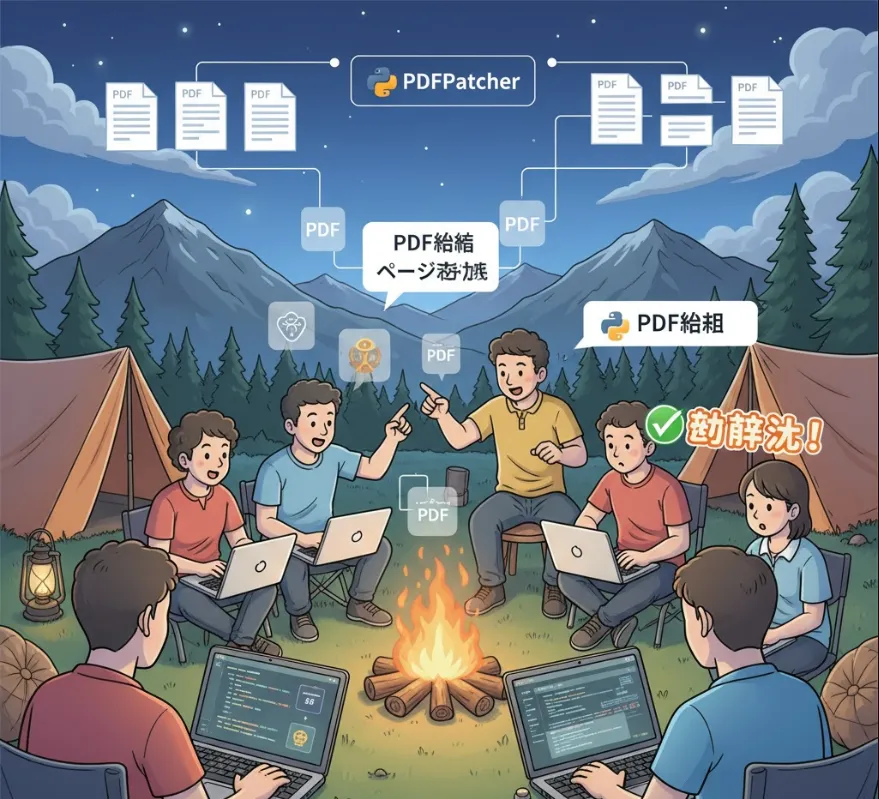
PDFPatcher, or PDF Bu Ding Ding as it's known, is essentially a versatile PDF toolbox. For a software engineer, this can be incredibly useful in several scenarios, especially when dealing with documentation, report generation, or content extraction.
| Feature | Software Engineering Use Case |
| Editing Bookmarks | Perfect for organizing technical documentation (like API specs or architecture diagrams) so that users or other team members can easily navigate large PDF manuals. |
| Cropping/Rotating Pages | Useful for cleaning up scans of legacy documents or adjusting PDF reports/charts before integrating them into a larger deliverable or repository. |
| Removing Restrictions | Can be necessary for internal processing of documents that have security settings preventing extraction or merging, assuming you have the right to do so (e.g., automated testing, internal archival). |
| Extracting or Merging Documents | Crucial for report generation (e.g., combining log files, test results, and summary documents into a single PDF) or modularizing documentation (splitting a huge manual into smaller, manageable files). |
| Exploring Document Structure | This is key for debugging PDF generation logic in your own applications or for reverse-engineering how a specific PDF is structured, which is important when building an automated parser. |
| Extracting Images/Converting to Images | Very helpful for asset extraction (e.g., pulling diagrams or screenshots from a PDF for use on a website or in another application) or for archiving/viewing a PDF page-by-page as a series of images. |
In short, it helps automate and simplify the tasks of document processing, manipulation, and quality assurance that often pop up around software projects.
PDFPatcher is typically a standalone, GUI-based application primarily developed for Windows. Since it's a desktop utility, integrating it directly into your codebase as a library (like a Python pip install) isn't the usual approach.
Instead, a software engineer would typically use it in one of two ways
Manual Utility
Use the application directly to prepare or process documents before or after they interact with your software (e.g., cleaning up an input PDF for a user).
Automated via Command Line (CLI)
While the main tool is GUI, many developers leverage the fact that many underlying PDF manipulation tools can be executed via the Command Line Interface (CLI) for automation within scripts or CI/CD pipelines. Note: PDFPatcher itself might not have a full CLI, but similar tools often do, which you can use for inspiration.
Visit the Repository/Source
You'd go to the official source (often GitHub or a similar platform where wmjordan/PDFPatcher is hosted) to find the latest stable release.
Download the Executable
Look for the compiled executable file (likely a .exe for Windows).
Run the App
Simply double-click to launch the GUI and start manipulating your PDFs.
Since PDFPatcher is primarily a GUI tool, I can't provide a direct "import and use" Python or Java snippet. However, I can show you how you would conceptualize automating a similar PDF task in a scripting language like Python, which is what you'd do in a professional environment to replace or complement a manual GUI process.
This example uses the popular PyPDF2 library for Python, demonstrating how you'd programmatically merge two documents—a task PDFPatcher can do manually.
Let's say you have a report_summary.pdf and a test_results.pdf that need to be merged into a final deliverable.
# First, you would need to install the library: pip install PyPDF2
from PyPDF2 import PdfMerger

def merge_pdfs(files_to_merge, output_filename):
    """
    Merges a list of PDF files into a single output PDF.
    """
    merger = PdfMerger()

    for pdf in files_to_merge:
        print(f"Adding {pdf}...")
        merger.append(pdf)

    # Write the merged PDF to the output file
    merger.write(output_filename)
    merger.close()
    print(f"\nSuccessfully created {output_filename}")

if __name__ == "__main__":
    input_files = [
        "report_summary.pdf",
        "test_results.pdf"
    ]

    # In a real project, ensure these files exist or handle the error!

    final_output = "final_project_report.pdf"

    merge_pdfs(input_files, final_output)
What this shows you
This Python script performs the "Extracting or Merging Documents" function programmatically. For a software engineer, this script is often preferred over a manual GUI tool because it can be
Integrated directly into a build script (like a Makefile or a CI/CD job).
Version Controlled (the logic for merging is trackable).
Run Headless (without needing a desktop interface).