A Developer's Quickstart Guide to GitHub: From Commits to Pull Requests
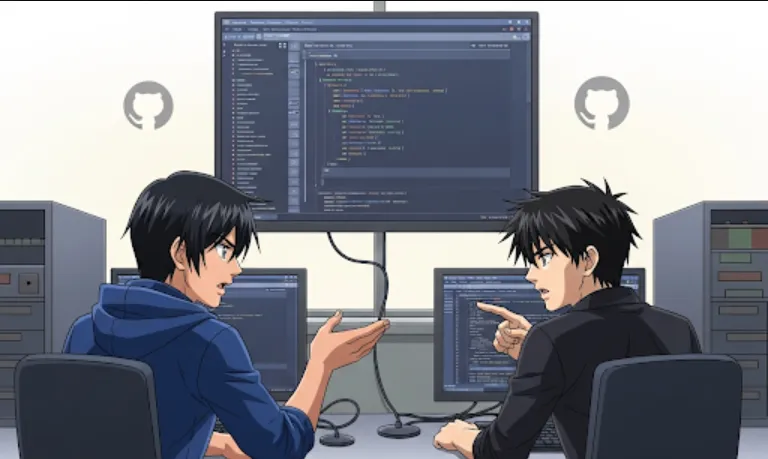
Think of GitHub as the central hub for collaboration on code. Even if you're a solo developer, mastering GitHub is essential. Here's why this course's topics—Git, commits, and pull requests—are so important
Version Control (Git)
At its core, Git is a version control system. It's a way to track every single change you make to your code. If you mess up, you can easily go back to a previous, working version. This saves a massive amount of time and headaches. This course will likely teach you the fundamentals, such as git add, git commit, git status, and git push, which are the daily bread and butter of any developer.
Commits
A commit is like a snapshot of your code at a specific moment in time. When you commit, you're saving a specific set of changes with a descriptive message. Good commit messages are a form of documentation; they tell your teammates (and your future self!) exactly what you changed and why. The course will help you understand how to make meaningful commits that tell a clear story.
Pull Requests (PRs)
This is where collaboration truly shines. A pull request is a formal request to merge your changes from a branch into the main codebase. It's an opportunity for your teammates to review your code, suggest improvements, and catch bugs before they are introduced into the main project. Understanding how to create, review, and merge pull requests is a critical skill for working on any team.
The course's goal of getting you up to speed in under an hour is fantastic. Here's a typical workflow that you'll likely learn
Clone the Repository
First, you need to get a copy of the project onto your local machine.
git clone https://github.com/your-username/your-project.git
Create a New Branch
You should never work directly on the main branch. Instead, create a new branch for your specific task. This keeps the main branch stable and ensures your changes are isolated.
git checkout -b new-feature-branch
Make Your Changes
Now, write your code! Let's say you add a new file.
Add and Commit Your Changes
Once you're done, you'll stage your changes and create a commit.
git add .
git commit -m "feat: add user authentication feature"
(Note
feat is a common convention for new features, but this can vary.)
Push Your Changes
Send your new branch and commits up to GitHub.
git push origin new-feature-branch
Create a Pull Request
Go to the GitHub website. It will likely prompt you to create a pull request from your new branch to the main branch. You'll add a title and description explaining what you did and why.
Code Review and Merge
Your teammates can now review your PR. Once they approve, you can merge your changes into the main codebase.
Let's imagine you're working on a web application and find a bug where the "Contact Us" form isn't working correctly. Here’s how you'd use the skills from this course
Find the bug
You've identified the issue in contact.js.
Create a branch
git checkout -b fix-contact-form-bug
Fix the code
You edit contact.js to correct the form validation logic.
Commit the fix
git add contact.js
git commit -m "fix: resolve contact form validation bug"
Push the branch
git push origin fix-contact-form-bug
Open a PR
Go to GitHub and open a pull request. In the description, you'd say something like, "Fixes a bug where the contact form was not submitting due to incorrect validation logic. Previously, it was checking for an email format that was too strict."
Merge
A teammate reviews your fix, sees it's good, and merges it. The bug is now fixed on the main branch.
This course is your first step to becoming a productive member of a development team. Once you're comfortable with these three concepts, you'll be well on your way!