From Hallucinations to High-Quality Code: The Git-mcp Approach
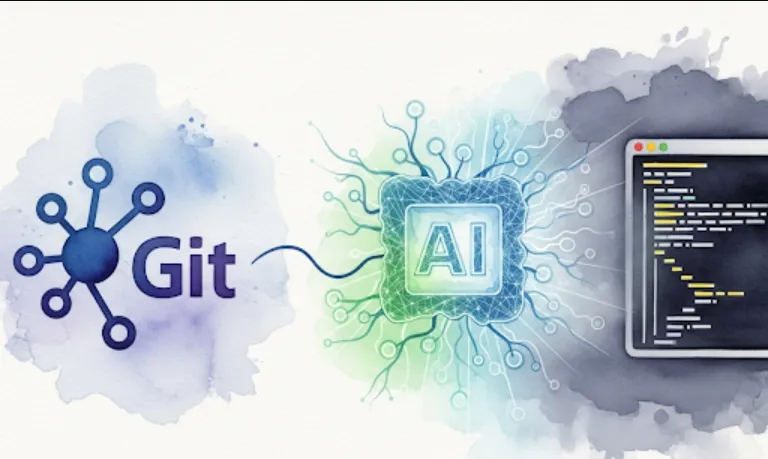
Git-mcp can benefit software engineers in several ways
Higher Quality AI-Generated Code
By using the project's actual code as context, the AI can generate code that is more consistent with the existing codebase. This reduces the likelihood of "hallucinations," which are plausible but incorrect outputs from the AI.
Smarter Code Suggestions
The AI can provide more intelligent suggestions for new code, refactoring, or bug fixes because it understands the project's specific nuances.
Faster Onboarding
New developers can use this tool to quickly get up to speed with a project's codebase, as the AI can explain existing code and suggest appropriate patterns for new contributions.
Improved Code Reviews
The AI can act as a "smart assistant" during code reviews, identifying potential inconsistencies or bugs that might be missed by human reviewers.
Getting started with Git-mcp involves setting up the server and then configuring a client to interact with it. Here's a simplified breakdown
The Git-mcp server needs to be deployed somewhere, like a cloud provider (e.g., AWS, GCP, Azure) or a private server. You can install it using pip and run it from the command line.
Installation
pip install mcp_server
Running the Server
mcp_server run --host 0.0.0.0 --port 8000
This command starts the server, which will listen for requests on port 8000.
The server needs access to your GitHub project to use its code as context. You'll need to configure it with a GitHub personal access token and the project's repository URL.
mcp_server connect --repo "https://github.com/your-username/your-project.git" --token "your_github_token"
This command links your project to the running Git-mcp server.
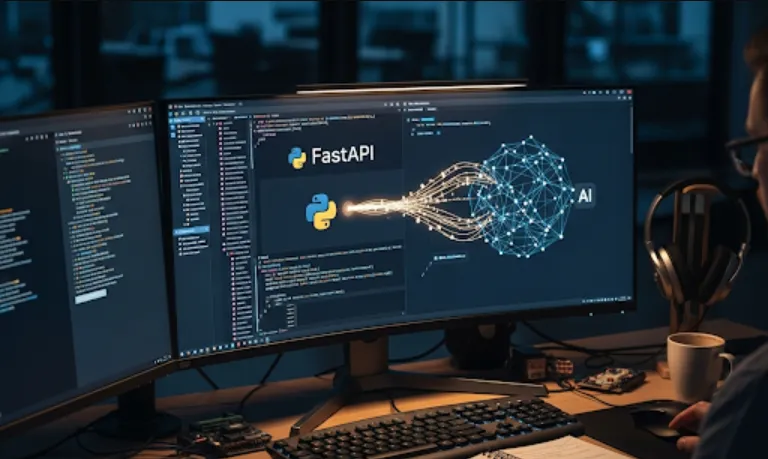
Once the server is running and connected, you can use a client to send requests to it. This can be done through a simple Python script or by integrating it with your favorite IDE.
Here's an example of how a client might interact with the Git-mcp server. This Python code snippet sends a request to the server to generate a function based on a prompt, using the project's context.
import requests
import json

# Your prompt for the AI
prompt = "create a function that calculates the factorial of a number"

# The URL of your Git-mcp server
server_url = "http://your-server-ip:8000/generate"

# The data to send to the server
data = {
    "prompt": prompt
}

try:
    # Send the request to the Git-mcp server
    response = requests.post(server_url, json=data)
    response.raise_for_status() # Raise an exception for bad status codes

    # Parse the JSON response
    result = response.json()
    generated_code = result.get("generated_code", "No code was generated.")

    print("AI-Generated Code:")
    print("------------------")
    print(generated_code)

except requests.exceptions.RequestException as e:
    print(f"An error occurred: {e}")