From Signals to Surfaces: Leveraging RuView for WiFi-Based DensePose Mesh Generation
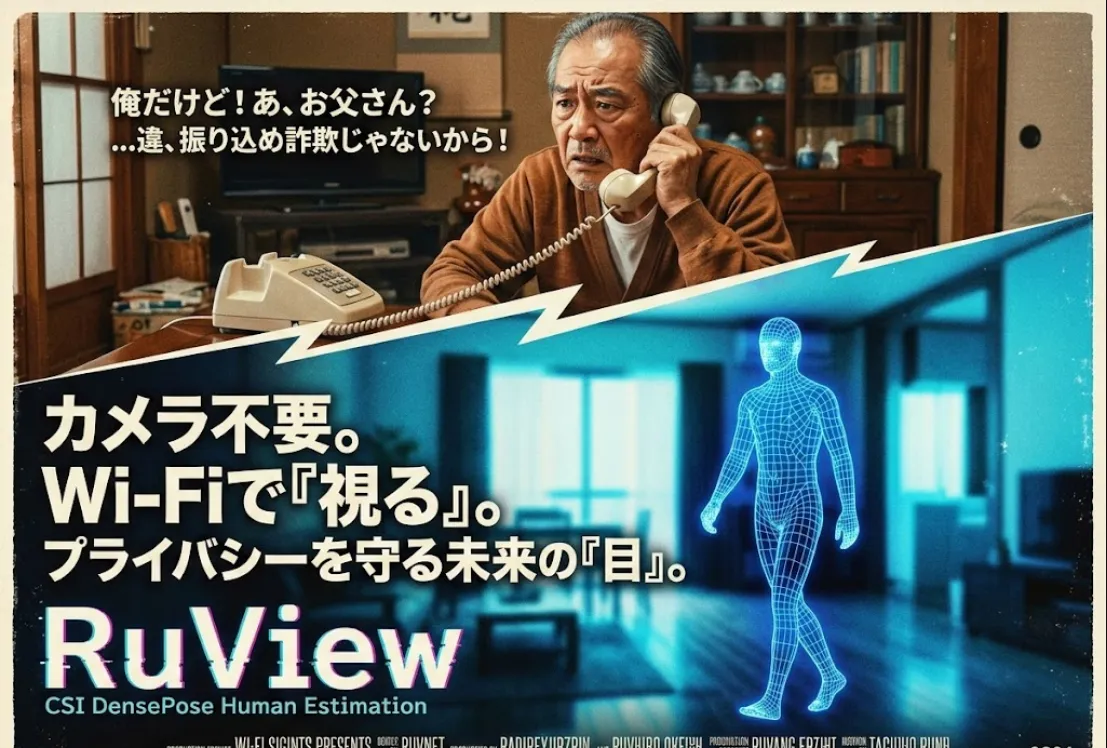
Here is a breakdown of RuView (based on the ruvnet/RuView project) and why it’s a game-changer.
In short
It sees you without looking at you. RuView leverages WiFi CSI (Channel State Information). Think of WiFi signals like an invisible mist filling a room. When a human moves through that mist, they create "shadows" and reflections. RuView uses a DensePose-ControlNet architecture to translate those messy radio disturbances into a high-fidelity 2D or 3D human mesh.
Privacy-First
You can monitor a bedroom or a hospital ward without capturing any visual identity. No "images" ever exist.
Low Cost
It uses commodity WiFi hardware (like an ESP32 or a standard router) rather than expensive LiDAR or thermal cameras.
Through-Wall
WiFi passes through walls, meaning you can detect presence or posture in the next room.
CSI Acquisition
The WiFi chip captures the phase and amplitude of signals.
Signal Pre-processing
Noise is filtered out (static objects like furniture are ignored).
Feature Mapping
The signal is fed into a neural network trained to associate WiFi patterns with human coordinates.
DensePose Generation
The final layer uses ControlNet to "hallucinate" the human form onto a frame, mapping pixels to the 3D surface of the human body.
To integrate this into your stack, you generally need a WiFi source capable of injecting/collecting CSI and a machine with a decent GPU to run the inference.
Hardware
An Intel 5300 NIC or an ESP32-S3 (for CSI collection).
Environment
Python 3.9+, PyTorch, and OpenCV.
# Clone the logic
git clone https://github.com/ruvnet/RuView.git
cd RuView

# Install dependencies
pip install torch torchvision torchaudio --index-url https://download.pytorch.org/whl/cu118
pip install -r requirements.txt
While the actual model involves complex tensors, here is how you would conceptually handle the stream
import torch
from ruview import RuViewPredictor

# Load the pre-trained DensePose-WiFi model
model = RuViewPredictor.load_from_checkpoint("ruview_densepose_v1.pth")
model.eval()

def process_wifi_stream(csi_data):
    # Convert raw WiFi CSI into a normalized tensor
    # shape: (Batch, Channels, Subcarriers, Time)
    input_tensor = preprocess_csi(csi_data)

    with torch.no_grad():
        # Predict the 2D DensePose mesh
        prediction = model(input_tensor)

    return prediction

# Example: Run on your WiFi stream
# for csi_frame in wifi_adapter.stream():
#    pose = process_wifi_stream(csi_frame)
#    render_pose(pose)
Health Tech
Detecting if an elderly person has fallen in a bathroom without installing cameras.
Smart Homes
Adjusting HVAC or lighting based on exactly where people are sitting and their orientation.
Vital Signs
RuView can often pick up the micro-movements of a chest cavity to monitor breathing rates remotely.
It’s not all magic! As an engineer, you should be aware of
Multipath Interference
If you move the furniture, the "map" of the room changes, which can confuse the model.
Latency
Processing CSI into a full DensePose mesh in real-time requires a solid GPU (like an RTX 3060 or better).