Onyx: Build AI Chatbots with RAG and Python
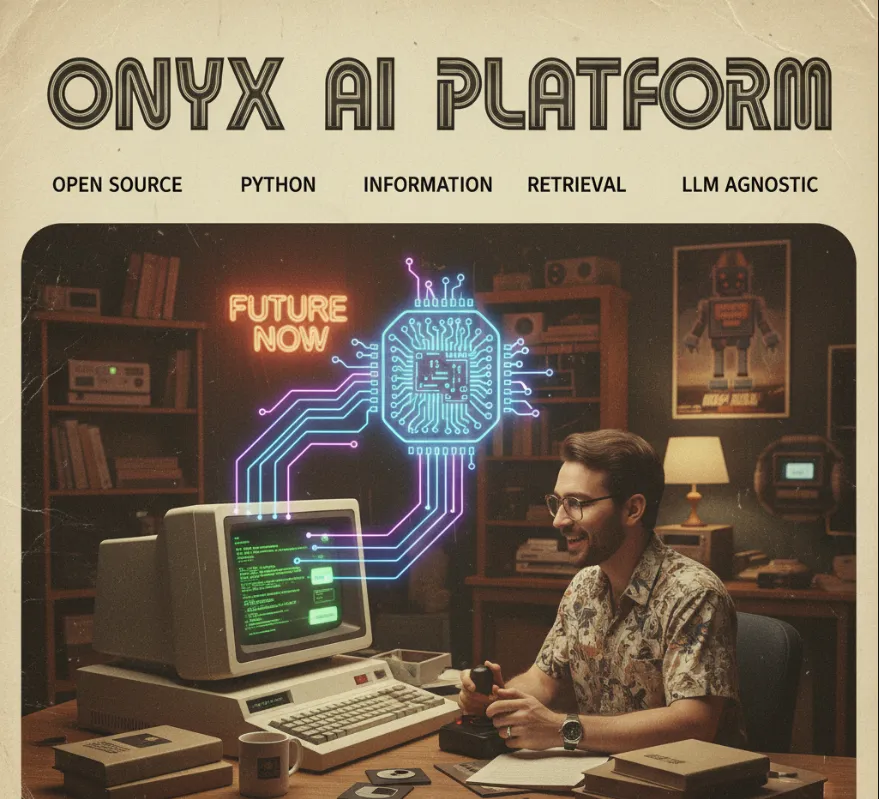
Onyx is an open-source AI platform that allows you to build AI chat applications with advanced features. From a software engineer's perspective, it's a valuable tool because it provides a pre-built, flexible foundation for integrating AI chatbots into your projects. Instead of building a complex chat interface, data processing pipelines, and LLM integrations from scratch, you can leverage Onyx to handle these tasks for you. It's a versatile solution, not tied to a specific LLM, which means you can use it with various models from different providers like OpenAI, Anthropic, or even open-source models like Llama.
Rapid Prototyping and Development
Onyx significantly speeds up the development cycle for AI-powered applications. You don't have to spend time on the boilerplate code for a chat interface, context management, or handling streaming responses from LLMs. This lets you focus on the unique business logic of your application.
Flexibility and Interoperability
Its model-agnostic nature is a huge plus. If your team decides to switch from one LLM provider to another for cost or performance reasons, Onyx won't lock you in. You can simply change the LLM configuration without a major refactor of your codebase.
Advanced Features Out-of-the-Box
It comes with powerful features that are often complex to implement manually, such as a knowledge base for information retrieval and function calling. The knowledge base feature is particularly useful for building chatbots that can answer questions based on your specific documents or data.
Open Source and Customizable
As an open-source project, you have full control. You can inspect the code, modify it to fit your exact needs, or even contribute to the project. This is a huge benefit for projects that require a high degree of customization or security auditing.
To get started with Onyx, you'll need to use pip to install the package. It's a straightforward process.
Installation
First, make sure you have Python and pip installed. Then, open your terminal or command prompt and run the following command.
pip install onyx-dot-app
You might also want to install some dependencies for specific LLMs, such as openai for OpenAI models.
pip install openai
Basic Usage - A Simple Chat Application
The core of Onyx revolves around a simple, intuitive API. Here's a basic example of how you can create a chat application that interacts with an LLM.
import os
from onyx_dot_app import Onyx

# Set your API key for the LLM provider
# It's best practice to use environment variables for API keys
os.environ['OPENAI_API_KEY'] = 'YOUR_API_KEY'

# Initialize the Onyx application
app = Onyx()

# Define a simple chat route
@app.chat_route()
def my_chat(request):
    # The 'request' object contains the user's message
    user_message = request.messages[-1].content

    # Use Onyx to get a response from the LLM
    # This uses the default configured LLM (e.g., GPT-4)
    response = app.llm.chat_completion(messages=request.messages)

    # Send the LLM's response back to the user
    yield response

# You would then run this application, often with a web server like uvicorn
# Example: uvicorn your_file_name:app
One of Onyx's most powerful features is its ability to integrate a knowledge base, which allows your chatbot to answer questions based on your own documents. This is perfect for building a customer support bot or a bot that answers questions about your company's internal wiki.
Prepare your Knowledge Base
You can add documents to your knowledge base. Onyx supports various formats. The documents are processed and indexed for efficient retrieval.
from onyx_dot_app import Onyx

app = Onyx()

# Add a document to the knowledge base
# This could be a file path, a URL, or raw text
app.knowledge_base.add_document(
    title="Onyx-dot-app Guide",
    content="Onyx is a powerful open-source AI platform for building AI chat applications. It supports multiple LLMs and advanced features like function calling and a knowledge base."
)

# You can also load documents from a file
# app.knowledge_base.load_documents_from_directory("./docs")
Use the Knowledge Base in a Chat Route
When you configure your chat route, you can tell Onyx to use the knowledge base. The platform will automatically perform a search on your documents and inject the relevant information into the LLM's context, ensuring it has the right information to answer the user's question.
from onyx_dot_app import Onyx

app = Onyx()

# Let's assume you've already added your documents here
# ...

@app.chat_route()
def my_knowledge_bot(request):
    # Configure the route to use the knowledge base
    yield app.llm.chat_completion(
        messages=request.messages,
        tools=[
            app.knowledge_base.as_tool()
        ]
    )