The Ultimate AI Navigation Map: Tools, Frameworks, and Prompt Engineering for Engineers
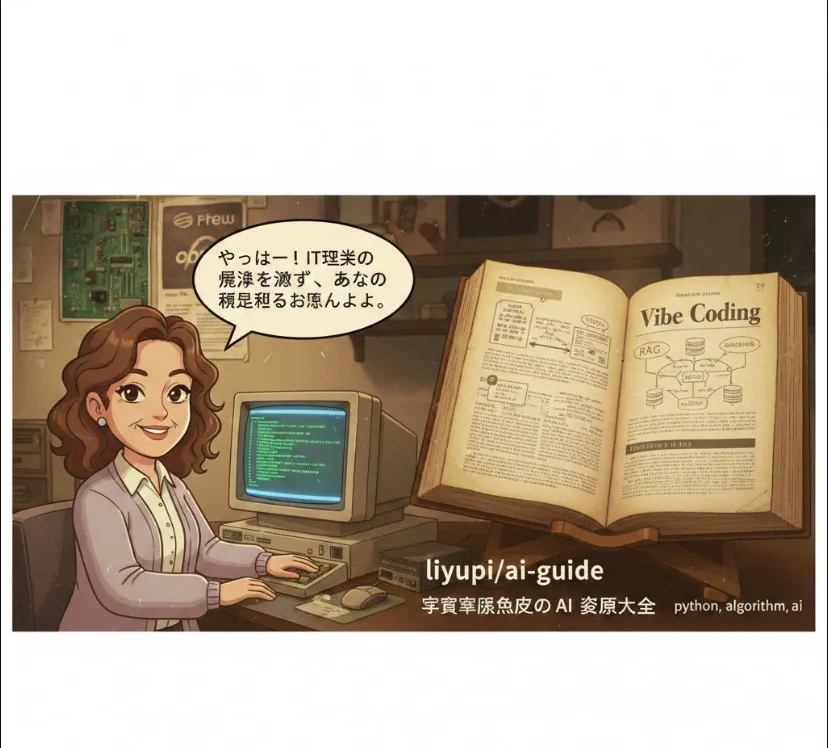
Here is a friendly guide on why this is a game-changer for engineers and how you can get started.
In the past, our value was often measured by how well we knew syntax or specific APIs. Today, that’s changing. This guide focuses on Vibe Coding—a workflow where you provide the "intent" (the vibe) and AI handles the "implementation" (the code).
Rapid Prototyping
Instead of spending hours setting up boilerplate, you can describe a feature in natural language and have a working demo in minutes.
Knowledge Consolidation
It covers complex topics like RAG (Retrieval-Augmented Generation) and MCP (Model Context Protocol), which are becoming standard in modern AI app architecture.
Tool Discovery
It introduces elite tools like Cursor and Trae that go beyond simple autocompletion by understanding your entire codebase.
The repository is structured as an open-source documentation hub. You can use it in three main ways
Selection Guide
Use it to decide which model to use (e.g., DeepSeek for cost-efficiency, Claude for complex reasoning).
Prompt Library
Copy-paste high-quality prompts to improve the code quality you get from AI.
Vibe Coding Roadmap
Follow the "Zero to One" tutorial to move from writing code manually to "orchestrating" AI.
Instead of writing a Python script from scratch, a modern engineer uses a "Vibe" approach. Here’s how you might interact with an AI tool (like Cursor) based on the principles in this guide
"Create a Python FastAPI service that takes a URL, scrapes the main text using BeautifulSoup, and returns a summary using the OpenAI API."
The AI "feels the vibe" and generates the following structure automatically
from fastapi import FastAPI
import requests
from bs4 import BeautifulSoup
from openai import OpenAI

app = FastAPI()
client = OpenAI(api_key="YOUR_API_KEY")

@app.get("/summarize")
def summarize_site(url: str):
    # 1. Scraping 'vibe'
    response = requests.get(url)
    soup = BeautifulSoup(response.text, 'html.parser')
    text = soup.get_text()[:2000] # Simple truncation

    # 2. AI Summarization 'vibe'
    completion = client.chat.completions.create(
        model="gpt-4o",
        messages=[{"role": "user", "content": f"Summarize this: {text}"}]
    )

    return {"summary": completion.choices[0].message.content}
You don't fix bugs manually. You say
"The scraping is failing on JavaScript-heavy sites. Update it to use Playwright." The AI then rewrites the block for you.
To dive in, simply visit the GitHub repository or the navigation site
Go to GitHub
Search for liyupi/ai-guide.
Star the Repo
This keeps you updated as the "latest AI news" section is frequently refreshed.
Check the Wiki/Docs
Start with the "Vibe Coding Zero-Based Tutorial" if you want to change how you build software daily.
Vibe Coding Full Tutorial with Cursor This video is a practical demonstration of how to "speak" your code into existence using tools mentioned in the guide, like Cursor and various LLMs.