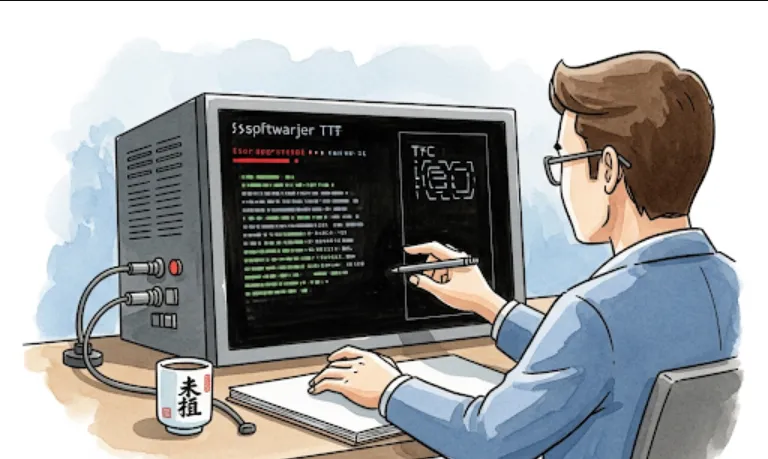
Beyond Trello: Why Engineers Should Consider Focalboard
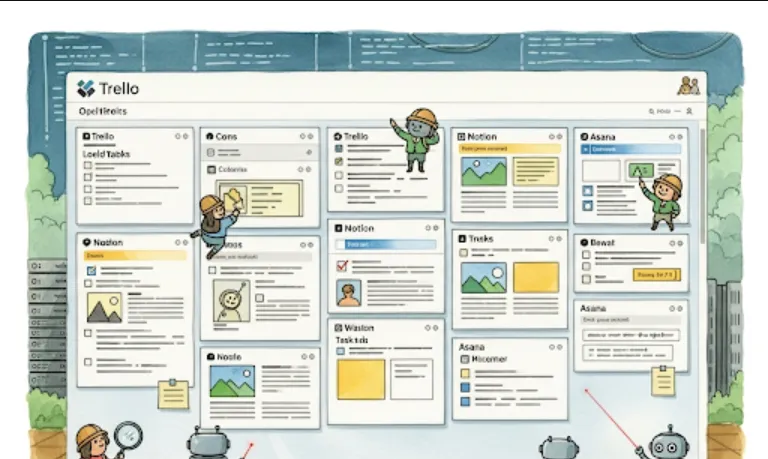
mattermost-community/focalboard
From a software engineer's perspective, Focalboard can be incredibly useful for several reasons
Project and Task Management
Just like Trello, you can create boards to manage your sprints, features, bug tracking, and individual tasks. This helps keep everyone on the same page and provides a clear overview of progress.
Self-Hosted Control
This is a big one for engineers, especially those working with sensitive data or in environments with strict compliance requirements. Hosting Focalboard yourself gives you complete control over your data, security, and infrastructure. You're not reliant on a third-party service provider.
Integration Possibilities
Being open-source, Focalboard offers a lot of flexibility for integration. You could potentially build custom integrations with your existing CI/CD pipelines, version control systems (like Git), or monitoring tools to automate task updates or create cards based on specific events.
Customization
If the default features don't quite fit your workflow, you have the option to fork the repository and customize it to your team's specific needs. This level of flexibility is rarely found in proprietary solutions.
Local Development Tracking
For individual engineers, it's a great way to keep track of personal projects, learn new technologies, or manage a backlog of ideas without needing an internet connection or relying on external services.
Transparency and Collaboration
It provides a central place for your team to collaborate, share updates, and visualize project status, fostering better transparency within the development cycle.
Getting Focalboard up and running is pretty straightforward. There are a few main ways to deploy it.
Docker is probably the easiest way to get Focalboard running quickly, especially for testing or a small team.
# Pull the Focalboard Docker image
docker pull mattermost/focalboard

# Run the Focalboard container
# This command maps port 8000 on your host to port 8000 in the container.
# It also creates a named volume 'focalboard-data' to persist your data.
docker run --name focalboard -p 8000:8000 -v focalboard-data:/opt/focalboard/data mattermost/focalboard
Once the container is running, you can open your web browser and go to http://localhost:8000.
If you want more control over the installation or plan to contribute to the project, you might prefer a manual setup.
Prerequisites
Go (version 1.15 or later recommended)
Node.js and npm (for the frontend if you plan to build from source)
Steps
Clone the repository
git clone https://github.com/mattermost/focalboard.git
cd focalboard
Build the backend
cd server
go build -o focalboard-server
Build the frontend (if needed)
cd ../webapp
npm install
npm run build
Run the server
cd ../server
./focalboard-server
By default, it will run on http://localhost:8000.
While Focalboard isn't something you directly write "code" for in the typical sense (it's an application, not a library), you can think about how you'd use its features to organize your software engineering workflow.
Imagine a board with columns like
Backlog
New features, bug reports, and enhancements.
To Do (Current Sprint)
Tasks for the current sprint.
In Progress
Tasks currently being worked on by engineers.
Code Review
Tasks awaiting code review.
Testing
Tasks being tested by QA.
Done
Completed tasks.
Conceptual "Card" Example
Title
Implement User Authentication
Description
Add user registration endpoint.
Implement JWT token generation.
Integrate with existing database.
Assignee
Your Name
Tags
frontend, backend, security
Due Date
YYYY-MM-DD
Checklist
[ ] Create User model
[ ] Develop registration API
[ ] Implement login API
[ ] Write unit tests for authentication
Columns could include
New Bugs
Newly reported issues.
Triaged
Bugs that have been reviewed and prioritized.
Assigned
Bugs assigned to an engineer.
Fixing
Bugs currently being fixed.
Ready for QA
Bugs that are fixed and ready for testing.
Closed
Verified and closed bugs.
Conceptual "Card" Example (Bug)
Title
Login button unresponsive on mobile
Description
User reports login button does not respond on iOS Safari.
Observed on iPhone 13, iOS 17.5.
Reproducible steps
...
Assignee
Another Engineer
Tags
bug, frontend, mobile, P1 (Priority 1)
Attachments
Screenshot of the issue
You could have columns like
Ideas
New technologies, concepts to explore.
Learning Resources
Articles, tutorials, courses.
In Progress
Currently studying/experimenting.
Projects
Small projects for applying new knowledge.
Completed
Topics mastered, projects finished.
Focalboard's strength lies in its simplicity and self-hosting capability, making it a powerful tool for software development teams who value control and customization. It's a great way to keep your projects organized and your team aligned without relying on external services.