A Technical Deep Dive into lynx: Leveraging Web Skills for Native Application Builds
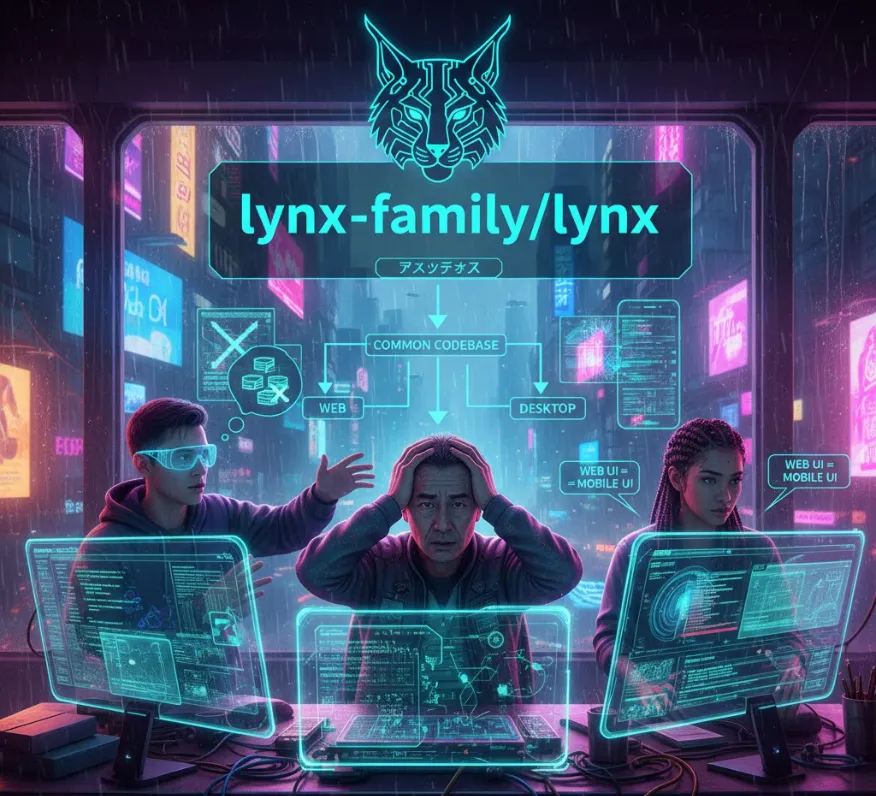
The core benefit of lynx-family/lynx is its aim to empower the Web community and invite more to build across platforms. This means it's designed to help developers use their Web technologies (like HTML, CSS, and JavaScript) to create applications that run natively on various operating systems (Windows, macOS, Linux) and potentially mobile platforms, minimizing the need to write separate codebases for each.
As a software engineer, here's how lynx can significantly improve your workflow and product reach
Write Once, Run (Almost) Anywhere
Instead of learning platform-specific languages (like Swift/Kotlin for mobile or C++/C# for desktop), you leverage your existing Web development skills. This dramatically reduces development time and effort.
Unified Tooling
You can use familiar Web development tools (Node.js, npm, Webpack, VS Code) for building, testing, and debugging cross-platform applications.
Simultaneous Multi-Platform Launch
You can target desktop and possibly mobile users right away, expanding your application's potential market without a proportional increase in development cost.
Easier Maintenance
Since the core logic is shared, fixing a bug or adding a feature means updating one codebase instead of multiple, making maintenance simpler and faster.
While using Web technologies, frameworks like lynx often provide mechanisms (APIs) to access native operating system features (like file systems, notifications, or specific hardware integration) that a standard web browser environment cannot. This allows you to build powerful, full-featured applications.
Since lynx is a family of projects, the exact steps might vary, but the general workflow for adopting a cross-platform Web technology typically involves these steps
You'll need Node.js and npm/yarn installed, as most modern cross-platform Web tools rely on them.
You'll likely use a Command Line Interface (CLI) tool provided by the lynx family to set up your project.
# Conceptual command to install the CLI tool globally
npm install -g @lynx-family/cli

# Create a new project
lynx new my-cross-platform-app
cd my-cross-platform-app
You'll primarily write your application using HTML, CSS, and JavaScript/TypeScript. This is where your Web components (like React, Vue, or Svelte) will live.
lynx will provide specific modules/APIs to interact with native features. For example, to open a native file dialog
// Example using a conceptual 'lynx' native module
import { fileSystem } from 'lynx/native';

async function openFile() {
  const result = await fileSystem.openDialog({
    properties: ['openFile'],
    filters: [{ name: 'Images', extensions: ['jpg', 'png'] }]
  });

  if (result.canceled) {
    console.log('User cancelled selection.');
  } else {
    console.log('Selected file path:', result.filePaths[0]);
  }
}
Once development is complete, the CLI tool is used to package your Web code into distributable native formats
.exe for Windows, .dmg for macOS, or .deb/.rpm for Linux.
# Build for all supported platforms
lynx build
# or
lynx build --platform=windows
This example shows a basic Web component (using hypothetical syntax) and how it might interact with a native feature through lynx.
<!DOCTYPE html>
<html>
<head>
    <title>Lynx Demo App</title>
    <link rel="stylesheet" href="styles.css">
</head>
<body>
    <h1>Hello from Lynx!</h1>
    <p>This is a cross-platform app built with Web tech.</p>
    <button id="notify-btn">Send Native Notification</button>
    <script src="app.js"></script>
</body>
</html>
// Assume 'notification' is the module provided by the lynx framework
import { notification } from 'lynx/native';

document.getElementById('notify-btn').addEventListener('click', () => {
    // Check if the native notification service is available
    if (notification) {
        // Send a notification that appears like a native OS alert
        notification.send({
            title: 'App Alert',
            body: 'Your cross-platform app just sent a native notification!',
            icon: 'app-icon.png' // A file path to an icon
        });
        console.log('Native notification sent.');
    } else {
        alert('Native notifications not supported on this build.');
    }
});
By providing a platform to leverage Web skills for native apps, lynx makes developing cross-platform applications accessible, efficient, and powerful for the software engineering community!