Kestra Explained: Universal Workflow Orchestration for Modern Engineering
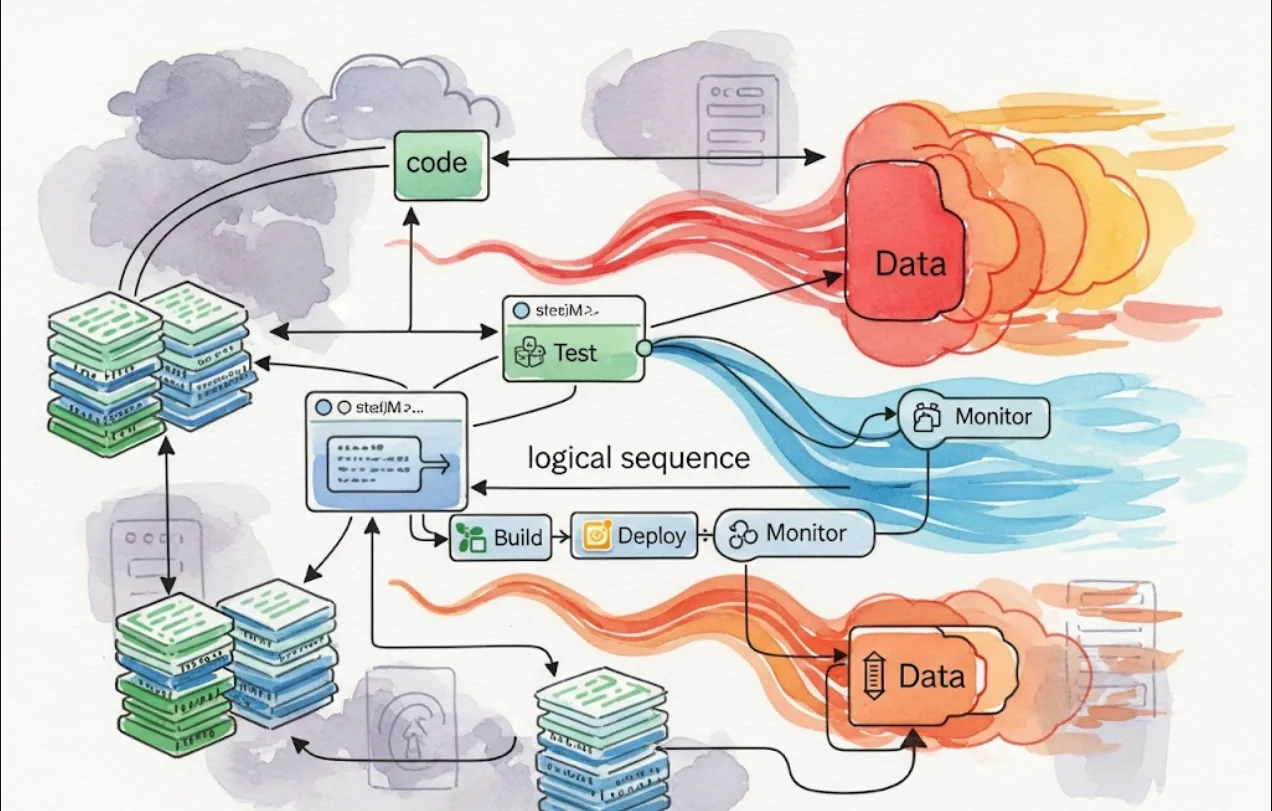
Kestra is an open-source, language-agnostic workflow orchestration platform. Think of it as a central nervous system for your automated tasks. While tools like Jenkins are great for CI/CD, Kestra is designed for orchestrating complex, multi-step workflows that can involve data processing, infrastructure management, and AI tasks. It's a great tool for a modern DevOps and DataOps environment.
Here's why you'd want to use Kestra in your projects
Language Agnostic
This is a big one. You don't have to write your workflows in a specific language. You can define tasks in a variety of languages like Python, Java, or even shell scripts. This flexibility lets you use the best tool for the job.
Centralized Orchestration
Instead of having scattered cron jobs, shell scripts, and individual processes, you can define all your workflows in one place. This makes it much easier to monitor, debug, and manage your automated jobs.
Built-in Features for Robustness
Kestra comes with features like scheduling, error handling, retries, and state management out of the box. You don't have to build these yourself, which saves a ton of development time and reduces the risk of human error.
Scalability
Kestra is built to scale. It can handle a large number of concurrent workflows and tasks, making it suitable for both small projects and large enterprise applications.
Extensive Plugin Ecosystem
With over 900 plugins, you can connect Kestra to almost anything. Whether it's a database like PostgreSQL, a cloud service like AWS S3, or an AI platform like OpenAI, there's likely a plugin for it. This allows you to build powerful, end-to-end automation pipelines without writing a lot of custom integration code.
The easiest way to get Kestra up and running is by using Docker. You'll need Docker and Docker Compose installed on your system.
Create a docker-compose.yml file
This file defines the services needed to run Kestra, including the main Kestra application and a database (by default, it uses a lightweight H2 database).
version: "3.8"
services:
  kestra:
    image: kestra/kestra:latest
    ports:
      - "8080:8080"
Start Kestra
From the directory where you saved the docker-compose.yml file, run the following command in your terminal
docker-compose up -d
Access the UI
Once the services are running, you can open your web browser and navigate to http://localhost:8080. You'll see the Kestra user interface where you can manage your flows, view logs, and monitor executions.
Let's create a simple workflow that demonstrates how Kestra works. This example will show a workflow that greets a user, then creates a file.
Workflows in Kestra are called "flows" and are defined using YAML. You can create a new flow directly in the Kestra UI or by creating a YAML file.
Here's what a simple flow might look like
id: simple_file_creation
namespace: dev.examples

tasks:
  - id: hello_world
    type: io.kestra.core.tasks.log.Log
    message: "Hello, Kestra user! Starting our first workflow."

  - id: create_a_file
    type: io.kestra.core.tasks.scripts.Script
    runner: bash
    commands:
      - echo "This is a test file created by Kestra." > {{outputs.hello_world.metadata.tempDir}}/kestra_test.txt
      - cat {{outputs.hello_world.metadata.tempDir}}/kestra_test.txt

  - id: finish_message
    type: io.kestra.core.tasks.log.Log
    message: "Workflow finished successfully! A file was created."
id and namespace
These are unique identifiers for your flow.
tasks
This is the list of steps your workflow will execute.
id
Each task needs a unique identifier.
type
This specifies the type of task you want to run. In this example, we're using a Log task to print a message and a Script task to run a Bash command. Kestra has hundreds of built-in task types for everything from data transformations to cloud interactions.
runner
For a Script task, this specifies the interpreter to use (e.g., bash, python, powershell).
commands
This is the list of commands to be executed by the runner.
{{...}}
This is Kestra's templating syntax. {{outputs.hello_world.metadata.tempDir}} is a variable that Kestra automatically provides, pointing to a temporary directory for this specific workflow run. This is super useful for passing data between tasks.
Once you save this flow in the UI, you can trigger it manually or set up a schedule. You'll then be able to see the live logs, status, and outputs for each task as it runs.