Express.js: The Software Engineer's Guide to Minimalist Node.js Backends
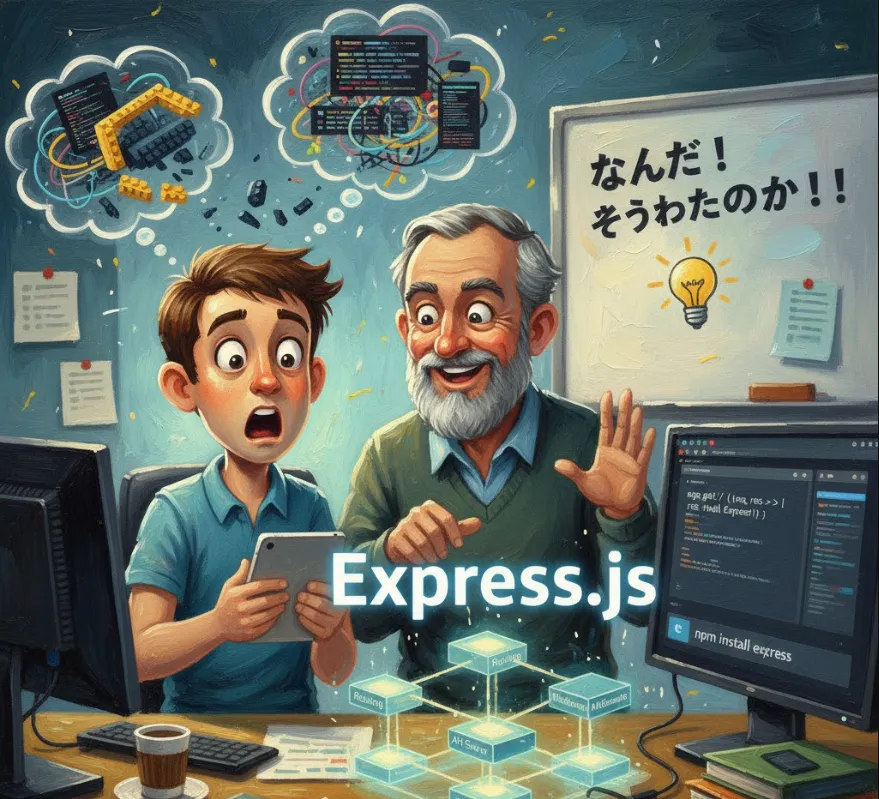
Express.js is described as a fast, unopinionated, minimalist web framework for Node.js. It's the de facto standard for building backend applications and APIs with JavaScript on the server.
From a software engineer's perspective, Express.js provides structure and efficiency for common backend tasks, saving you from writing low-level HTTP handling code.
| Key Benefit | Why it Matters to Engineers |
| Simplified Routing | Instead of manually parsing URLs in raw Node.js, Express provides simple methods (app.get(), app.post(), etc.) to map HTTP requests to specific handler functions. This makes your API endpoints clean and easy to manage. |
| Middleware Architecture | This is the core of Express. It allows you to chain functions that execute sequentially. You can easily add functionality like logging, authentication, data validation, and request parsing before the request reaches your final route handler. This promotes a modular and reusable codebase. |
| Unopinionated and Flexible | Express doesn't force a specific database, template engine, or project structure on you. This freedom is great for professional development, allowing you to choose the best tools for your specific project requirements (e.g., MongoDB, PostgreSQL, Handlebars, React, etc.). |
| Robust & Mature Ecosystem | Being the most popular Node.js framework, it has a massive community. This means a vast collection of well-maintained third-party middleware (for security, CORS, file uploads, etc.) and abundant documentation/support. |
| Performance | Express is a thin layer on top of Node.js's high-performance V8 engine and non-blocking I/O model, ensuring your applications are fast and scalable. |
| Building APIs | It excels at creating RESTful APIs, which is a foundational skill for any modern backend or full-stack engineer. |
Before you begin, you must have Node.js and npm (Node Package Manager) installed on your system.
Create a Project Folder
mkdir my-express-app
cd my-express-app
Initialize Node.js Project
This creates your package.json file.
npm init -y
Use npm to install Express.js locally in your project
npm install express
Here is a minimal, yet fully functional, Express server. We'll save this as server.js (or index.js).
// 1. Import the Express module
const express = require('express');

// 2. Initialize the application instance
const app = express();

// Define the port to run the server on
const PORT = 3000;

// 3. Define a simple route handler for the root path ('/')
//    This handles incoming GET requests.
app.get('/', (req, res) => {
  // res.send() is a convenience method to send various types of responses
  res.send('Hello, Software Engineer! This is your first Express server.');
});

// 4. Define a simple API endpoint (for example, to get users)
app.get('/api/users', (req, res) => {
  const users = [
    { id: 1, name: 'Alice', role: 'Developer' },
    { id: 2, name: 'Bob', role: 'Architect' }
  ];
  // res.json() is ideal for sending JSON responses for APIs
  res.json(users);
});

// 5. Start the server and listen for incoming connections
app.listen(PORT, () => {
  console.log(`Server is running successfully on port ${PORT}`);
  console.log(`Access it at: http://localhost:${PORT}`);
});
Execute the file using Node.js
node server.js
Check the Output
You should see the message
Server is running successfully on port 3000
Access it at: http://localhost:3000
Test the Endpoints
Open your browser to http://localhost:3000/ to see the text response.
Open your browser (or Postman/Insomnia) to http://localhost:3000/api/users to see the JSON response.
Middleware functions are functions that have access to the request object (req), the response object (res), and the next middleware function in the application's request-response cycle (next).
They allow you to execute code before the final handler.
Let's create a custom middleware to log every request.
// A simple logging function (Middleware)
const loggerMiddleware = (req, res, next) => {
  const timestamp = new Date().toISOString();
  console.log(`[${timestamp}] Incoming request: ${req.method} ${req.url}`);
  // IMPORTANT: Call next() to pass control to the next middleware/route handler
  next();
};

// ... inside your server.js file ...

// 2. Initialize the application instance
const app = express();

// A. Global Middleware: Applies to ALL requests
app.use(loggerMiddleware);

// B. Built-in Middleware: To parse incoming JSON data (essential for APIs)
app.use(express.json());

// C. Route-specific Middleware Example (e.g., for authentication)
const checkAuth = (req, res, next) => {
  // In a real app, you would check for a valid token or session here
  const isAuthenticated = req.headers.authorization === 'Bearer VALID_TOKEN';

  if (isAuthenticated) {
    next(); // User is authenticated, proceed to the route handler
  } else {
    res.status(401).send('Access Denied: Authentication required.');
  }
};

app.post('/api/secure-data', checkAuth, (req, res) => {
  // This route will only execute if checkAuth calls next()
  console.log('Received data:', req.body);
  res.status(201).json({ message: 'Data saved securely!', data: req.body });
});

// ... (rest of the code for app.listen) ...