Natural Language Automation: Bridging AI Clients and n8n with the Workflow Builder

Here's a friendly English breakdown from a software engineer's perspective.
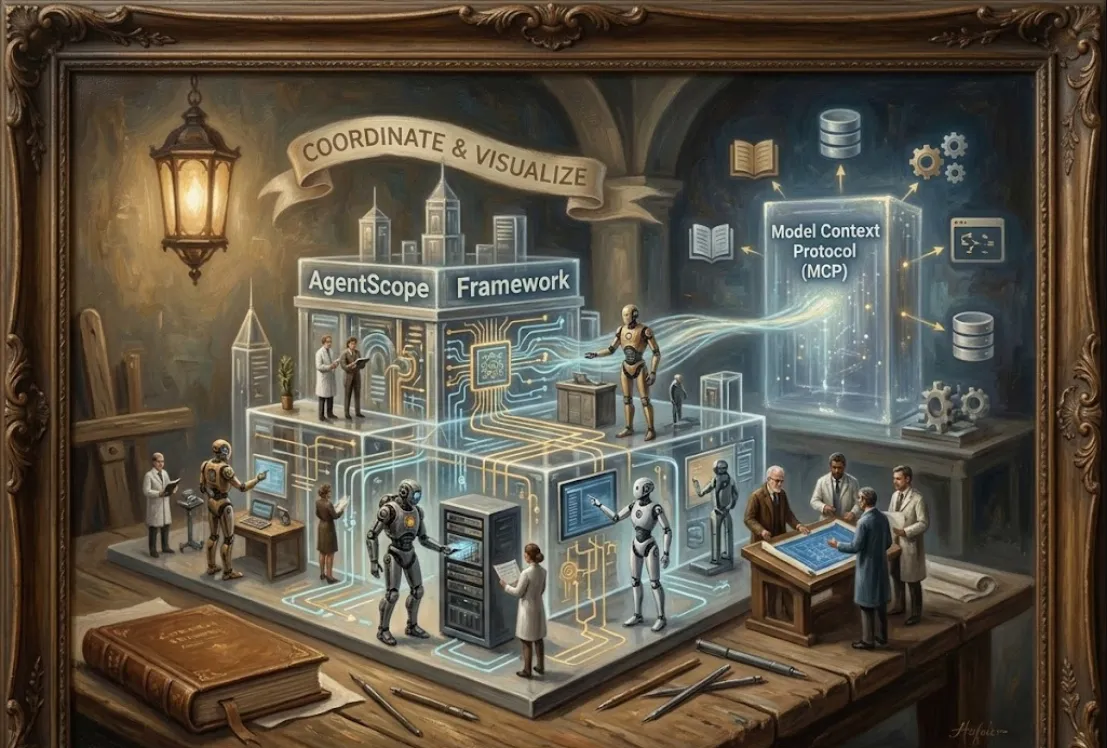
The n8n Workflow Builder is an MCP (Model Context Protocol) Server designed to allow advanced AI tools—like Claude Desktop, Claude Code, Windsurf, or Cursor—to understand, build, and manage n8n workflows using natural language.
In simple terms, it acts as a translator and a toolbox
Translator
It translates your plain English or Japanese requests (like "Create a workflow that checks for new YouTube videos, summarizes the transcript, and posts it to Slack") into the structured steps and JSON format that n8n understands.
Toolbox
It gives the AI agent programmatic access to n8n's vast array of nodes and API functionalities.
This tool offers significant advantages, especially for tasks that require integration and automation
| Benefit | Explanation |
| Rapid Prototyping | You can quickly generate a draft workflow just by describing its function. This dramatically speeds up the initial setup phase compared to dragging and dropping nodes manually. |
| API Integration Scaffolding | For complex APIs or less-used services, the AI, guided by the MCP, can often generate the necessary HTTP requests and data transformations (Code nodes) faster than you could look up the documentation. |
| Focus on Logic, Not Syntax | You can concentrate on the what (the business logic of the automation) rather than the how (the specific n8n node settings, data paths, or JSON structure). |
| Learning and Exploration | It's a great way to learn n8n. You can ask the AI, "How do I connect to a Google Sheet and filter rows based on a date?" and the AI will build the example workflow, illustrating the correct nodes and their configuration. |
| Simplified Management | With full configuration, the AI can even manage existing workflows (activate, deactivate, update) directly via the MCP, turning it into a powerful, conversational DevOps tool for your automations. |
The n8n Workflow Builder is essentially a Node.js server that you run locally or in a container, and then you point your AI client (like Claude Desktop) to it.
You'll need a few things set up first
Node.js and npm/npx
To run the server easily.
An AI Client
For example, Claude Desktop (or another supported client).
n8n Instance (Optional but Recommended)
A running instance of n8n (cloud or self-hosted) if you want the AI to deploy or manage workflows directly. If you just want it to generate the JSON, you can skip this.
The simplest way is to use npx to run the server.
Open your terminal and run the following command. The server starts in a mode (MCP_MODE: stdio) designed for communication with desktop AI apps.
npx n8n-mcp
(Note: The server will likely need to be managed by your AI client's configuration, so you often don't keep this command running manually.)
You need to tell your AI client about the new tool it can use. This is done by adding a configuration block, typically in a settings file or an "Integrations" panel.
For basic functionality (generating workflow JSON and referencing n8n documentation)
{
  "mcpServers": {
    "n8n-mcp": {
      "command": "npx",
      "args": [
        "n8n-mcp"
      ],
      "env": {
        "MCP_MODE": "stdio",
        "LOG_LEVEL": "error",
        "DISABLE_CONSOLE_OUTPUT": "true"
      }
    }
  }
}
For full functionality (allowing the AI to deploy and manage workflows on your n8n instance)
You must provide your n8n API URL and API Key. Get these from your n8n instance settings.
{
  "mcpServers": {
    "n8n-mcp": {
      "command": "npx",
      "args": [
        "n8n-mcp"
      ],
      "env": {
        "MCP_MODE": "stdio",
        "LOG_LEVEL": "error",
        "DISABLE_CONSOLE_OUTPUT": "true",
        "N8N_API_URL": "https://your-n8n-instance.com", // <-- REPLACE THIS
        "N8N_API_KEY": "your_api_key_here"              // <-- REPLACE THIS
      }
    }
  }
}
Once configured, the AI tool is available for your prompts. You don't write code; you write instructions.
Tell the AI exactly what you want the n8n workflow to do. Be specific about the trigger, the steps, and the final action.
"Please use the n8n Workflow Builder to create a workflow.
The workflow should be triggered by a new row being added to a Google Sheets document named 'Sales Leads'.
For each new row, it needs to check if the 'Status' column is set to 'High Priority'.
If it is 'High Priority', the workflow should send a concise summary of the row data to a specific Slack channel called '#new-leads-alerts'.
Provide the resulting workflow JSON."
The AI (using the n8n Workflow Builder tool) will process this request and output the complete n8n workflow in JSON format.
The output would be a full JSON structure that you can copy and paste directly into your n8n instance's "Import from JSON" feature.
{
  "nodes": [
    {
      "parameters": {
        "documentId": "...",
        "worksheetName": "Sales Leads",
        "triggerType": "newRow"
        // ... other Google Sheets trigger settings
      },
      "name": "Google Sheets Trigger",
      "type": "n8n-nodes-base.googleSheetsTrigger",
      "typeVersion": 1,
      // ... more config
    },
    {
      "parameters": {
        "conditions": [
          {
            "value1": "={{ $json.Status }}",
            "operation": "equal",
            "value2": "High Priority"
          }
        ]
      },
      "name": "IF",
      "type": "n8n-nodes-base.if",
      // ... more config
    },
    {
      "parameters": {
        "channelId": "new-leads-alerts",
        "text": "New High Priority Lead: {{ $json.Name }} - {{ $json.Email }}",
        // ... other Slack settings
      },
      "name": "Slack Notification",
      "type": "n8n-nodes-base.slack",
      // ... more config
    }
  ],
  "connections": [
    // ... connection definitions
  ]
}