AgentScope Deep Dive: Scaling Distributed AI Agents for Production
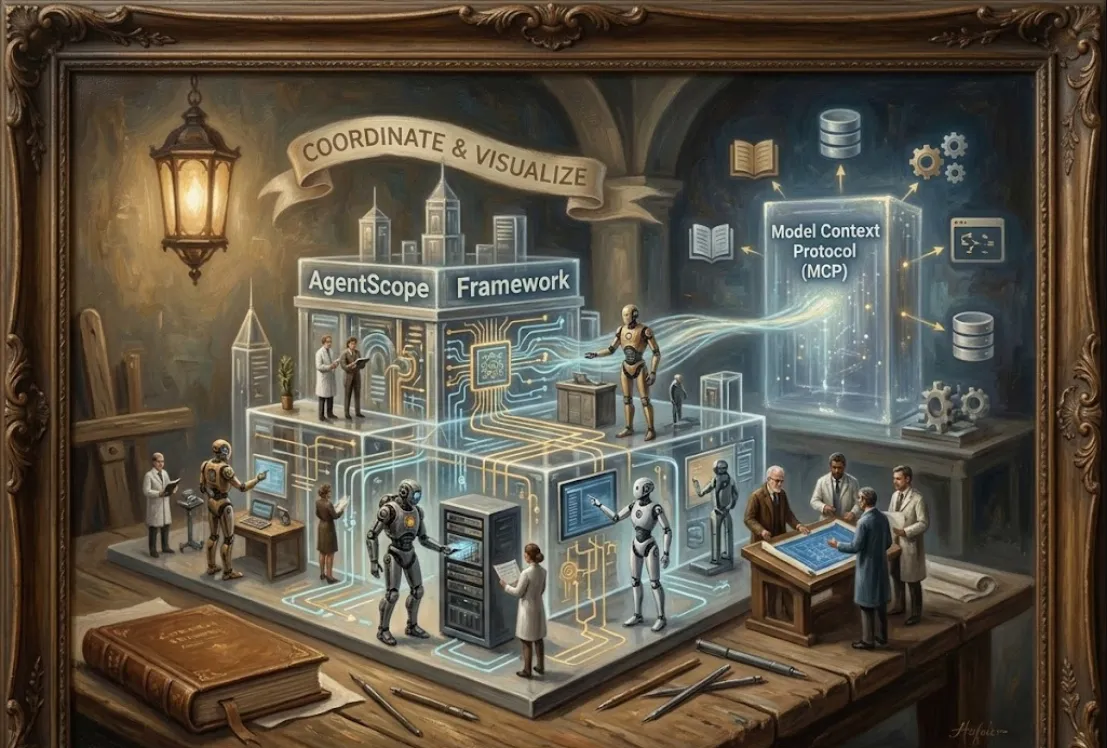
Think of AgentScope as a high-level "orchestration" framework. If coding a single LLM call is like playing a solo, AgentScope is like conducting a full symphony of AI agents.
As software engineers, we care about scalability, observability, and modularity. AgentScope hits these marks by moving away from "spaghetti" scripts and toward a structured architecture.
Standardized Communication
It handles how agents "talk" to each other without you writing custom JSON parsers every five minutes.
The MCP Connection
By supporting the Model Context Protocol (MCP), it allows agents to interact with external tools (like your local file system, databases, or APIs) using a standardized interface.
"See, Understand, Trust"
It includes built-in UI components (AgentScope Studio) so you can actually visualize the message flow and debug the logic in real-time.
First, make sure you have Python 3.9+ ready. You can install it via pip
pip install agentscope
Initialize the environment and model configs.
Define your agents (e.g., a "User" agent and an "Assistant" agent).
Create a Conversation Loop where messages are passed between them.
Here’s a quick snippet to show how clean the syntax is. In this example, we’ll set up a simple interaction.
import agentscope
from agentscope.agents import DialogAgent, UserAgent

# 1. Setup model configuration
model_configs = [
    {
        "config_name": "my_llm_config",
        "model_type": "openai_chat",  # or any supported provider
        "model_name": "gpt-4",
        "api_key": "YOUR_API_KEY",
    }
]

# 2. Initialize AgentScope
agentscope.init(model_configs=model_configs)

# 3. Create Agents
assistant = DialogAgent(
    name="Assistant",
    sys_prompt="You are a helpful coding partner.",
    model_config_name="my_llm_config"
)
user = UserAgent(name="User")

# 4. Start the conversation
x = None
while True:
    x = user(x)  # Get input from you in the terminal
    if x.content == "exit":
        break
    x = assistant(x)  # Assistant processes it and responds
One of the coolest things about this repo is its ability to use MCP. This allows your agents to act as "hands" on your system. Instead of just talking, an agent can
Read your local code.
Query a SQL database.
Check the weather via an API.
In the agentscope ecosystem, you can connect to an MCP server, which then provides a "Toolbox" to the agent. This makes your chatbot go from a "search engine with a personality" to a "functional team member."
Use AgentScope Studio
Don't just stay in the terminal. Run as_studio to launch the web-based dashboard. It’s a game-changer for debugging multi-agent loops.
Message Hub
For group chats, use the MessageHub feature. It automatically broadcasts messages to all participants so you don't have to manually loop through every agent.