Mindustry: An Open-Source Playground for Software Engineers
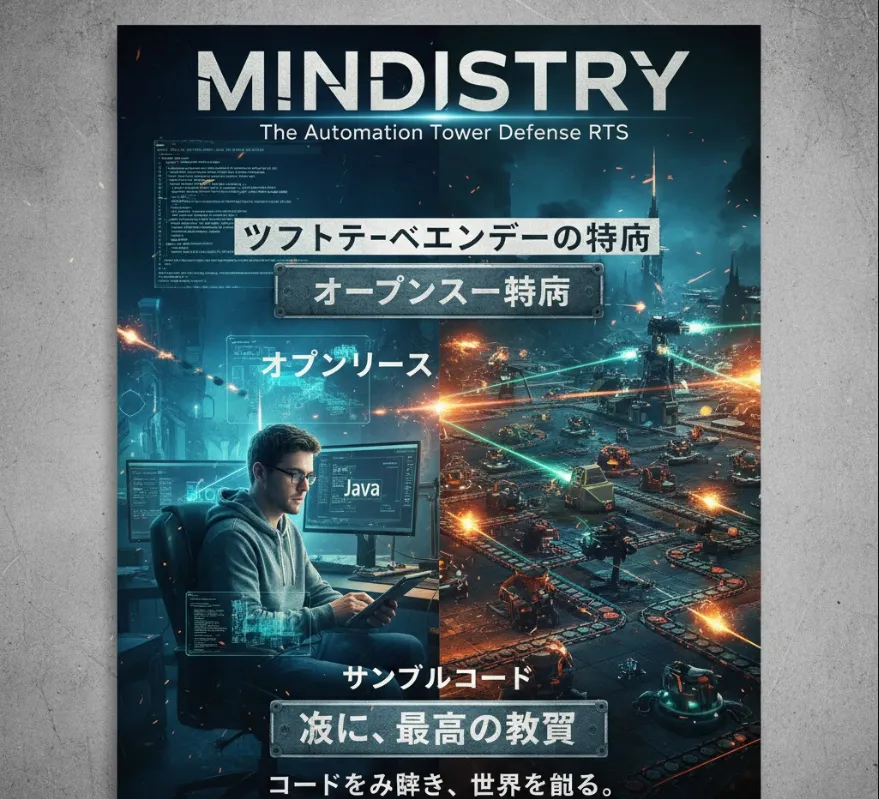
Mindustry, being open-source and written in Java (with some Android platform relevance), provides a fantastic playground for software engineers
Understanding a Large Codebase
The game is a full, working application. Reading, navigating, and understanding a functional, non-trivial codebase is a crucial skill. You can learn how game logic, UI, and networking are structured in a real-world project.
Java Proficiency
Since the core is written in Java, diving into the source code is an excellent way to deepen your understanding of the language, including object-oriented programming, design patterns, and performance considerations in a demanding real-time environment.
Performance Optimization
The game is known for being well-optimized despite being written in Java. Investigating how the developers achieved good performance, especially in rendering and handling numerous on-screen units/blocks, can be very instructive.
The Logic System
Mindustry features an in-game programming language for controlling units and buildings (like micro-controllers). Working with this logic system is essentially practical, in-game programming. You'll write simple "assembly-like" code to solve resource routing, defense, and unit command problems, directly improving your problem-solving and algorithmic thinking.
Modding and Extensions
The open-source nature means you can create your own mods, blocks, units, or even overhaul game mechanics. This is a practical way to apply your software engineering skills to extend an existing system, which mimics working on a feature within a larger software product.
Real-World Collaboration
You can contribute to the actual game's development by submitting Pull Requests (PRs) for bug fixes, new features, or code improvements. This teaches you essential open-source workflow
forking, branching, committing, writing good commit messages, and interacting with maintainers.
To start exploring the code or contributing, you'll generally follow these steps
Java Development Kit (JDK)
Make sure you have the correct version of the Java Development Kit installed.
Git
Essential for cloning the repository and managing your code changes.
Gradle
Mindustry uses Gradle as its build tool, which is a common tool in the Java ecosystem.
Clone the Repository
Get the source code from GitHub.
git clone https://github.com/Anuken/Mindustry.git
cd Mindustry
Build and Run (Desktop Example)
Use Gradle to compile and run the game on your desktop (Windows/Linux/macOS).
# Run the game
./gradlew desktop:run

# Build a distributable version
./gradlew desktop:dist
Creating a mod is the most direct way to get coding. Mindustry mods are often structured with Java code that hooks into the game's API.
Conceptual Sample Code (Simplified Java for a Mod)
Imagine you want to add a new basic block. Your mod would typically have a main class that runs when the game loads
package mymod.core;

import mindustry.mod.Mod;
import mindustry.type.Item;
import mindustry.content.Items;
import mindustry.content.Blocks;
import mindustry.world.blocks.production.GenericCrafter;

public class MyModEntryPoint extends Mod {

    // This is run when the mod is loaded
    @Override
    public void load() {
        // Define a new material (item)
        Item customMetal = new Item("custom-metal", Color.valueOf("#ffaa55"));
        customMetal.localizedName = "Custom Metal";

        // Define a new block that crafts the metal
        GenericCrafter customCrafter = new GenericCrafter("custom-crafter") {{
            localizedName = "Custom Crafter";
            health = 100;
            // Set the recipe: consumes 2 Copper and produces 1 Custom Metal
            requirements(Category.crafting, with(Items.copper, 20));
            outputItem = new ItemStack(customMetal, 1);
            craftTime = 60f; // 60 ticks per craft
        }};
    }
}
This simplified example shows using the existing Mindustry API (mindustry.type, mindustry.content, etc.) to define and initialize new game elements, which is a great exercise in API usage and software extension.
The video below gives an introduction to the powerful in-game programming feature of the game.