Mastering the Google Workspace from Your Terminal: A Guide to gogcli
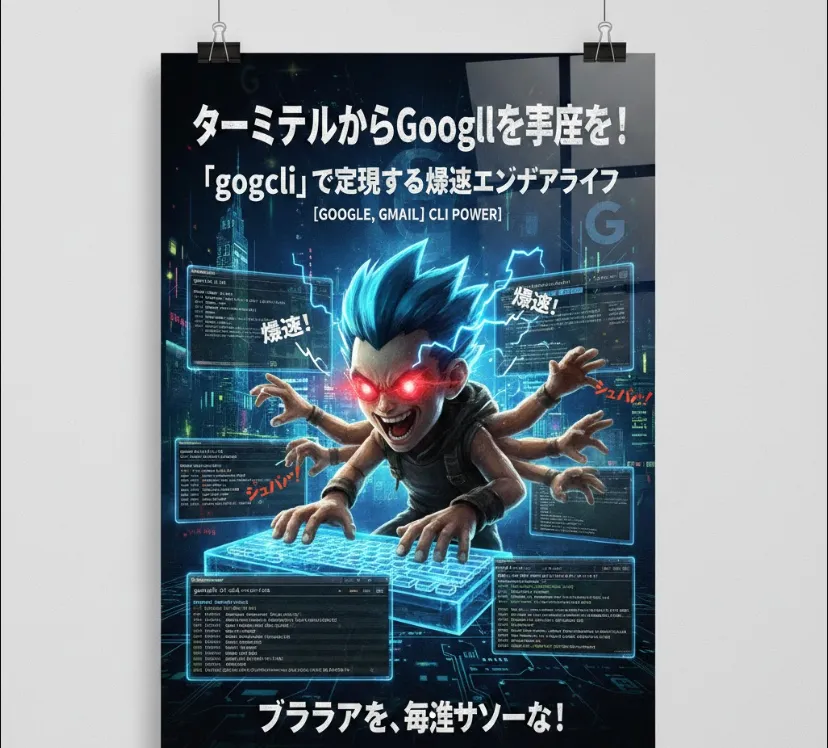
That's where gogcli comes in. It's a Go-based Command Line Interface (CLI) designed to let you interact with Google Workspace (formerly GSuite) without ever leaving your shell.
Think of gogcli as a bridge between your local automation scripts and the Google ecosystem. Instead of wrestling with raw HTTP requests to the Google APIs—which involves tedious OAuth2 flows and complex JSON payloads—this tool wraps those actions into simple commands.
Automation
Pipe the output of a build script directly into a Gmail draft or a Drive folder.
Efficiency
Search your Google Contacts or Calendar events using grep-like speed.
Headless Operations
Manage files on GDrive from a remote server where you don't have a GUI.
As an engineer, you know the "fun" part is always the API credentials. Here is the high-level workflow
You'll need to go to the Google Cloud Console, create a project, and enable the APIs for Gmail, Drive, Calendar, and Contacts.
Create an OAuth 2.0 Client ID (Desktop app type). Download the credentials.json file. This is what gogcli will use to ask for your permission.
Since it's written in Go, you can usually install it via
go install github.com/steipete/gogcli@latest
The syntax is designed to be intuitive. Here’s how you might use it in your daily workflow
Instead of dragging and dropping a .zip file into a browser
gogcli gdrive upload --file ./build/release-v1.0.zip --parent [FOLDER_ID]
If you want to send a quick status update after a long-running cron job
echo "Build successful at $(date)" | gogcli gmail send --to "[email protected]" --subject "System Status"
Quickly see what's on your plate
gogcli gcal list --days 1
While gogcli is a standalone tool, you can call it from your own scripts (Python, Bash, or Node.js) to handle the "Google heavy lifting."
Imagine you want to back up your server logs to Google Drive every night
#!/bin/bash

LOG_FILE="/var/log/app/daily.log"
TARGET_DIR="backups_folder_id"

# 1. Compress the log
tar -czf daily_log.tar.gz $LOG_FILE

# 2. Use gogcli to push to GDrive
gogcli gdrive upload --file daily_log.tar.gz --parent $TARGET_DIR

# 3. Notify via Gmail
gogcli gmail send --to "[email protected]" --subject "Log Backup Success" --body "The log for $(date) has been uploaded."
JSON Output
Check if the version you are using supports --json flags. This makes it incredibly easy to parse data using jq.
Token Persistence
After the first login, the tool stores a token.json locally. Keep this file secure, as it grants access to your account!
Rate Limits
Be mindful of Google's API quotas. If you're looping gogcli inside a fast for loop, you might get rate-limited.