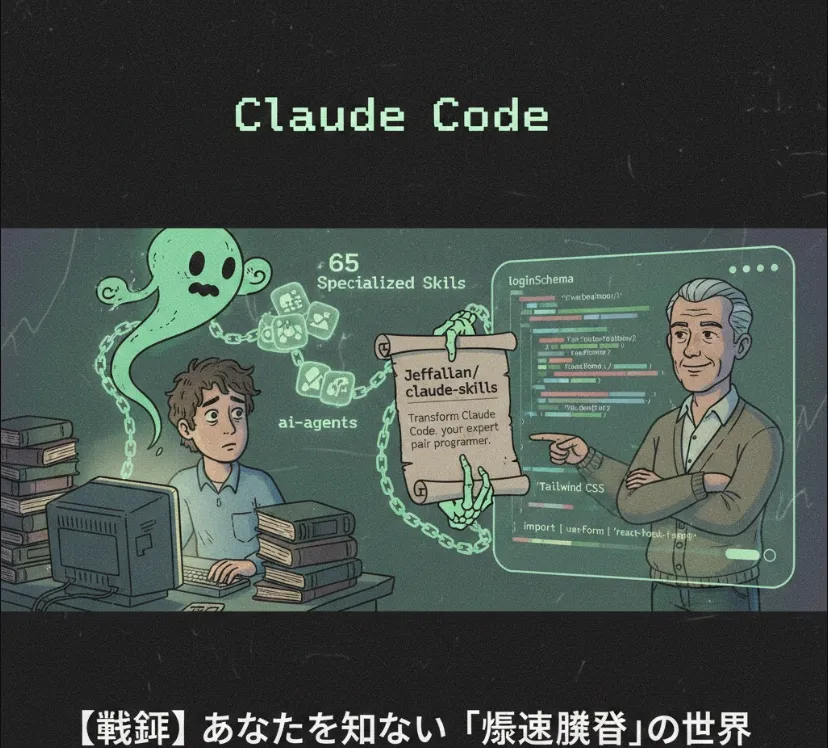
Bridging Intent and Implementation: Optimizing Claude for Production Code

shanraisshan/claude-code-best-practice
The repository you mentioned, claude-code-best-practice, is a fantastic resource for anyone looking to master "Vibe Coding"—which, despite the casual name, is actually a sophisticated way of steering AI to produce production-grade code without the usual back-and-forth friction.
Here is a breakdown of how this helps us and how you can get started.
When we use AI for coding, the biggest bottleneck isn't the AI's logic—it's the context and intent. This guide helps bridge that gap in a few key ways
Reduces "Hallucination" Cycles
By following specific prompting structures, you get code that compiles the first time rather than the third.
Consistency
It ensures the AI adheres to your specific architectural patterns (like the Qt structures or asynchronous Python patterns you often work with).
Context Management
It teaches you how to feed the AI exactly what it needs to know about your codebase without hitting token limits or confusing the model.
The core "vibe" here is about being explicit and structural. Instead of just asking for a feature, you provide a "Project Map" or a "System Prompt" that defines the rules of engagement.
Start your session by defining who the AI is. For your workflow, you might want it to act as a Senior Systems Architect.
Instead of copying and pasting one file at a time, use a "Codebase Summary" approach. Use tools to generate a tree structure of your project so the AI understands the file relationships.
If you were building a robust Python Asynchronous Parser, here is how you would apply these best practices in your prompt
# Role
You are an expert Python Engineer specializing in asyncio and type-hinting.

# Constraints
- Use Python 3.12+ features (including advanced pattern matching).
- Follow PEP 8 strictly.
- Ensure all parsed strings are wrapped in a custom 'ParsedString' class that inherits from 'str'.
When you ask for code, request a "Draft and Refine" approach. Here is an example of what the output should look like following these best practices
import asyncio
from typing import Annotated

class ParsedString(str):
    """Custom string class for parsed metadata."""
    def __new__(cls, content, metadata=None):
        obj = super().__new__(cls, content)
        obj.metadata = metadata or {}
        return obj

async def parse_data_stream(raw_input: str) -> ParsedString:
    """
    An asynchronous parser following best practices:
    - Explicit return types
    - Proper error handling
    - Non-blocking execution
    """
    await asyncio.sleep(0.1)  # Simulating I/O

    # Using modern pattern matching for 'Vibe Coding' clarity
    match raw_input.split(":"):
        case ["HEADER", content]:
            return ParsedString(content, {"type": "header"})
        case ["DATA", content]:
            return ParsedString(content, {"type": "payload"})
        case _:
            raise ValueError("Unknown format")

# Example Usage
async def main():
    result = await parse_data_stream("DATA:Hello_World")
    print(f"Content: {result} | Metadata: {result.metadata}")

if __name__ == "__main__":
    asyncio.run(main())
| Phase | Action | Why? |
| Preparation | Map out your project structure. | Prevents the AI from guessing file paths. |
| Instruction | Use XML-style tags for different sections (e.g., <docs>, <code>). | Helps the model parse instructions more accurately. |
| Iteration | Ask for "Critique" before "Code." | Let the AI find flaws in its logic before it writes a single line. |
By treating the AI as a highly capable but context-blind junior partner, you provide the "sight" it needs to be 100% effective.