Automating 3D Character Rigging and Animation for Software Engineers
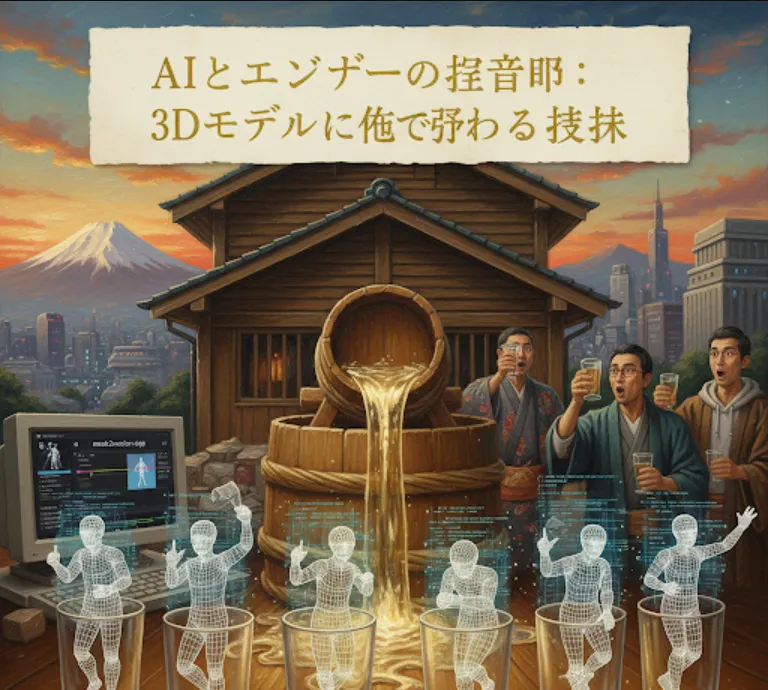
At its core, mesh2motion-app is a powerful tool designed to automate a very time-consuming part of 3D development
rigging and animating. Rigging is the process of creating a "skeleton" for a 3D model, and animation is the process of making that skeleton move. These tasks traditionally require a lot of manual effort and expertise in specialized software like Blender or Maya.
For a software engineer, especially one working on games, AR/VR applications, or any project with 3D elements, this tool is incredibly useful because it
Saves Time and Effort
You can bypass the tedious, manual rigging process. Instead of spending hours or even days on a single model, you can import it and get a rigged, animated character in minutes. This is a massive productivity boost.
Lowers the Barrier to Entry
You don't need to be a 3D animation expert to get great results. This allows developers who are primarily focused on coding to create or use animated 3D assets without a steep learning curve.
Enables Rapid Prototyping
Need to quickly test an idea with an animated character? You can grab a 3D model, run it through this app, and have a fully functional prototype ready for testing almost instantly.
Reduces Project Costs
If you're a solo developer or on a small team, you can produce professional-quality animated assets without needing to hire a dedicated 3D animator.
Think of it as a "backend service" for your 3D assets. You provide the input (a 3D model), and it gives you the output (a rigged, animated model) that you can then use directly in your game engine (like Unity or Unreal Engine) or other 3D applications.
The great news is that the project is designed to be accessible. The main way to use it is through a web interface, which means you don't have to worry about complex local setups.
The easiest way to get started is to use the hosted version of the app. Just open your web browser and go to the URL provided in the project's documentation (currently, it's often hosted on platforms like Hugging Face or Streamlit).
Once on the app page, you'll see an option to upload a 3D model file. The project typically supports common formats like .glb or .gltf.
After uploading, the app will automatically analyze your model, assign a skeleton (rig), and apply a default animation. The magic happens behind the scenes, using some clever computer vision and machine learning techniques to figure out the model's structure.
Once the process is complete, you'll be able to download the animated model. The output is usually in a standard format like .glb or .fbx, which means it's ready to be imported into your favorite game engine or 3D software.
While the app is primarily a web-based tool, a software engineer might want to integrate this functionality into a larger pipeline. The core of the project often relies on open-source libraries. For instance, you could use a Python script to interact with an API or the underlying libraries to automate the process for a large batch of models.
Here's a conceptual Python example, assuming there's an API endpoint or a library wrapper available for the app's core functionality.
import requests
import os

# Let's imagine this is the API endpoint for the service
API_URL = "https://your-imaginary-mesh2motion-api.com/process"
API_KEY = "your_secret_api_key" # You would get this from the service

def process_3d_model(file_path):
    """
    Sends a 3D model to the API for automatic rigging and animation.

    Args:
        file_path (str): The path to your 3D model file (e.g., "my_character.glb").

    Returns:
        bytes: The animated model data.
    """

    print(f"Processing model: {file_path}...")

    headers = {
        "Authorization": f"Bearer {API_KEY}"
    }

    try:
        with open(file_path, "rb") as f:
            files = {"model_file": f}
            response = requests.post(API_URL, headers=headers, files=files)

            # Raise an exception for bad status codes (4xx or 5xx)
            response.raise_for_status()

            print("Model processed successfully!")
            return response.content

    except requests.exceptions.RequestException as e:
        print(f"An error occurred during the API call: {e}")
        return None

if __name__ == "__main__":
    # Path to your un-rigged 3D model
    input_model_path = "path/to/your/model/character.glb"

    # Where you want to save the final animated model
    output_model_path = "path/to/your/output/character_animated.glb"

    # Process the model
    animated_model_data = process_3d_model(input_model_path)

    if animated_model_data:
        # Save the result to a file
        with open(output_model_path, "wb") as f:
            f.write(animated_model_data)

        print(f"Animated model saved to: {output_model_path}")
Note
This is a hypothetical example. The actual implementation would depend on the specific API provided by the project's author or how you choose to host and expose the underlying core library.