The Power of Detection Transformers: RF-DETR Installation and Code Sample
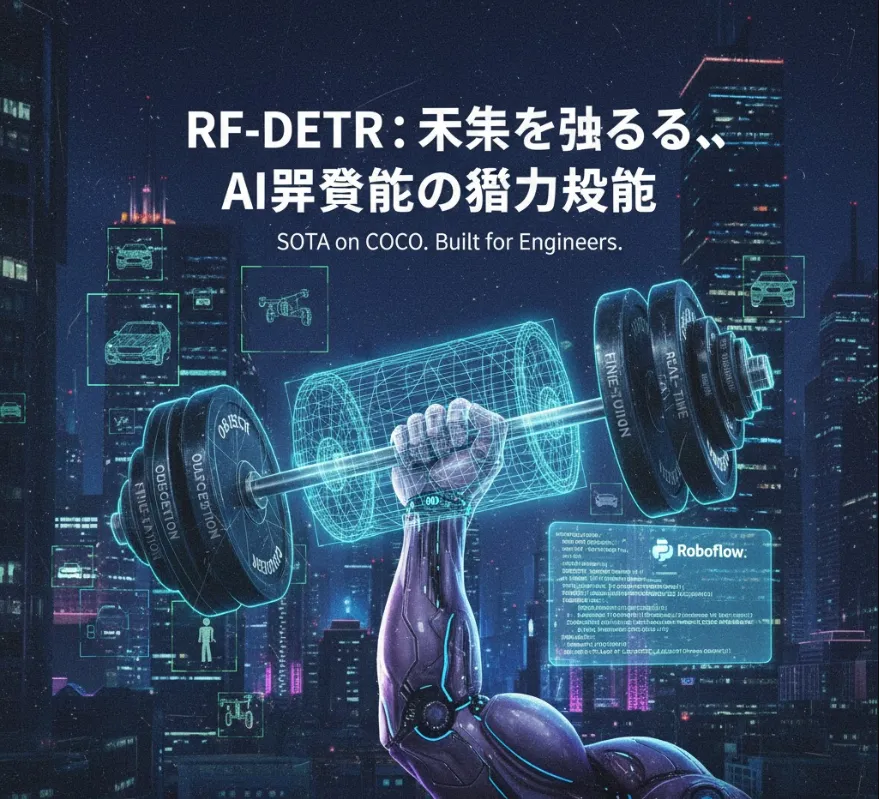
Here's a friendly, detailed breakdown of how you can leverage it, including installation steps and a code example.
From a software engineering perspective, RF-DETR (Real-time and Fine-tunable Detection Transformer) offers several key advantages that translate directly into better, faster, and more scalable applications
State-of-the-Art (SOTA) Performance
Being SOTA on benchmarks like COCO means it offers higher accuracy than many traditional object detectors. For your applications, this translates to fewer false positives and better overall reliability in production.
Transformer Architecture
It's built on the DETR (Detection Transformer) family, which simplifies the object detection pipeline significantly by removing many hand-designed components like Non-Max Suppression (NMS). This means less complexity in post-processing and a more end-to-end model, which is easier to integrate and maintain.
Real-Time Capability
The "RF" stands for Real-Time. In practical terms, this means it can process video streams or high-throughput data with low latency, making it ideal for edge devices, live video analytics, or interactive applications.
Designed for Fine-Tuning
This is crucial. Roboflow specifically designed it to be highly effective when fine-tuned on custom datasets. This means you can take the pre-trained model and quickly adapt it to a niche domain (e.g., detecting defects in manufacturing, specific retail items, or unique wildlife) with less data than traditional models.
Integrating RF-DETR into your workflow generally follows the standard procedure for Hugging Face models, as Roboflow often releases their models on that platform.
You'll primarily need PyTorch and the transformers library, which is the standard for modern neural network inference.
# Ensure you have the necessary libraries
pip install torch torchvision
pip install transformers pillow matplotlib
The following Python code snippet shows you how to load a pre-trained RF-DETR model and use it to perform inference (object detection) on an image.
import torch
from transformers import DetrImageProcessor, DetrForObjectDetection
from PIL import Image
import requests

# 1. Define the model and image
# The Roboflow model can often be accessed directly via its Hugging Face identifier.
MODEL_NAME = "roboflow/rf-detr" # Replace with the specific checkpoint if needed

# Example image (e.g., an image URL)
url = "http://images.cocodataset.org/val2017/000000039769.jpg" # Example: an image with cats
image = Image.open(requests.get(url, stream=True).raw)

# 2. Load the processor and model
# The processor handles image transformations (resizing, normalization)
processor = DetrImageProcessor.from_pretrained(MODEL_NAME)
model = DetrForObjectDetection.from_pretrained(MODEL_NAME)

# 3. Prepare the image for the model
# The processor returns the image tensors and pixel mask
inputs = processor(images=image, return_tensors="pt")

# 4. Perform Inference
# Turn off gradient tracking for inference to save memory and time
with torch.no_grad():
    outputs = model(**inputs)

# 5. Process the Outputs (Post-processing)
# The RF-DETR model outputs raw logits and bounding boxes (relative coordinates).
# The processor's post_process_object_detection method converts them into
# human-readable, absolute bounding boxes and applies filtering.
target_sizes = torch.tensor([image.size[::-1]]) # [height, width]
results = processor.post_process_object_detection(outputs, target_sizes=target_sizes, threshold=0.9)[0]

# 6. Display the Results
print(f"Detected {len(results['scores'])} objects:")
for score, label, box in zip(results["scores"], results["labels"], results["boxes"]):
    box = [round(i, 2) for i in box.tolist()]
    # Use the model's id2label mapping to get the class name
    class_name = model.config.id2label[label.item()]
    print(
        f"  - Detected '{class_name}' with confidence {round(score.item(), 3)} at box coordinates: {box}"
    )

# You would then integrate this into your application's drawing logic (e.g.,
# OpenCV or Matplotlib) to visualize the boxes on the image.
While the pre-trained model is great for general COCO classes, the real power for a professional project lies in fine-tuning
Roboflow Ecosystem
You'd typically use the Roboflow platform to manage your custom dataset (labeling, augmentation, format conversion).
Training
You can then download your custom dataset in a compatible format and use the RF-DETR training script (often provided in a Roboflow/community GitHub repository) to fine-tune the model on your specific data.
Deployment
After training, you save the fine-tuned model weights and integrate them into the inference code above, replacing MODEL_NAME with the path to your locally saved weights. This allows you to deploy a highly specialized model.