The Developer's Blueprint for Impeccable AI Design Systems
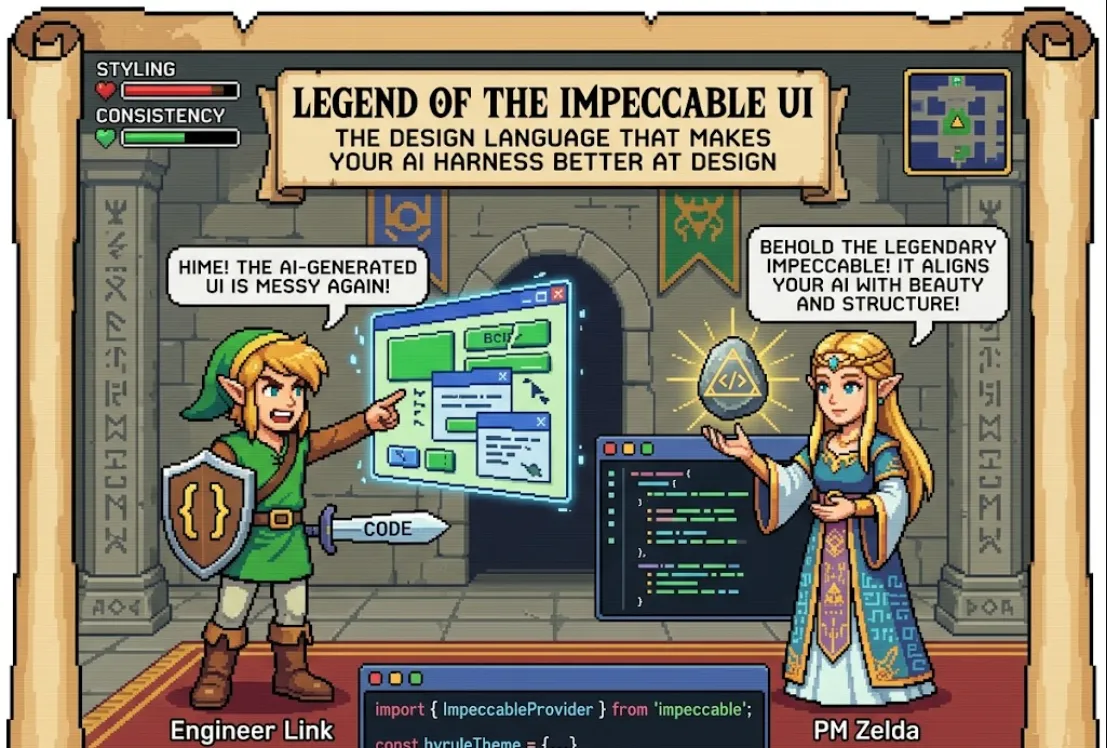
That’s exactly where impeccable comes in. It’s a design language and framework specifically built to help AI-driven interfaces (harnesses) look and feel professional without requiring a massive design team.
Here is a breakdown of why this is a game-changer and how you can get it running.
Usually, when we build AI tools, we focus on the LLM logic and the data. The UI often ends up being a basic chat bubble. impeccable helps you level up because
Design Consistency
It provides a pre-defined "language" so your AI components don't look like they were frankensteined together.
UX for AI
It handles specific AI needs, like streaming text states, thought process visualization, and clean output formatting.
Speed
You don't have to reinvent the wheel for every new internal tool or prototype.
Since it's a modern design framework, you can usually pull it into your project via a package manager. Assuming a standard React or frontend environment
npm install @pbakaus/impeccable
# or
yarn add @pbakaus/impeccable
You’ll want to wrap your application in a provider to ensure the design tokens (colors, spacing, fonts) are available everywhere.
import { ImpeccableProvider } from '@pbakaus/impeccable';

function App() {
  return (
    <ImpeccableProvider theme="dark">
      <YourAIHarness />
    </ImpeccableProvider>
  );
}
Let's look at how you might build a simple AI response component using impeccable's design principles. Notice how it separates the "thought" process from the final "output"—a key part of modern AI design.
import { Card, Text, Badge, Stack } from '@pbakaus/impeccable';

const AIResponse = ({ thought, response, status }) => {
  return (
    <Card variant="glass" padding="md">
      <Stack gap="sm">
        {/* The 'Thought' section - subtle and collapsible */}
        {thought && (
          <Text size="xs" color="muted" italic>
            Thinking: {thought}...
          </Text>
        )}

        {/* The main output */}
        <Text size="md" weight="medium">
          {response}
        </Text>

        {/* Status Indicator */}
        <Badge color={status === 'complete' ? 'green' : 'blue'}>
          {status}
        </Badge>
      </Stack>
    </Card>
  );
};
Iterate on Feedback
Use the "feedback" components often found in design languages like this (thumbs up/down). It’s the best way to collect RLHF (Reinforcement Learning from Human Feedback) data.
Use Design Tokens
Instead of hardcoding hex codes like #ffffff, use tokens like var(--impeccable-bg-primary). This makes switching to "Dark Mode" a breeze.
Focus on Layout
AI responses can be long. Use the framework’s layout components to ensure your UI doesn't break when the AI decides to write a 500-word essay.