Beyond the Terminal: Managing Claude Code and Goose via AionUi

In the current landscape, we have dozens of powerful CLI (Command Line Interface) tools for coding, like Claude Code, Goose, or OpenCode. While these tools are incredibly powerful, managing multiple terminal windows and remembering specific flags for each can be a bit of a headache.
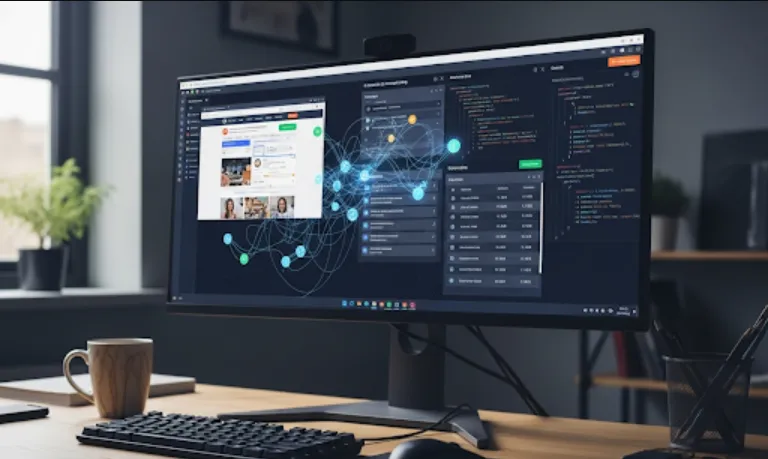
AionUi acts as a unified, open-source Graphical User Interface (GUI) that sits on top of these CLI tools. It essentially gives your local AI agents a "face" and a workspace, making it much easier to manage multi-model workflows without leaving a single interface.
Context Management
Easily switch between different models (Claude, Qwen, etc.) depending on the task (e.g., one for logic, one for boilerplate).
Local-First
It emphasizes privacy and local execution, which is crucial if you're working on proprietary codebases.
Visual Debugging
Seeing the chat history and the "skills" (tools the AI can use) in a structured UI is often faster than scrolling through a terminal buffer.
Since this is a wrapper for various CLI tools, the setup usually involves having the underlying tools installed first.
Make sure you have Node.js and Git installed. You'll also want at least one of the supported CLIs (like claude-code or goose) installed globally on your system.
Typically, for these types of open-source UI projects, you would clone the repository and install the dependencies
# Clone the repository
git clone https://github.com/iOfficeAI/AionUi.git

# Navigate into the folder
cd AionUi

# Install dependencies
npm install

# Start the application
npm run dev
As an engineer, you might wonder how it interacts with an agent. Imagine you are using Goose CLI (a popular open-source agent).
Instead of running a naked command in your terminal like
goose run "Refactor the authentication middleware in /src"
AionUi provides a structured input where you can
Select the Agent
Choose "Goose" from a dropdown.
Attach Skills
Toggle specific capabilities (like file system access or web search).
Execute
The UI sends the command to the underlying CLI and streams the response back into a clean, markdown-supported chat window.
If you were to define a custom "Skill" or tool for an agent within an ecosystem like this, it might look like this JSON structure
{
  "name": "analyze_repo",
  "description": "Scans the local directory to map project structure",
  "parameters": {
    "path": "string",
    "depth": "number"
  },
  "handler": "cli_execute_logic.js"
}
AionUi would then render this as a button or an automated action the AI can trigger.
| Feature | Standard Web AI (SaaS) | AionUi (Local/CLI Wrapper) |
| Data Privacy | Sent to external servers | Stays on your machine |
| File System Access | None (unless uploaded) | Direct access to your local repo |
| Model Variety | Fixed | Any CLI-based model (local or API) |
| Cost | Subscription-based | Free/Open Source |
If you are working on a complex microservices project, use AionUi to keep a "Claude Code" instance open for your React frontend and a "Qwen Code" instance for your Python backend simultaneously. It’s a great way to compare how different models handle specific architectural patterns!