The Go Developer's Handbook to HashiCorp Vault: Dynamic Secrets and Beyond
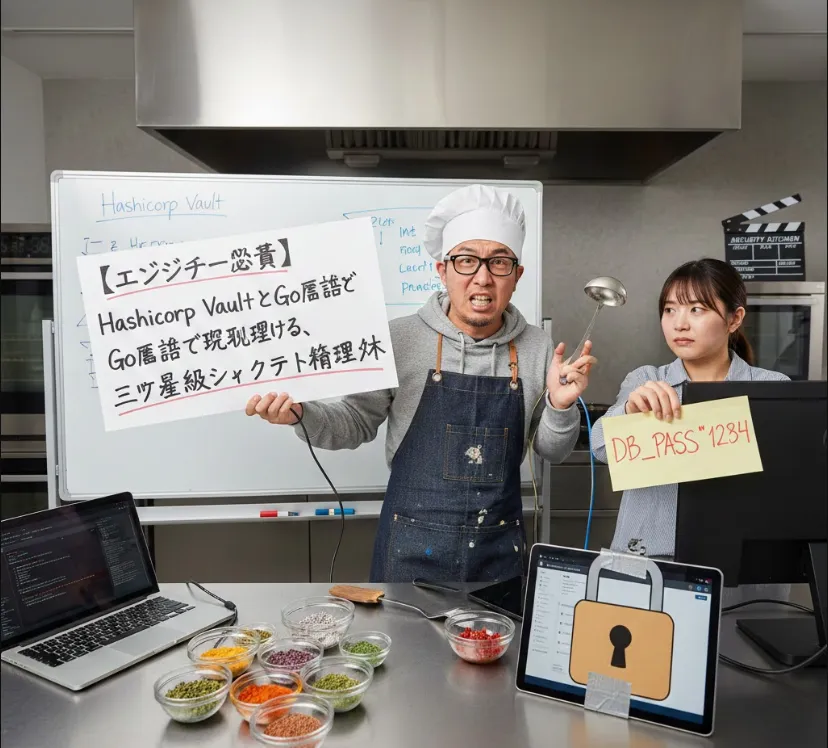
As a software engineer, you've probably faced the "Secret Sprawl" nightmare
API keys in .env files, database passwords hardcoded in source control, or SSH keys floating around in Slack. Vault fixes all of that by centralizing secrets and making them dynamic.
Here is a breakdown of why it’s a game-changer and how you can get started with Go.
From a dev perspective, Vault isn't just a "password manager" for servers. It provides three major superpowers
Secret Sprawl Prevention
No more plaintext secrets in your repo.
Dynamic Secrets
Vault can generate a database password on the fly that expires after an hour. If a hacker steals it, it's useless by lunch.
Encryption as a Service (EaaS)
You can send raw data to Vault, and it returns encrypted ciphertext. Your app never has to handle the raw encryption keys.
To play around with it, you don't need a complex cluster. You can run Vault in "dev mode," which stores everything in memory and starts unsealed.
Install Vault (via Brew for Mac)
brew install vault
Start the Dev Server
vault server -dev
Take note of the "Root Token" printed in the terminal. You'll need it to authenticate.
To talk to Vault from your Go application, we use the official vault/api client.
go get github.com/hashicorp/vault/api
This example shows how to connect to Vault and fetch a "API Key" stored at a specific path.
package main

import (
	"context"
	"fmt"
	"log"

	"github.com/hashicorp/vault/api"
)

func main() {
	// 1. Initialize the client configuration
	config := api.DefaultConfig()
	config.Address = "http://127.0.0.1:8200"

	client, err := api.NewClient(config)
	if err != nil {
		log.Fatalf("Unable to initialize Vault client: %v", err)
	}

	// 2. Set the Access Token (In production, use AppRole or K8s auth)
	client.SetToken("your-root-token-here")

	// 3. Read a secret from the KV (Key-Value) store
	// Path: secret/data/myapp/config
	secret, err := client.KVv2("secret").Get(context.Background(), "myapp/config")
	if err != nil {
		log.Fatalf("Unable to read secret: %v", err)
	}

	// 4. Access the data
	apiKey := secret.Data["api_key"]
	fmt.Printf("Successfully retrieved API Key: %s\n", apiKey)
}
Never hardcode the Vault Token
Use Environment Variables or, better yet, use Auth Methods like AWS IAM, Kubernetes, or AppRole so your app "logs in" to Vault automatically.
Use the Transit engine for PII
If you need to encrypt user emails, don't write your own AES logic. Let Vault's Transit engine handle it.
Lease Management
Remember that secrets in Vault often have a TTL (Time To Live). Your Go code should be prepared to "renew" the secret or fetch a new one before it expires.
Vault is a deep ecosystem, but starting with simple Key-Value storage is the best way to get your feet wet.