From Zero to Production: Architecting Multi-Agent Systems with the Open-Source ADK
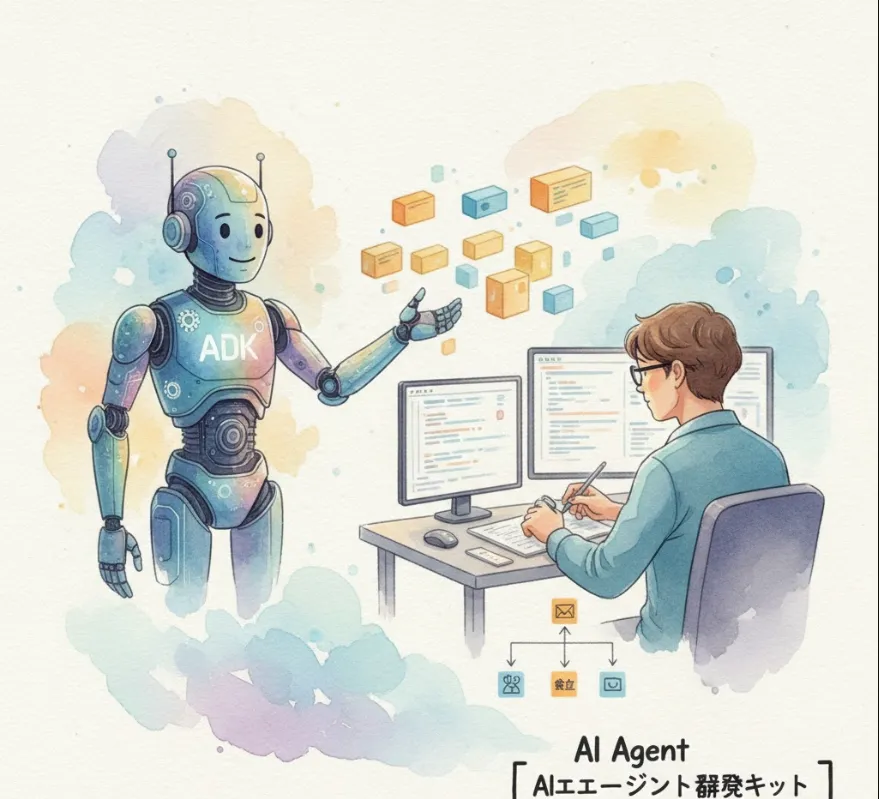
The Agent Development Kit is an open-source, code-first Python framework designed to help you build, evaluate, and deploy sophisticated AI agents with flexibility and control. Think of it as applying best practices from modern software engineering (like modularity, testing, and deployment workflows) to the world of AI agent development.
As a software engineer, you'll find ADK incredibly useful because it addresses common pain points in building production-ready AI applications
Code-First Development
You define agent logic, tools, and orchestration directly in Python (it also supports Java and Go). This means you get all the benefits of software engineering best practices
testability, versioning, and maintainability using familiar tools like your IDE and version control.
Modular Multi-Agent Systems
ADK lets you design scalable applications by composing multiple specialized agents into flexible hierarchies. This is crucial for handling complex, multi-step workflows (e.g., one agent researches, another drafts an email, and a third handles deployment).
Rich Tool Ecosystem
Agents aren't just for chatting—they need to act. ADK simplifies giving your agents diverse capabilities using
Pre-built tools (like Google Search or Code Execution).
Custom functions you define.
Integration with third-party services via OpenAPI specs.
Flexible Orchestration
You can choose between predictable, rule-based pipelines or more dynamic, LLM-driven routing
Workflow Agents (Sequential, Parallel, Loop Agents) for rigid, predictable processes like ETL (Extract, Transform, Load).
LLM Agents for open-ended, dynamic, and adaptive behavior.
Built-in Evaluation
It includes integrated tools to systematically test your agents' performance, which is vital for building reliable and trustworthy systems.
The ADK is primarily a Python framework, and installation is straightforward using pip. It is highly recommended to use a virtual environment.
# Create the virtual environment
python -m venv .venv
# Activate it (for macOS/Linux)
source .venv/bin/activate
# Or for Windows PowerShell: .venv\Scripts\Activate.ps1
Once your virtual environment is active, install the package
pip install google-adk
ADK includes a built-in web interface for easy local development, testing, and debugging.
adk web
# This will typically start a server at http://localhost:8000
Here is a basic example of defining an LLM Agent that can use a tool—in this case, a Google Search tool—to answer questions.
from google.adk.agents import LlmAgent
from google.adk.tools import google_search

# 1. Define the tool
# This tool allows the agent to perform web searches.
search_tool = google_search.Tool()

# 2. Define the agent
# LlmAgent uses a model (like a non-Google LLM if preferred) to decide
# when and how to use the available tools based on the user's prompt.
search_assistant = LlmAgent(
    name="SearchAssistant",
    # You would typically configure your model here.
    # e.g., model="gemini-2.5-flash"
    # Ensure your API key is configured in your environment (e.g., .env file)
    instruction="You are a helpful assistant. Use the 'google_search' tool to find up-to-date information and answer the user's questions.",
    tools=[search_tool],  # Pass the list of available tools
)

# 3. Export the main application object
# This is what ADK's 'adk run' or 'adk web' commands will use.
app = search_assistant
Import Statements
We import LlmAgent (the dynamic, LLM-driven agent type) and Google Search.Tool (a pre-built tool).
Tool Definition
We instantiate the Google Search.Tool(). The ADK makes tools a standardized, first-class object.
Agent Definition
We create an LlmAgent.
The instruction is the prompt that defines the agent's role and its guidelines for tool usage.
The tools list tells the LLM what capabilities it has access to.
Export
Setting app = search_assistant makes your agent the primary entry point for the ADK runtime.
This simple structure makes it easy for you to manage complexity and quickly iterate on more sophisticated agents, whether they are single tools or complex multi-agent workflows!