Taming the AI Wild West: Using OpenSandbox for Secure Code Execution
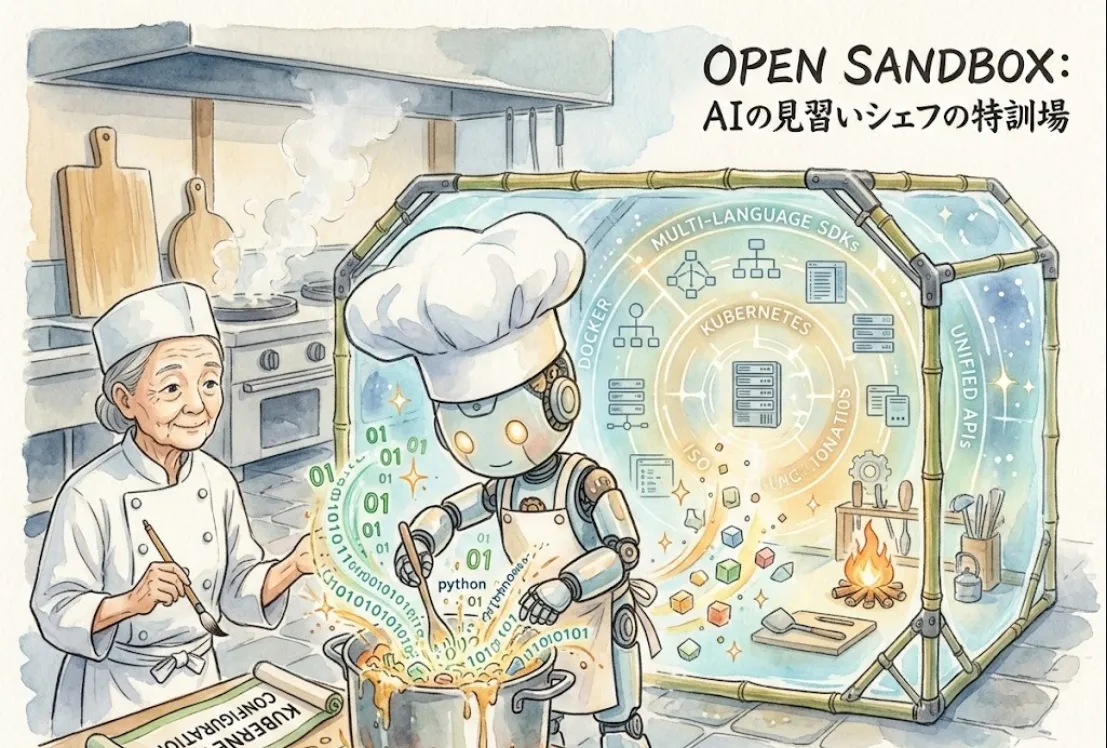
That’s exactly where OpenSandbox by Alibaba comes in. Think of it as a secure, isolated "playground" where your AI can run wild without breaking your actual house.
For us, the value boils down to three main pillars
Security (The Blast Radius)
It uses Docker and Kubernetes to ensure that when an AI agent runs a command, it’s trapped in a container. If the code is malicious or buggy, you just kill the container and move on.
State Management
Many AI tasks (like Coding Agents) require a persistent environment. OpenSandbox makes it easy to spin up a specialized environment, perform a task, and tear it down.
Language Agnostic
Whether your agent is writing Python, JavaScript, or Go, the unified API means you don't have to rebuild your infrastructure for every new language.
Since it's built on Kubernetes, the cleanest way to run it is within your cluster. Here is the high-level flow
Usually, you'll deploy the OpenSandbox controller to your Kubernetes cluster. You can typically find the Helm charts or YAML manifests in their GitHub repository.
Once the service is running, your application talks to it via an SDK or a REST API. It handles the heavy lifting of creating the Pods (containers) in K8s for you.
Imagine you have an AI agent that just generated a Python script to calculate Fibonacci numbers. You want to execute it safely.
The Workflow
Create a session (the sandbox).
Upload/Write the code to the sandbox.
Execute and get the result.
# Hypothesized example using a Python SDK approach
from opensandbox import SandboxClient

# Initialize the client pointing to your K8s service
client = SandboxClient(endpoint="http://opensandbox-service:8080")

# 1. Create a Python-based sandbox
sb = client.create_sandbox(image="python:3.10-slim")

# 2. Define the code the AI generated
ai_generated_code = """
def fib(n):
    return n if n <= 1 else fib(n-1) + fib(n-2)
print(fib(10))
"""

# 3. Run the code inside the secure container
result = sb.run_command(f"python3 -c '{ai_generated_code}'")

print(f"AI Output: {result.stdout}") # Output: 55

# 4. Cleanup
sb.delete()
Coding Agents
Let the AI fix bugs and run unit tests in a real environment.
GUI Agents
Run a headless browser inside the sandbox so the AI can "see" and interact with websites.
RL Training
Create isolated environments for Reinforcement Learning agents to practice tasks.
If you are running this in production, make sure to set Resource Quotas in Kubernetes. You don't want a "hallucinating" AI agent to start an infinite loop that eats up all your cluster's CPU!