Stay in the Flow: Building Your Own Terminal-Based AI Assistant
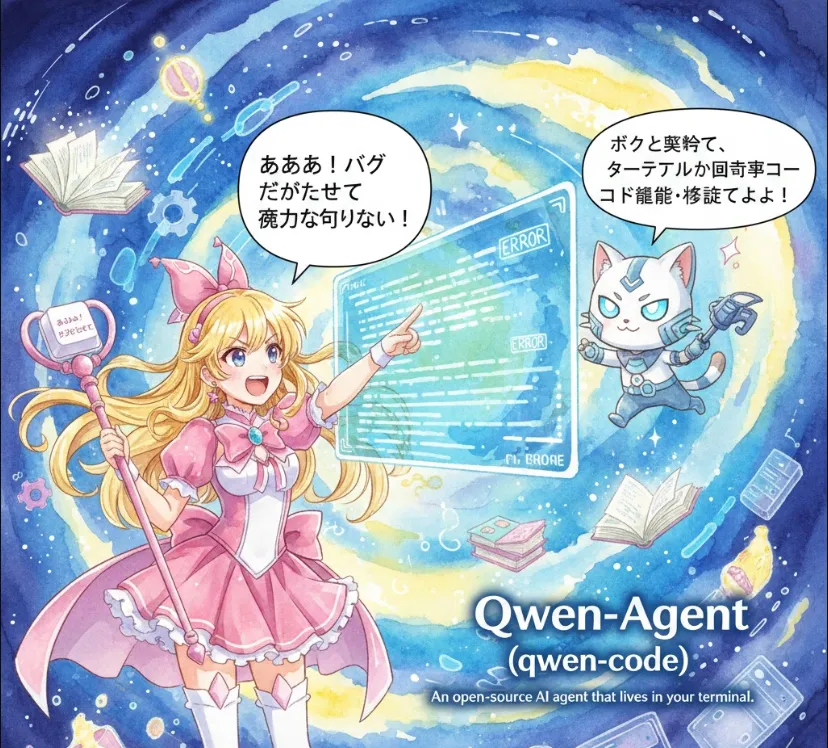
Let's break down Qwen-Agent (specifically the terminal-based implementation using Qwen models) and see why it's a game-changer for your workflow.
For us, context switching is the "productivity killer." Moving from your IDE/Terminal to a browser to ask an AI a question wastes precious cognitive cycles. Having an AI agent that lives in your terminal provides several strategic advantages
Context Awareness
It can potentially see your file structure, read logs, and understand the environment you're actually debugging in.
Speed
No UI overhead. Just type, execute, and iterate.
Automation
Since it's CLI-based, you can pipe outputs into it or use it as part of your shell scripts.
Privacy & Control
Since it's open-source, you have more transparency over how your data is handled compared to "black-box" proprietary tools.
Qwen's ecosystem is flexible. To get a terminal agent running, you'll generally use the qwen-agent framework. Here is the standard "Engineer's Path" to setting it up.
Make sure you have Python 3.9+ installed. It's always best practice to use a virtual environment
python -m venv qwen-env
source qwen-env/bin/activate  # On Windows: qwen-env\Scripts\activate
Install the core package via pip
pip install -U qwen-agent
You can connect this agent to a local model (via Ollama or vLLM) or use an API key. For a quick start, let's assume you're using an API.
Here’s a simple Python script to initialize a Qwen-based agent that acts as a Code Troubleshooter. This agent doesn't just chat; it's designed to solve tasks.
import asyncio
from qwen_agent.agents import Assistant

async def run_terminal_agent():
    # 1. Define the agent's "personality" and tools
    agent = Assistant(
        name='DevAssistant',
        description='A helpful engineer who specializes in debugging and Refactoring.',
        llm={'model': 'qwen-max'}, # Or a local model endpoint
    )

    print("--- DevAssistant Terminal Active ---")

    while True:
        user_input = input("You: ")
        if user_input.lower() in ['exit', 'quit']:
            break

        # 2. Stream the response for a "live" feel
        print("Agent: ", end="")
        responses = agent.run([{'role': 'user', 'content': user_input}])

        for response in responses:
            # This allows you to see the thought process or code generation in real-time
            print(response[-1]['content'], end="\r", flush=True)
        print("\n")

if __name__ == "__main__":
    asyncio.run(run_terminal_agent())
The real magic happens when you give the agent Tools. Qwen-Agent supports "Function Calling." You can write a Python function that reads a local file, and the agent can call that function to analyze your code automatically.
Step 1
Define a function read_source_code(file_path).
Step 2
Pass it to the agent's tool list.
Step 3
Ask
"Hey, check for memory leaks in main.cpp."
Result
The agent reads the file, finds the issue, and suggests a fix—all without you leaving the terminal.
Qwen's open-source approach is fantastic because it allows us to customize the agent to fit our specific stack. Whether you're debugging Kubernetes logs or refactoring a messy React component, having this "extra pair of eyes" in your terminal is a massive boost.